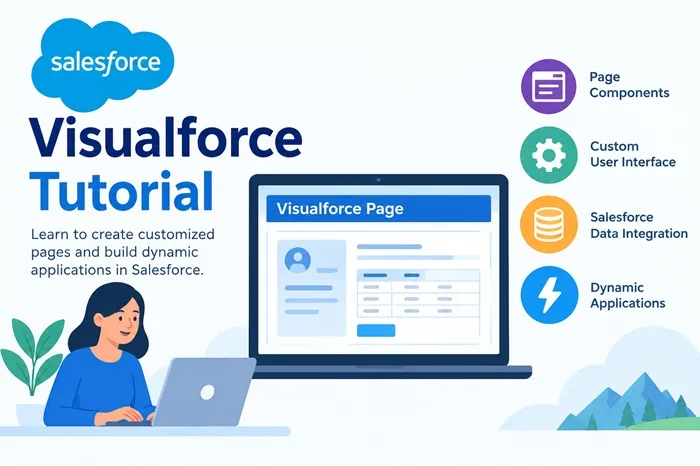
Salesforce is a popular cloud-based platform that helps businesses manage customers, sales, and daily business activities. It provides many tools for creating applications according to business needs. Visualforce is one of these tools, allowing developers to build customized user interfaces within Salesforce.
A Visualforce page is a web page that displays information and allows users to interact with Salesforce applications. In this Visualforce tutorial, beginners can learn about its features, benefits, uses, and importance in Salesforce development.
What Is Visualforce?
Visualforce is a framework used to create custom pages for Salesforce applications. It helps developers control how information appears on the screen. These pages can display customer details, business records, forms, reports, and other useful information.
Visualforce pages can connect with Salesforce data and support different business operations. They can also work with Apex, Salesforce's programming language, to handle business logic and user actions.
Features of Visualforce
Visualforce provides several useful features for application development.
1. Custom Page Design: Developers can create pages with layouts and designs that match specific business requirements.
2. Reusable Components: Visualforce includes standard components that can be used on different pages. This reduces repeated work and supports consistent page design.
3. Salesforce Data Integration: Visualforce pages can display and manage Salesforce records, helping users access important information in one place.
4. Dynamic Pages: Developers can create pages that respond to user actions and display relevant information according to application needs.
5. Apex Integration: Visualforce can work with Apex to support business rules, data processing, and other advanced functions.
Benefits of Using Visualforce
Visualforce offers flexibility when businesses need customized Salesforce pages. It helps developers create interfaces that are different from standard page layouts. This can improve the way users view information and complete their tasks.
Another benefit is its ability to work with existing Salesforce data and functionality. Businesses can create forms, display records, and build pages for specific workflows. Reusable components can also make maintenance easier.
Visualforce is particularly useful for organizations that maintain older Salesforce applications or need to support existing custom pages.
Uses of Visualforce Pages
Visualforce pages are used in different business situations. They can display customer information, create customized data entry forms, generate printable documents, and present information in a structured format.
Businesses may also use Visualforce to support specialized workflows that require a customized interface. Developers can adapt page layouts to meet the needs of employees and customers.
However, Salesforce also provides modern development options, including Lightning Web Components. Developers should choose the appropriate technology based on project requirements.
Conclusion
Visualforce is an important part of Salesforce development, especially for maintaining existing applications and creating customized user interfaces. Understanding its components, features, and integration with Salesforce data helps beginners build a strong foundation. Learning the framework can also improve knowledge of Salesforce application development.
Start exploring its concepts and practical uses through the Visualforce tutorial.