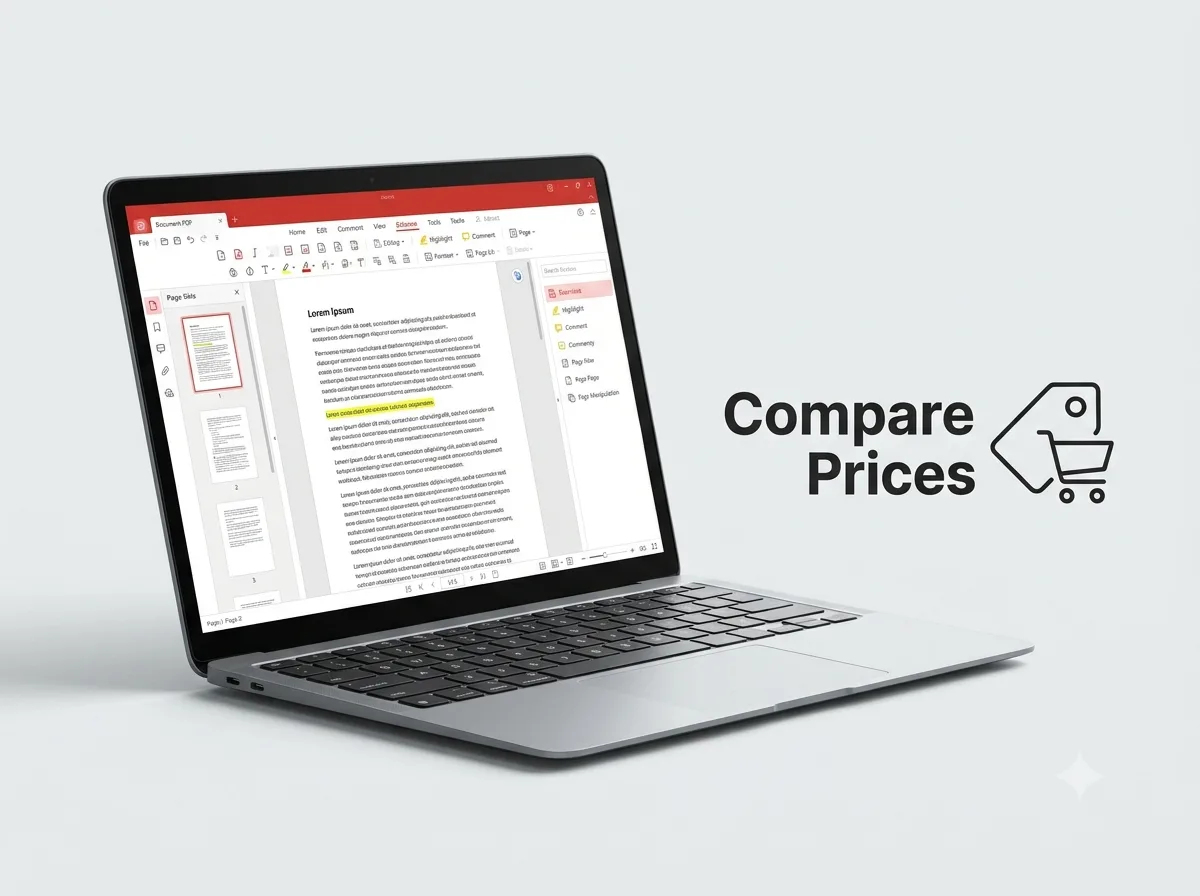
If you’re looking for a Tungsten Automation Power PDF discount, the most reliable savings come from buying the right edition and license type, not from a large sitewide discount. Reseller listings I checked show Power PDF Standard around $132 to $135 and Power PDF Advanced around $155 to $188 per license, with savings of roughly 2% to 4.5% off list price. Buy from an authorized seller and compare the listed price with the manufacturer’s suggested retail price (MSRP) before you check out.
Key Facts
DetailInformationProductTungsten Power PDF (formerly Kofax Power PDF)Main editionsStandard, Advanced, BusinessPlatformsWindows and MacLicense typeSingle-user, volume, and server licensesDeliveryElectronic software delivery (ESD) downloadCurrent Prices from Reseller Listings
Prices change often, so confirm them on the seller’s page before buying.
EditionVersionListed PriceMSRPEstimated SavingPower PDF Standard (Windows, 1 user, download)5$132$135About $3 (2%)Power PDF Advanced (volume, level E, 200–499 licenses)5$161$167.93About $7 (4%)Power PDF Advanced (volume, level F, 500–999 licenses)5$155$162.09About $7 (4%)Power PDF Advanced (volume, level C, 50–99 licenses)5$173$181.08About $8 (4.5%)Power PDF Advanced (download, 1 user)4.x$180$187.95About $8 (4%)Money-Saving Tips
- Buy from an authorized reseller and compare against MSRP. Listed prices in my search ran about $3 to $8 under MSRP per license, so the saving is modest but consistent.
- Pick the edition you actually need. The Standard edition lists around $132 to $135, while Advanced lists around $185 to $188 at MSRP. If you don’t need Advanced features, you could save about $50 to $55 per license.
- Buy in a volume tier if you need multiple seats. For Advanced, listed prices drop from about $194 per license at the 5–24 seat tier to about $161 at the 200–499 seat tier, an estimated saving of about $33 per seat.
- Check the license type before buying. Mac editions are priced separately. Power PDF Standard for Mac (version 4.0) had an MSRP of $135.45, and a version 5 volume license at a higher tier listed at $80 MSRP, so match the edition to your operating system.
- Don’t rely on a 25% promo unless the seller shows it. I found no verifiable 25% offer, so compare the final checkout price with the list prices above.
Comparison Table
FactorPower PDF StandardPower PDF AdvancedPower PDF BusinessTypical single-user priceAbout $132 to $135About $155 to $188Volume or server pricingBest forEveryday PDF editing and conversionHeavier editing, forms, and workflowsTeams and server deploymentsEstimated saving vs MSRPAbout 2%About 4% to 4.5%Varies by volume tierCommon Mistakes
- Buying a volume license when you need only one seat.
- Choosing the Advanced edition without checking whether Standard covers your needs.
- Buying a Mac edition for a Windows machine, or the reverse.
- Trusting a discount claim you haven’t confirmed on the seller’s page.
FAQs
Is there a 25% discount on Tungsten Power PDF?
I couldn’t verify a 25% discount. Reseller listings I checked showed savings of about 2% to 4.5% off MSRP.
What is the cheapest way to buy Power PDF?
For a single user, Power PDF Standard usually costs the least. For multiple users, a volume tier lowers the per-seat price.
Is Power PDF the same as Kofax Power PDF?
Yes. Tungsten Power PDF was formerly sold as Kofax Power PDF, and some listings still use the Kofax name.
Does Power PDF come in a Mac version?
Yes. Mac editions are listed separately from Windows editions, with their own prices and versions.
Can I get a subscription instead of a license?
One pricing tracker lists subscription-style prices of about $129 per month for Standard and about $179 per month for Advanced. These figures conflict with the one-time license prices above, so check the official Tungsten Automation site for current terms.