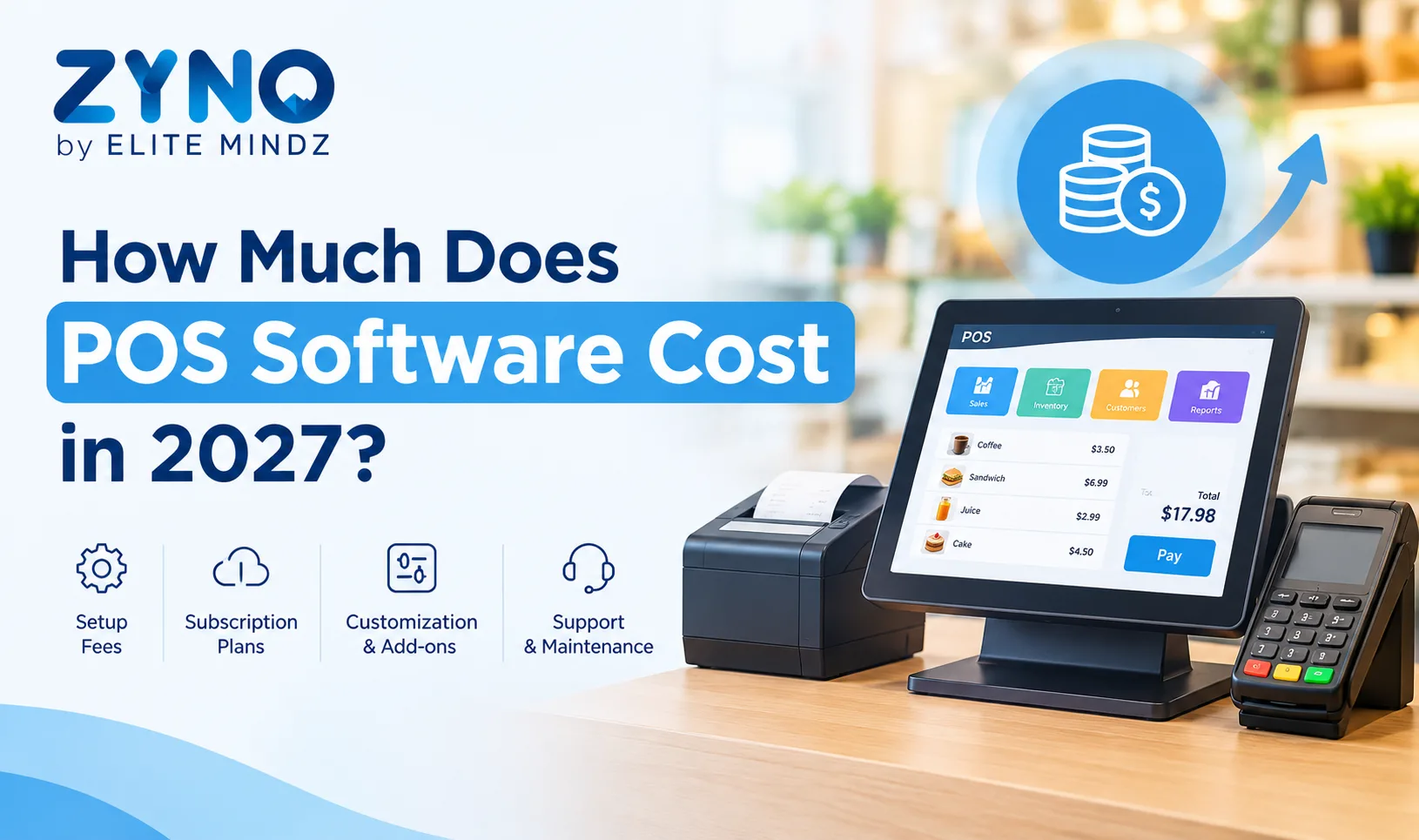
Choosing the right Point of Sale (POS) software is an important investment for any retail store, supermarket, restaurant, or growing business. A POS system helps businesses manage billing, inventory, payments, customer information, and sales reporting from a centralized platform.
However, one of the first questions business owners ask is: How much does POS software cost in 2027?
The answer depends on several factors, including the type of business, number of billing counters, software features, hardware requirements, and pricing model.
Some businesses can start with a basic POS solution, while others require advanced inventory management, multi-store operations, ERP integration, and detailed analytics.
In this guide, we will explain POS software costs in 2027, the different pricing models, additional expenses, and how to choose a POS system that fits your business budget.
How Much Does POS Software Cost in 2027?
POS software pricing varies significantly depending on the business requirements and the selected vendor.
For businesses in India, the following ranges can be used as an indicative budgeting guide for 2027. These are planning estimates based on available market pricing, not confirmed 2027 vendor quotations.
POS Software TypeEstimated CostBasic POS billing software₹500–₹1,500 per monthRetail POS with inventory₹1,000–₹3,500 per monthRestaurant POS software₹1,000–₹5,000 per monthAdvanced POS with ERP integration₹3,000–₹10,000+ per monthEnterprise or multi-store POSCustom pricingCustom-built POS softwareDepends on development requirementsThese estimates may vary depending on the number of users, billing counters, locations, and additional features.
For example, a small retail shop may require only billing and basic inventory management, whereas a supermarket may need barcode scanning, expiry tracking, purchasing, and multiple billing counters.
The best approach is to compare the complete cost of ownership rather than focusing only on the monthly subscription.
What Factors Affect POS Software Pricing?
Understanding the factors that influence POS pricing helps businesses select the right solution without paying for unnecessary features.
1. Type of Business
Different businesses have different POS requirements.
A grocery store needs inventory tracking, barcode scanning, and fast billing. A restaurant requires table management, kitchen order tickets, and menu management. A pharmacy may need batch tracking and expiry management.
The more specialized the requirements, the more the software configuration and pricing may vary.
2. Number of Billing Counters
The number of billing counters can directly affect the cost of POS software.
Some providers charge per register, while others offer plans with multiple registers included.
For example, a store operating one billing counter may need a basic plan. A supermarket with five billing counters may require a higher subscription or additional licenses.
Before purchasing, confirm whether the quoted price includes all required billing terminals.
3. Features and Functionalities
Basic POS software generally includes billing, sales recording, and simple reporting.
Advanced solutions may include:
- Inventory and warehouse management
- Barcode scanning
- GST billing
- Customer loyalty programs
- Supplier management
- Sales analytics
- Multi-store management
- ERP and accounting integrations
- Automated stock replenishment
Businesses should prioritize features that solve their operational challenges instead of purchasing the most expensive package by default.
4. Cloud-Based vs. On-Premises POS
The deployment model also influences pricing.
Cloud-based POS software generally follows a subscription model. The provider manages hosting, software updates, and infrastructure, depending on the plan.
On-premises POS software is installed on local computers or servers. It may involve a larger initial license or infrastructure investment, along with maintenance and support expenses.
Cloud-based systems can be convenient for businesses that need remote access and centralized reporting. On-premises systems may suit businesses with specific local infrastructure or data-control requirements.
POS Software Pricing Models in 2027
POS providers generally offer different pricing models based on business requirements.
1. Monthly Subscription
A monthly subscription allows businesses to pay for software access every month.
This model is suitable for startups, small retailers, and businesses that want to avoid a large initial software investment.
Advantages include predictable monthly expenses, easier upgrades, and access to ongoing software updates.
However, businesses should check whether additional users, registers, or advanced features require separate payments.
2. Annual Subscription
Annual subscriptions allow businesses to pay for a full year of software access.
Some vendors offer lower effective monthly rates for annual billing.
This model can be beneficial for established businesses that have already evaluated the software and plan to use it long term.
Before choosing an annual plan, verify the renewal terms, included features, and cancellation policy.
3. One-Time License
Some POS providers offer a one-time license for software installation.
The business pays an initial amount to use the software, although maintenance, upgrades, hosting, or support may involve additional costs.
A one-time license can be suitable for businesses that prefer local installation or want to avoid recurring software subscriptions.
However, the initial investment may be higher, and businesses should consider the total cost over three to five years.
4. Custom POS Software Pricing
Custom POS software is developed or configured according to specific business requirements.
It may be useful for businesses that need specialized workflows, unique integrations, or industry-specific functionality.
The final price depends on development complexity, integrations, security requirements, deployment, and ongoing maintenance.
Custom development should be evaluated carefully because the cost of building the software is only one part of its long-term ownership expenses.
What Is the Cost of POS Hardware in 2027?
POS software is only one part of the total investment.
Businesses may also require hardware to process transactions and manage checkout operations.
The following are indicative hardware budgeting ranges for Indian businesses. Actual 2027 prices will depend on specifications, brands, and suppliers.
POS HardwareEstimated CostTablet or mobile POS device₹10,000–₹25,000Desktop POS terminal₹20,000–₹45,000Barcode scanner₹1,500–₹8,000Thermal receipt printer₹3,000–₹12,000Cash drawer₹2,000–₹7,000Customer display₹3,000–₹10,000UPS or power backup₹2,000–₹8,000A basic retail billing setup may require a POS terminal, barcode scanner, and receipt printer.
A supermarket or high-volume retail store may need additional terminals, weighing scales, customer displays, and backup power.
Businesses should confirm hardware compatibility with the POS software before purchasing any equipment.
Hidden Costs of POS Software You Should Know
The advertised POS subscription price does not always represent the complete investment.
Additional expenses can affect the total cost of ownership.
1. Installation and Setup Charges
Some POS providers charge for installation, configuration, and initial system setup.
These costs may include product data migration, inventory setup, tax configuration, and employee account creation.
2. Payment Processing Fees
Businesses accepting card payments may incur payment processing charges.
The applicable fees depend on the payment provider, payment method, transaction type, and commercial agreement.
If your business processes a high volume of transactions, even small differences in processing rates can affect operating expenses.
3. Additional User or Register Fees
Some POS systems include a limited number of users or billing counters.
Adding more employees, registers, or outlets may require a higher subscription plan.
4. Software Integrations
Integrating POS software with ERP, accounting, CRM, e-commerce, or payment systems may involve additional charges.
Some integrations are included in the subscription, while others require separate licenses or implementation services.
5. Maintenance and Support
Businesses using on-premises POS software may need to pay for annual maintenance contracts, software updates, and technical support.
Cloud-based providers may include standard support in their subscription, but premium assistance can cost extra.
6. Training Expenses
Employees need to understand how to use the POS system effectively.
Training costs may include onboarding sessions, customized documentation, and additional support for new employees.
A simple interface and reliable training resources can reduce these expenses.
How to Calculate the Total Cost of POS Software
The best way to compare POS solutions is to calculate their total cost of ownership.
A simple formula is:
Total POS Cost = Software Fees + Hardware Cost + Setup Cost + Integration Cost + Payment Processing Fees + Maintenance Cost
For example, consider a small retail store in India planning to implement a POS system.
The following is an illustrative first-year budget:
ExpenseEstimated AmountPOS software subscription₹18,000Hardware₹30,000Installation and setup₹3,000Additional integration₹5,000Maintenance and support₹0–₹5,000Estimated first-year total₹56,000–₹61,000Payment processing fees and applicable taxes are not included in this example.
This calculation helps businesses understand the investment required beyond the advertised software price.
The actual cost may be lower or higher depending on the selected POS provider and operational requirements.
How to Choose Cost-Effective POS Software for Your Business
Choosing an affordable POS system does not mean selecting the cheapest available option.
The right solution should help your business improve operational efficiency and reduce unnecessary manual work.
Identify Your Business Requirements
Start by understanding what your business needs.
Consider the number of products, billing counters, employees, and business locations.
Determine whether you need inventory tracking, GST billing, customer management, or integration with other business systems.
Compare Multiple Vendors
Evaluate different POS providers based on pricing, features, support, and scalability.
Request a product demonstration and ask for a detailed quotation.
Make sure you understand which features are included and which require additional payments.
Evaluate Scalability
Your POS system should support business growth.
If you plan to expand into multiple locations, add more billing counters, or introduce new sales channels, choose software that can accommodate these changes.
Switching POS systems later may involve data migration, employee training, and additional implementation expenses.
Check Security and Data Management
POS software handles important business information, including sales records, inventory data, and customer details.
Look for appropriate access controls, secure data handling, backup options, and vendor security practices.
For cloud-based software, understand how your data is stored, backed up, and exported.
Calculate Long-Term ROI
A POS system should provide measurable business value.
Consider how it can help reduce billing errors, improve stock accuracy, save employee time, and simplify reporting.
Compare these potential benefits against the total cost of ownership to determine whether the investment makes financial sense.
How ZYNO POS Can Help Businesses Manage Retail Operations
ZYNO POS by Elite Mindz is a retail POS solution designed to help businesses simplify billing, inventory management, and sales operations.
Businesses evaluating POS software in 2027 can consider ZYNO POS based on their operational requirements and selected configuration.
Relevant capabilities to evaluate include:
- Retail billing: Simplify checkout and sales transaction management.
- Inventory management: Monitor stock movement and product availability.
- GST billing: Support applicable retail billing requirements.
- Sales reporting: Analyze sales performance and business trends.
- Multi-store management: Support businesses operating across multiple locations.
- Customer management: Maintain customer information and support retention activities.
The suitability of the software depends on the specific features, integrations, hardware compatibility, and pricing offered for your business.
Explore ZYNO POS to evaluate its capabilities and discuss your retail POS requirements.
Frequently Asked Questions
1. How much does POS software cost in 2027?
POS software pricing in India may range from approximately ₹500 to ₹10,000 or more per month, depending on the features, number of users, billing counters, and business requirements. Enterprise solutions may use custom pricing.
These figures are indicative budgeting estimates, not confirmed 2027 vendor prices.
2. Is POS software available for free?
Yes. Some POS providers offer free plans with limited features, users, transactions, or locations.
However, businesses may still need to pay for hardware, advanced inventory features, integrations, or payment processing.
3. Is cloud-based POS software cheaper than traditional POS?
Cloud-based POS software often requires a lower initial software investment because it typically uses a subscription model.
Traditional POS software may involve higher upfront licensing and infrastructure costs.
The more cost-effective option depends on the business's requirements and the total cost over several years.
4. What is the average cost of POS hardware?
A basic POS hardware setup in India may cost approximately ₹15,000–₹40,000, depending on the selected devices.
Advanced setups with multiple billing counters, scanners, printers, and additional peripherals may cost significantly more.
5. Does POS software include inventory management?
Many modern POS systems include inventory management features.
However, advanced capabilities such as batch tracking, expiry management, warehouse operations, and automated replenishment may be available only in specific plans.
6. What is the difference between POS software and POS hardware?
POS software manages billing, inventory, sales, customer information, and reporting.
POS hardware includes physical devices such as billing terminals, barcode scanners, receipt printers, and cash drawers.
Both components work together to support retail transactions.
7. How can I reduce POS software costs?
Businesses can reduce POS expenses by selecting an appropriate subscription plan, using compatible existing hardware, avoiding unnecessary add-ons, comparing annual pricing, and evaluating the total cost of ownership.
Choosing a scalable system can also help avoid expensive software migrations as the business grows.
Conclusion
POS software pricing in 2027 will depend on business size, software features, deployment model, hardware requirements, and vendor pricing.
A small retail business may need only a basic billing solution, while supermarkets, restaurant chains, and multi-location retailers may require advanced inventory management, analytics, and centralized operations.
Before investing in POS software, compare subscription fees, hardware costs, additional charges, and long-term scalability.
The right POS system should not only fit your budget but also help your business improve billing efficiency, inventory accuracy, and customer experience.
If you are evaluating retail POS solutions, explore ZYNO POS by Elite Mindz to understand how its capabilities can support your business operations in 2027.