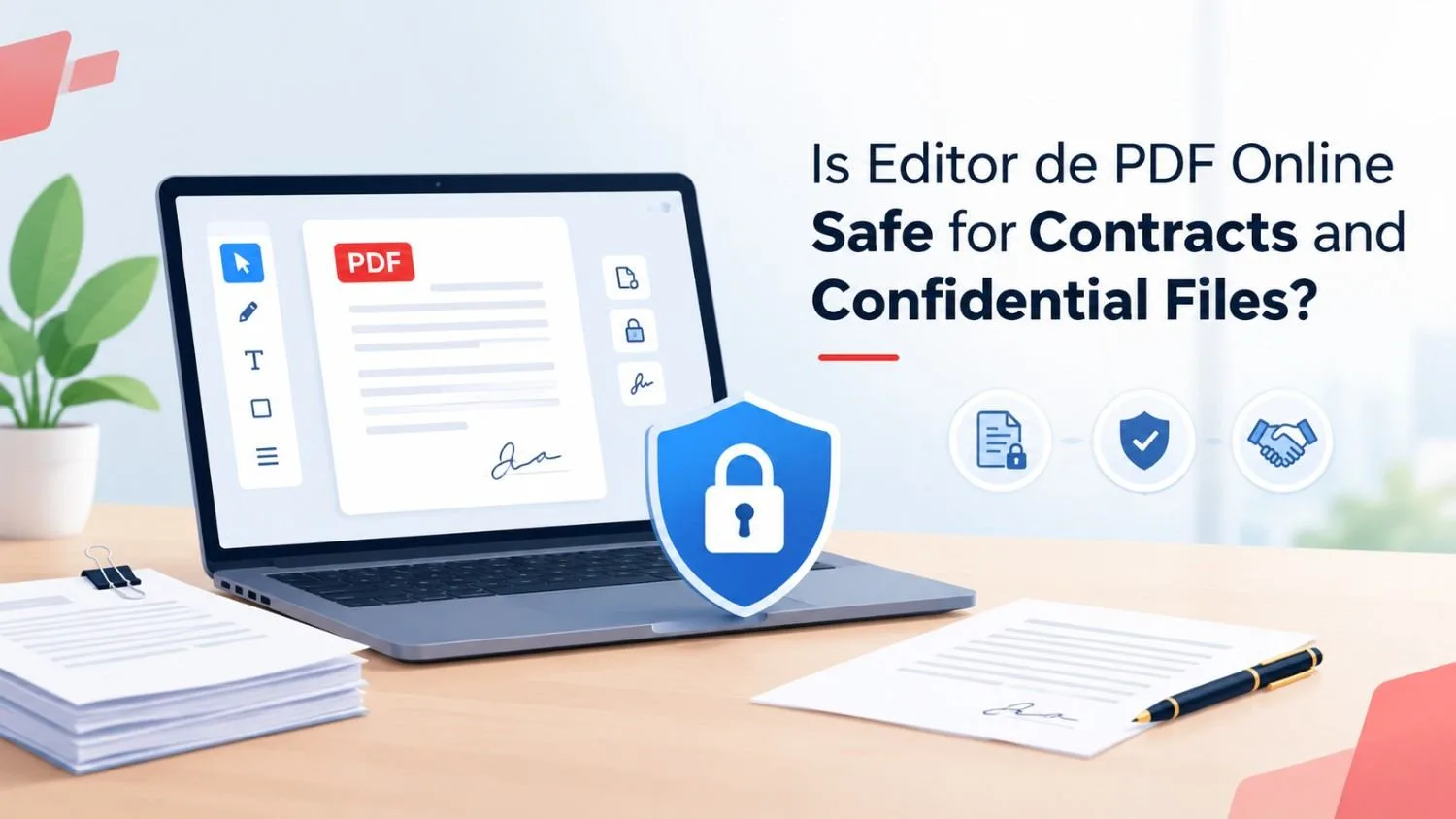
Every week, millions of people open a browser, upload a file, and make quick changes to a document. It is fast and it feels easy. But when the file is a contract, an invoice, or a legal form, one question matters most: is an editor de pdf online really safe?
The honest answer is that it can be, but only if you choose the right tool and use it the right way. Below, we explain how online PDF tools work, what the real risks are, and how to protect your private files. This guide is brought to you with insights from PDF Techno.
Why People Use an Editor de PDF Online
A PDF is meant to be read, not changed. When you need to fix a name, update a date, or add a signature, you need a tool built for the job. That is why so many people turn to an editor de pdf online.
The reasons are simple:
- No software to download or install
- Works on any device with a browser
- Quick fixes in minutes
- Many options let you editar pdf online gratis
For a non-sensitive file, like a flyer or a class worksheet, almost any tool will do. Contracts are different. They carry names, addresses, bank details, and signatures, so you need to be more careful.
How an Online PDF Tool Handles Your File
To understand the risk, it helps to know what happens when you upload a document. Your file travels from your device to a server. The tool processes it, you make your changes, and then you download the result.
During this journey, three things matter:
- Transfer: Is the connection encrypted?
- Storage: How long does the server keep your file?
- Access: Who can see it while it is stored?
A trustworthy pdf editor answers all three questions clearly. A poor one does not answer them at all.
The Real Risks to Watch For
Using an online tool is not automatically dangerous, but some risks are real.
Weak or missing encryption. If a site does not use HTTPS, your file can be intercepted on the way. Always look for the padlock icon in your browser's address bar.
Files stored for too long. Some services keep uploaded documents for days or even indefinitely. If a server is ever breached, old files become a target.
Unclear privacy policies. If a tool does not explain what it does with your data, treat that as a warning sign.
Fake or copycat sites. Searches like "editar pdf gratuito" bring up many results, and not all of them are honest. Some sites exist only to collect data or push unwanted downloads.
What a Safe PDF Tool Should Offer
Before you upload anything private, check for these signs:
- HTTPS encryption on every page
- Automatic file deletion after a short time
- A clear privacy policy written in plain language
- No forced sign-up just to try a simple edit
- A real company name and contact details
When you use a service like PDF Techno, take a moment to read its privacy and data handling pages. Good platforms explain how long files are kept and how they are removed. If you cannot find that information on any tool, it is better to look elsewhere.
Free Tools: Are They Less Safe?
Many people search for editar pdf online gratuito or editar pdf gratuito to save money. Free does not always mean unsafe. Many free tools are built by honest companies that earn money through ads or paid upgrades.
The difference is transparency. A free tool that explains how it protects your data is better than a paid one that stays silent. Price is not the point. Trust is.
Smart Habits for Confidential Documents
Even with a safe platform, your own habits make a big difference. Follow these simple steps:
Remove what you do not need. If you only need to fix one page of a contract, upload only that page.
Avoid public Wi-Fi. Cafés and airports are risky places to handle private files. Use a trusted network instead.
Use strong passwords. If a tool asks you to create an account, pick a unique password you do not use elsewhere.
Delete your files after use. If the tool offers a delete button, use it as soon as you are done.
Keep a backup. Save your original file before you edit pdf content, so you can always go back.
Protect the final file. Add a password to the finished PDF before you share it by email.
Handling Scanned and Non-Editable Files
Sometimes a contract arrives as a scanned image that you cannot change. Many people look for a pdf to editable pdf online tool to solve this. These tools use text recognition to turn a flat document into one you can modify.
This step needs extra care, because the tool must "read" every word in your file. Use only services you trust, and avoid uploading highly sensitive pages when you are unsure. A pdf modifier online that explains how it processes your data is always a safer choice.
When You Should Think Twice
Some documents deserve extra caution. If a file contains medical records, tax IDs, passwords, or government-issued numbers, consider using offline software on your own computer instead. Offline tools never send your file anywhere.
For everyday contracts, such as rental agreements, freelance work, or service quotes, a reliable editor de pdf with good security is usually enough.
Final Thoughts
So, is an editor de pdf online safe for contracts and confidential files? Yes, when you pick a trustworthy platform and follow smart habits. The tool matters, but so does the user. Check for encryption, read the privacy policy, avoid unknown sites, and delete files when you finish.
If you need to editar pdf online gratis without putting your privacy at risk, choose a platform that is open about how it works. PDF Techno is one example of the kind of service you should look for: simple to use, clear about security, and built for people who want quick results without worry.
Take a few extra minutes before every upload. That small effort keeps your contracts and private information protected.