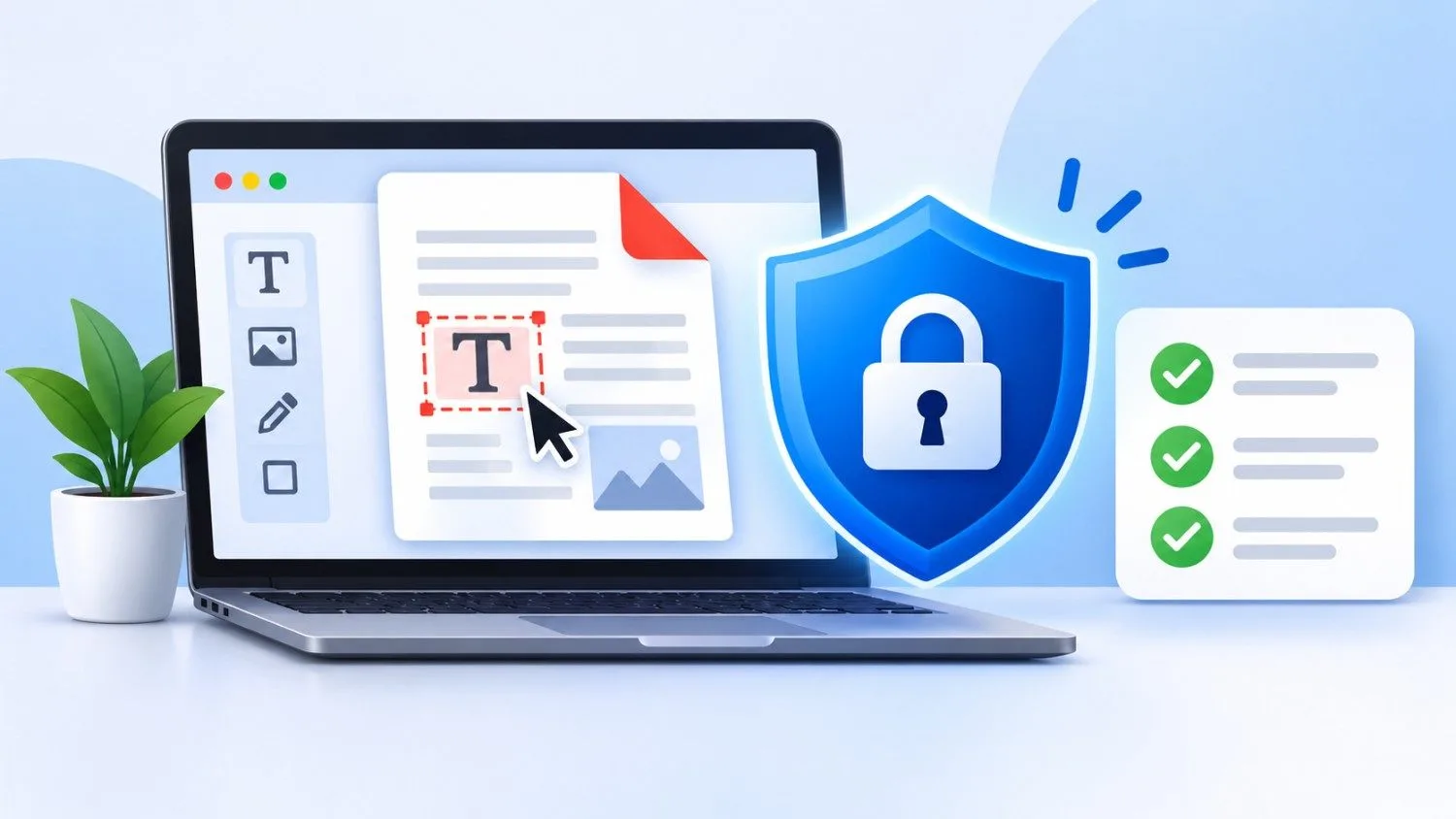
Every day, millions of people upload contracts, invoices, resumes, and ID scans to websites just to fix a typo or add a signature. It is fast and convenient, but it raises a fair question: is an editor de pdf online really safe? The honest answer is that it depends on the tool you choose and how you use it. This guide explains the real risks, the signs of a trustworthy platform, and simple habits that keep your documents private.
Why People Use Online PDF Tools
Desktop software can be expensive, heavy, and hard to learn. A browser-based tool works on any phone, tablet, or laptop with no installation. You open a file, make your changes, and download the result in a few minutes.
That is why many people search for editar pdf online gratis when they only need a quick fix once in a while. Platforms like PDF Techno are built for exactly this kind of everyday task. But convenience should never come before security, especially when your file holds personal or business data.
The Real Risks You Should Know
Most online tools are harmless, but some carry risks worth understanding.
- Data storage: Some websites keep your uploaded files on their servers much longer than needed. If those servers are poorly protected, your data could leak.
- Unsecured connections: A site without HTTPS lets others intercept your file while it uploads.
- Fake or copycat sites: Some pages copy popular tools and exist only to collect files or push malware through misleading ads and download buttons.
- Vague privacy policies: If a website does not explain what happens to your data, treat that as a warning sign.
These risks do not mean you should avoid online tools completely. They mean you should pick carefully.
How to Spot a Safe Online PDF Editor
A trustworthy editor de pdf shows its safety practices openly. Look for these signs before you upload anything:
- HTTPS and a padlock icon. This encrypts your file between your device and the server.
- A clear privacy policy. It should say how long files are kept and who can access them.
- Automatic file deletion. Good platforms remove your documents after a short time.
- No forced installs. If a site pushes you to download strange software just to edit a file, leave.
- Clean design and honest ads. Too many pop-ups and fake download buttons usually point to a low-quality site.
- A real company behind it. Contact details, an About page, and positive user feedback all build trust.
PDF Techno follows this kind of transparent approach, so users know what they are working with. Whichever service you use, run through this checklist first.
Free Does Not Always Mean Unsafe
Many people worry that editar pdf gratuito tools must be risky. That is not true. Many reliable platforms offer free plans with basic features and earn money from premium upgrades. The question to ask is how the website makes its money. If it clearly offers paid plans, that is a good sign. If it is free with no explanation and aggressive ads, be careful.
The same applies when you search for editar pdf online gratuito. A free tool from a reputable company is usually safer than an unknown site with a flashy promise.
Extra Care With Scanned Documents
Scanned files often hold sensitive details such as signatures, addresses, and ID numbers. If you want to turn a scan into something you can change, a pdf to editable pdf online converter can save hours of retyping. These tools use text recognition (OCR) to read the page. Before using one, confirm the platform deletes your file after processing. This is where a clear privacy policy matters most.
Smart Habits to Stay Protected
Even the best platform works better when you use it wisely:
- Remove sensitive information first. If you do not need a bank number or ID photo in the file, delete it before uploading.
- Avoid public Wi-Fi. Airport and café networks are easier to monitor. Use your mobile data or a trusted network for private files.
- Keep your original copy. Save the untouched file in case something goes wrong.
- Review the final file. Check the downloaded document for errors before sending it to anyone.
- Use the right tool for the job. A simple pdf modifier online is enough for small changes like fixing text or rotating pages, so you do not need to upload more than necessary.
- Delete files manually if you can. Some platforms let you remove documents yourself after finishing.
If you only need to edit pdf files occasionally, these habits take just a minute and reduce your risk a lot. Anyone who relies on a pdf editor for work documents should be even more careful and choose a service with strong privacy terms.
Final Thoughts
So, is an editor de pdf online safe? Yes, when you choose a reliable provider and follow basic precautions. The danger comes from unknown websites with no privacy policy, not from online editing itself. Check for HTTPS, read the privacy terms, and avoid sites that feel pushy or suspicious.
PDF Techno aims to make PDF editing simple while respecting your privacy, so you can handle your documents with confidence. Stay alert, protect your data, and you can enjoy the speed of online tools without the worry.