
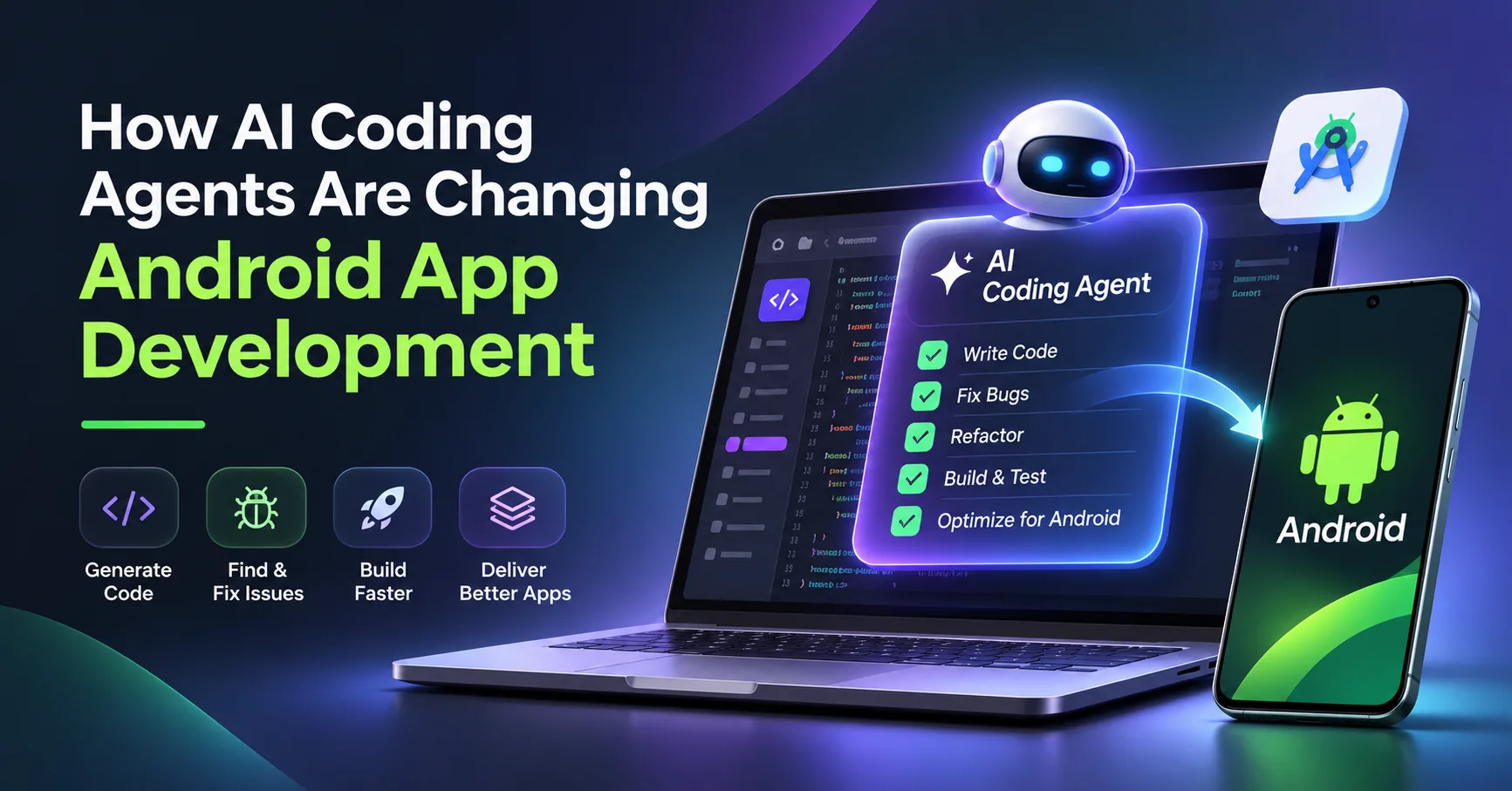
Android app development involves several tasks, including programming, planning application architecture, building user interfaces, and managing application dependencies, errors, and tests. Traditionally, developers spent a lot of time switching between different development tools and performing manual tasks. More recently, coding assistants have helped with code completion, code suggestions, and error explanations.
AI coding agents, on the other hand, can support development in a broader way. These agents can integrate with different tools and services, act on developers' instructions, run automated tests, and help investigate development issues.
With Google expanding AI capabilities in Android Studio, developers have more opportunities to integrate AI coding agents into their development workflows. So, what changes in Android app development when these agents are introduced?
What Makes an AI Coding Agent Different?
An AI coding assistant usually helps with individual tasks, such as completing code, generating functions, or explaining errors.
An AI coding agent can help with broader objectives involving multiple steps.
For example, when adding a profile settings screen to an Android app, an agent can generate code components, modify navigation, and build the application to check for errors.
The developer still needs to determine whether the agent's implementation is correct. However, the agent can perform multiple connected tasks within a single workflow.
This ability to plan, execute, and verify tasks takes development beyond basic AI-assisted coding.
Google is advancing AI features in Android development tools. For example, Android Studio's Agent Mode uses AI to help complete tasks across a project by allowing developers to describe their goals. Google has also introduced Bring Your Own Agent (BYOA) in preview, allowing developers to connect supported AI agents to Android Studio.
A few areas where these capabilities are useful include:
1. Working Across Multiple Project Files
Android projects are made up of different components, such as UI screens, data models, navigation logic, API services, and configuration files.
Developers may need to make changes across multiple files when updating an application.
AI coding agents can help coordinate these changes. For example, if developers want to add a settings screen, an agent may help create the interface, add the required settings logic, and update the navigation.
Developers will still need to review these changes to ensure that existing application logic remains unaffected.
2. Building and Enhancing User Interfaces
To build consistent and accessible Android interfaces, developers need to pay attention to different details, including layouts, screen sizes, and user interactions.
AI agents can help developers build and modify user interface components using Jetpack Compose. They can also assist with updating existing layouts and adapting older XML-based interfaces.
However, developers still need to review the design and test it across different screen sizes to ensure a good user experience.
3. Locating and Fixing Bugs
Build failures can happen for various reasons, including conflicting dependencies and configuration issues. AI agents can help developers investigate crashes and identify possible solutions.
They can analyze error messages and relevant code to suggest potential fixes. With the required tools and permissions, agents may also build the application again to help verify whether the issues have been resolved.
While AI agents can improve troubleshooting efficiency, addressing complex technical issues still requires human judgment.
4. Supporting Testing and Verification
Writing code is only one part of building a robust application. Developers also need to verify how code changes affect application behavior at runtime.
AI agents integrated with development tools can assist with this process. For example, after adding a login feature, a developer can ask an AI agent to help generate tests for successful login, invalid credentials, and error-handling scenarios.
The generated tests still need to be reviewed to ensure they cover important scenarios and meet the application's requirements.
Where Can Development Teams Benefit Most from AI Coding Agents?
The benefits of AI coding agents vary from project to project. However, some practical applications include:
- Helping develop features that involve changes across multiple files.
- Assisting with updating and modernizing older code.
- Analyzing logs and error messages to identify possible causes of issues.
- Documenting and explaining different sections of code.
- Helping write test cases and identify potential issues caused by code changes.
AI coding agents can help developers improve efficiency, especially when handling repetitive tasks. This frees up developers' time to focus on architectural decisions, product requirements, and more complex development work.
What Should Developers Consider Before Using AI Agents?
AI coding agents can be helpful in supporting development work. However, their use also comes with certain responsibilities.
Review Generated Code: AI-generated code is not always accurate. It can contain unnecessary code or overlook project requirements. Developers should review changes before committing them to the codebase.
Protect Source Code and Sensitive Information: Depending on the provider's data policies, source code shared with AI agents may expose business logic or confidential information. Development teams should understand how their selected AI tools handle data and configure access permissions carefully.
Maintain Human Control: AI agents can help with repetitive tasks, but developers should retain control over important changes involving payment workflows, authentication, and production environment configurations.
Verify Application Performance: Just because an application builds successfully does not mean it will perform as expected. Developers still need to test application performance, security, accessibility, and compatibility across relevant Android devices.
Will AI Coding Agents Replace Android Developers?
AI coding agents allow developers to spend less time on repetitive, multi-step development tasks. However, the work of experienced Android developers remains important.
AI agents can help complete specific tasks, but they cannot automatically understand every business requirement or make all the necessary technical decisions. For example, developers still need to evaluate security trade-offs, select suitable technologies, and ensure that the application meets its functional and security requirements.
A better approach is collaboration, where AI agents handle repetitive tasks while developers focus on work that requires technical expertise, judgment, and project context.
Final Thoughts
AI coding agents are changing the way Android applications are built. These tools can help developers work across multiple files, build interfaces, investigate bugs, and support testing, making different stages of the development process more efficient.
However, choosing an AI tool is only one part of the process. Development teams still need reliable architecture, secure workflows, proper testing, and human oversight.
Businesses planning new Android applications should consider how AI can improve development efficiency while maintaining application quality. Working with an experienced mobile app development company in the USA can help businesses make informed technical decisions, build scalable applications, and adapt to emerging technologies while maintaining a competitive advantage.