An AV system combines audio and video equipment to deliver sound and visual content in a clear and useful way. AV integration companies in dubai often work with different types of equipment to create systems for meeting rooms, classrooms, offices, hotels, entertainment spaces, and other environments. Each part of an AV system has a specific purpose, and all components need to work together properly for a smooth experience.
A basic AV system may include screens, projectors, speakers, microphones, cameras, control devices, and signal sources. The exact equipment depends on the purpose of the space and the type of content that needs to be shared.
Display Devices
Display devices are one of the most visible parts of an AV system. They are used to show videos, presentations, images, documents, and other visual content.
Common display options include LED screens, LCD displays, interactive displays, and projectors. Large screens are often used in conference rooms and public spaces where many people need to view the same content.
Projectors can be useful when a large image is needed on a wall or projection screen. Displays may be selected based on room size, viewing distance, lighting conditions, and the type of content being shown.
The quality and size of the display can have a direct effect on how easily people can see information. For this reason, the display should match the needs of the room rather than simply choosing the largest available screen.
Audio Equipment
Audio equipment is another important part of an AV system. It helps people hear speech, music, videos, and other sounds clearly.
Speakers are available in different forms, including ceiling speakers, wall-mounted speakers, soundbars, and larger professional speaker systems. The right option depends on the size and layout of the space.
Amplifiers are also used in many systems. They provide the required power to speakers and help maintain suitable sound levels. In larger spaces, several speakers may be placed around the room to provide more even sound coverage.
Good audio design is not only about making sound louder. It is also about making speech easy to understand and reducing unwanted noise or uneven volume.
Microphones
Microphones capture the voices of speakers and participants. They are especially important in meeting rooms, conference spaces, training rooms, and event areas.
Different microphones are designed for different uses. Table microphones can be used in meeting rooms, while ceiling microphones can help create a cleaner and less crowded workspace. Wireless microphones are often useful for presentations and events where the speaker needs to move around.
The placement of microphones matters because poor positioning can result in weak audio or unwanted noise. A suitable microphone should be selected according to the room, the number of users, and the type of communication taking place.
Cameras for Video Communication
Cameras are commonly included in modern AV systems, especially in meeting rooms and video conferencing spaces. They allow people in different locations to communicate through live video.
A basic camera may be enough for a small meeting room, while larger spaces may require cameras with wider viewing angles or automatic tracking features.
The position of the camera is also important. It should provide a clear view of the people speaking without creating uncomfortable viewing angles. Some systems can automatically focus on a speaker or adjust the camera view based on activity in the room.
Signal Sources
Signal sources provide the content that an AV system displays or plays. Examples include computers, laptops, media players, cameras, streaming devices, and other digital equipment.
For example, a laptop may provide a presentation for a meeting room display. A media player may provide video content for a public screen. A camera can provide live video during a conference or event.
Different signal sources may need to connect to the same display or audio system. This makes proper connection planning important when designing an AV setup.
Switchers and Signal Distribution
AV switchers help users select which content source should be displayed or played. For example, a meeting room may have several connected laptops, but only one presentation may need to appear on the main screen at a time.
Signal distribution equipment can also send audio or video content to multiple displays or areas. This is useful in larger buildings where the same information needs to be shared across several rooms.
The type of distribution system depends on the distance between equipment, the number of displays, and the required video quality. A well-planned system can make it easier to manage different sources without constantly reconnecting cables.
Control Systems
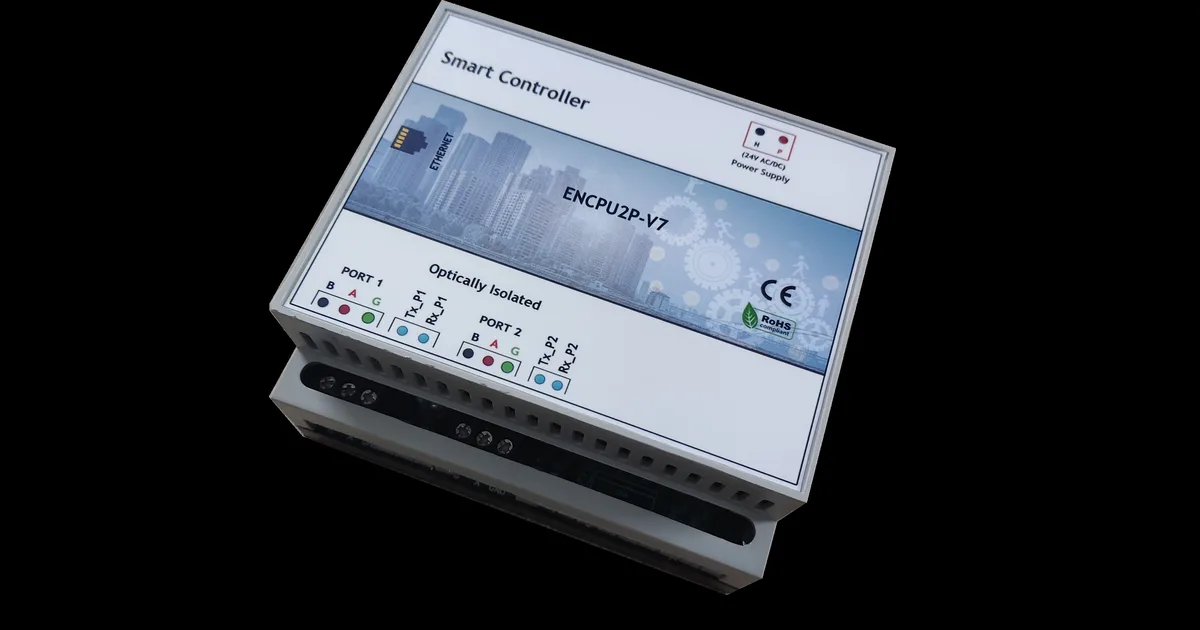
Control systems allow users to operate different AV components from one place. A control panel, touch screen, remote, or other interface may be used to manage displays, projectors, speakers, lights, and other connected devices.
In a meeting room, for example, a user may be able to start a presentation, select an input source, adjust the volume, and turn off the display using a simple control interface.
A clear control system can make an AV setup easier to use. It can also reduce the need for users to operate several separate remotes or devices.
Cables and Connectivity
Cables and connectivity equipment may not be as noticeable as screens or speakers, but they are essential parts of an AV system. They carry audio, video, network, and control signals between different devices.
Common connections include HDMI, USB, DisplayPort, and network-based connections. The right connection depends on the equipment and the type of signal being transferred.
Cable management is also important. Properly organized cables can make maintenance easier and reduce the risk of accidental disconnection. In professional environments, equipment may also be connected through structured networks to support reliable communication between devices.
How These Components Work Together
The main components of an AV system are designed to work as one connected setup. A laptop may act as the source, a switcher may select the content, and a display may show it to the audience. At the same time, microphones can capture speech, while amplifiers and speakers deliver the sound.
The performance of the complete system depends on how well these components work together. A high-quality screen cannot solve problems caused by poor signal connections, and powerful speakers cannot replace proper microphone placement.
For this reason, AV system design usually considers the complete space instead of focusing on individual devices. Room size, seating arrangement, lighting, acoustics, user needs, and connectivity all have a role in creating a practical setup.
Understanding these components makes it easier to see how AV integration companies in dubai bring different audio, video, control, and connectivity technologies together into one working system.