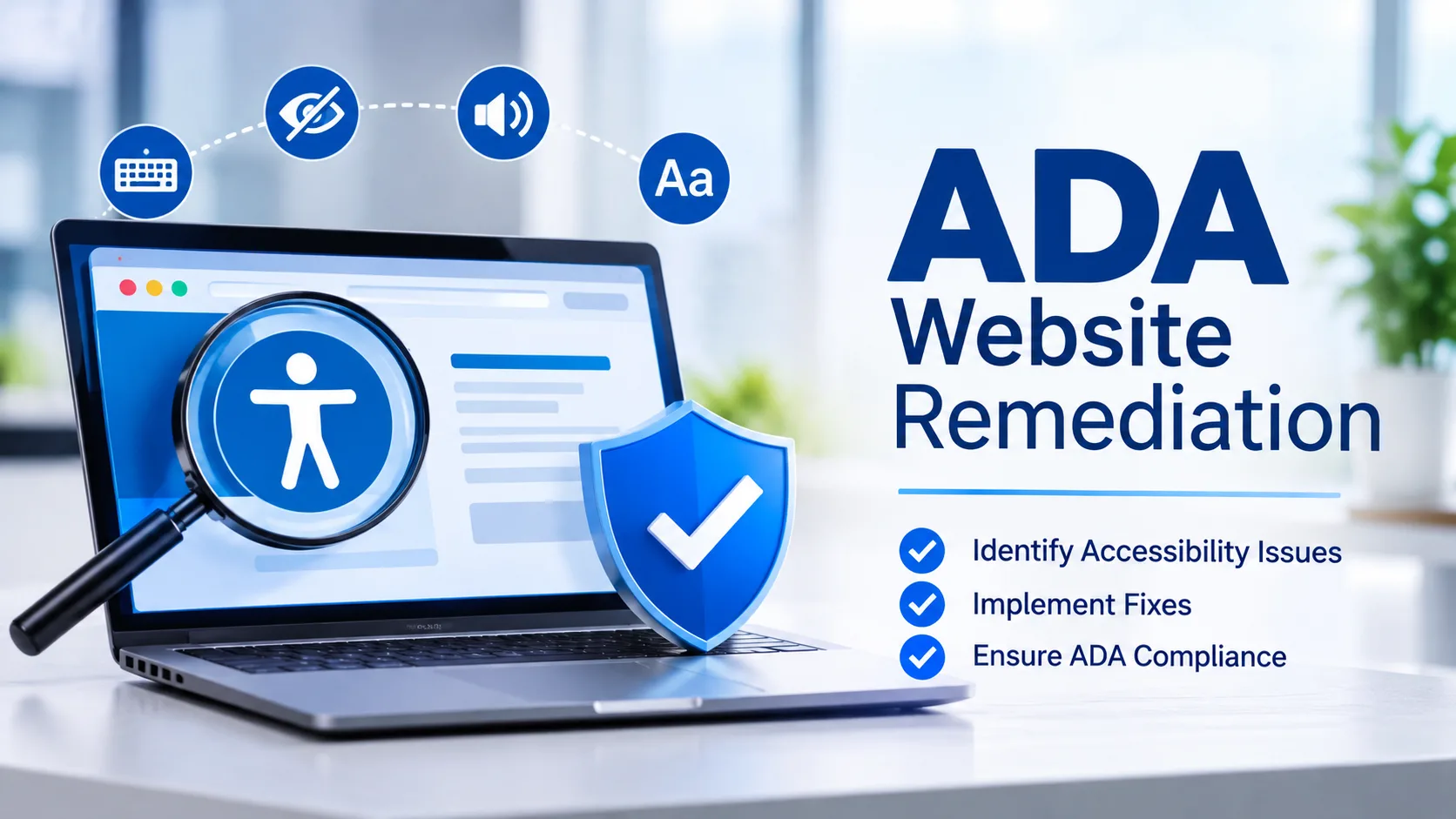
ADA website remediation is the process of finding and fixing digital barriers that prevent people with disabilities from using a website. The most effective approach is to test thoroughly, fix the barriers that affect users most, and monitor the site continuously so old problems do not return. Organizations that treat accessibility as an ongoing practice reduce legal risk and reach a wider audience.
Why Does Website Accessibility Remediation Matter?
A website that cannot be used with a screen reader, keyboard, or voice control shuts out real customers. A shopper who relies on a keyboard may be unable to complete checkout. A blind reader may hear an unlabeled button announced simply as button and have no idea what it does. Website accessibility remediation closes these gaps, protects your brand, and shows users that you value them.
How Should You Begin an Accessibility Audit?
Start with a full picture of the current state. Automated scans quickly catch missing alternative text, weak color contrast, and absent form labels, but they cannot judge whether a page makes sense to a person using assistive technology. Manual testing with a keyboard and a screen reader fills that gap. Combining both methods gives you a reliable baseline and a clear list of issues to fix.
How Do You Prioritize Fixes?
Not every issue carries the same weight. Barriers that block key journeys such as login, search, checkout, and contact forms should be fixed before cosmetic problems on rarely visited pages. Ranking issues by user impact and by how many pages they affect keeps the team focused and delivers visible progress early.
Which Technical Fixes Make the Biggest Difference?
Several fixes appear again and again in successful programs. Meaningful alternative text lets screen reader users understand images. Proper heading structure helps people move through long pages. Visible focus indicators and logical tab order make keyboard use practical. Clear form labels and helpful error messages prevent frustration, while captions and transcripts open multimedia content to everyone. Fixing these at the template level spreads the benefit across many pages at once.
What Does a Real Scenario Look Like?
Consider an anonymized online retailer whose product pages looked polished but failed in practice. The image carousel trapped keyboard focus, so shoppers who could not use a mouse never reached the add to cart button. Product photos had no descriptions, and checkout errors appeared only as red text. After the team corrected the carousel behavior, added descriptive text, and rewrote error messages so assistive technology announced them, support complaints about checkout dropped noticeably and completed purchases improved. The lesson is that small, well-targeted fixes on critical journeys often matter more than broad cosmetic changes.
What Is Different About Enterprise Accessibility Remediation?
Large organizations manage many websites, applications, and content contributors, so enterprise accessibility remediation needs governance as much as technical skill. Assign clear ownership, add accessibility checks to design and development workflows, and train content editors so new pages do not reintroduce old problems. Addressing accessibility early in development is far cheaper than repairing a finished product. A public accessibility statement and a simple feedback channel also help users report issues quickly.
When Should You Use Professional Support?
Internal teams often find that remediation competes with product deadlines. Accessibility remediation services bring specialized expertise, structured testing, and faster turnaround, while accessibility compliance services help you document your efforts and maintain progress over time. Choose a partner who combines manual evaluation with automated testing, explains findings in plain language, and supports your developers during fixes rather than simply handing over a report.
How Can You Keep Your Website Accessible Over Time?
Remediation is not finished when the last bug is closed. Every new page, campaign, and feature can introduce fresh barriers. Schedule regular scans, retest after major releases, and refresh training whenever staff change. Treat feedback from real users as valuable data, because lived experience reveals problems that tools miss.
Frequently Asked Questions
What is the main goal of ADA website remediation?The goal is to remove barriers so people with disabilities can perceive, operate, and understand your website as easily as anyone else. It covers code, design, and content corrections, followed by testing to confirm the fixes work with assistive technology.
Can automated tools alone make a website accessible?No. Automated tools are excellent for spotting common technical issues quickly, but they cannot judge reading order, meaningful link text, or the real experience of a screen reader user. Reliable results come from pairing automated scans with manual expert testing.
How often should a website be reviewed for accessibility?Review your website regularly and after every major release, redesign, or content campaign. Frequent checks catch new barriers before they affect users and keep your compliance efforts consistent over time.
Start Your Accessibility Journey Today
Tranistics Data Technologies Private Limited helps organizations turn accessibility goals into measurable results through expert audits, hands-on fixes, and ongoing support. Our Tranistics Data Technologies accessibility checker tool lets you scan your pages, spot barriers quickly, and understand exactly where to begin. Whether you manage a single website or a complex digital ecosystem, our team is ready to guide you. Contact Tranistics Data Technologies Private Limited today to book your accessibility consultation and build a website that welcomes every user.