
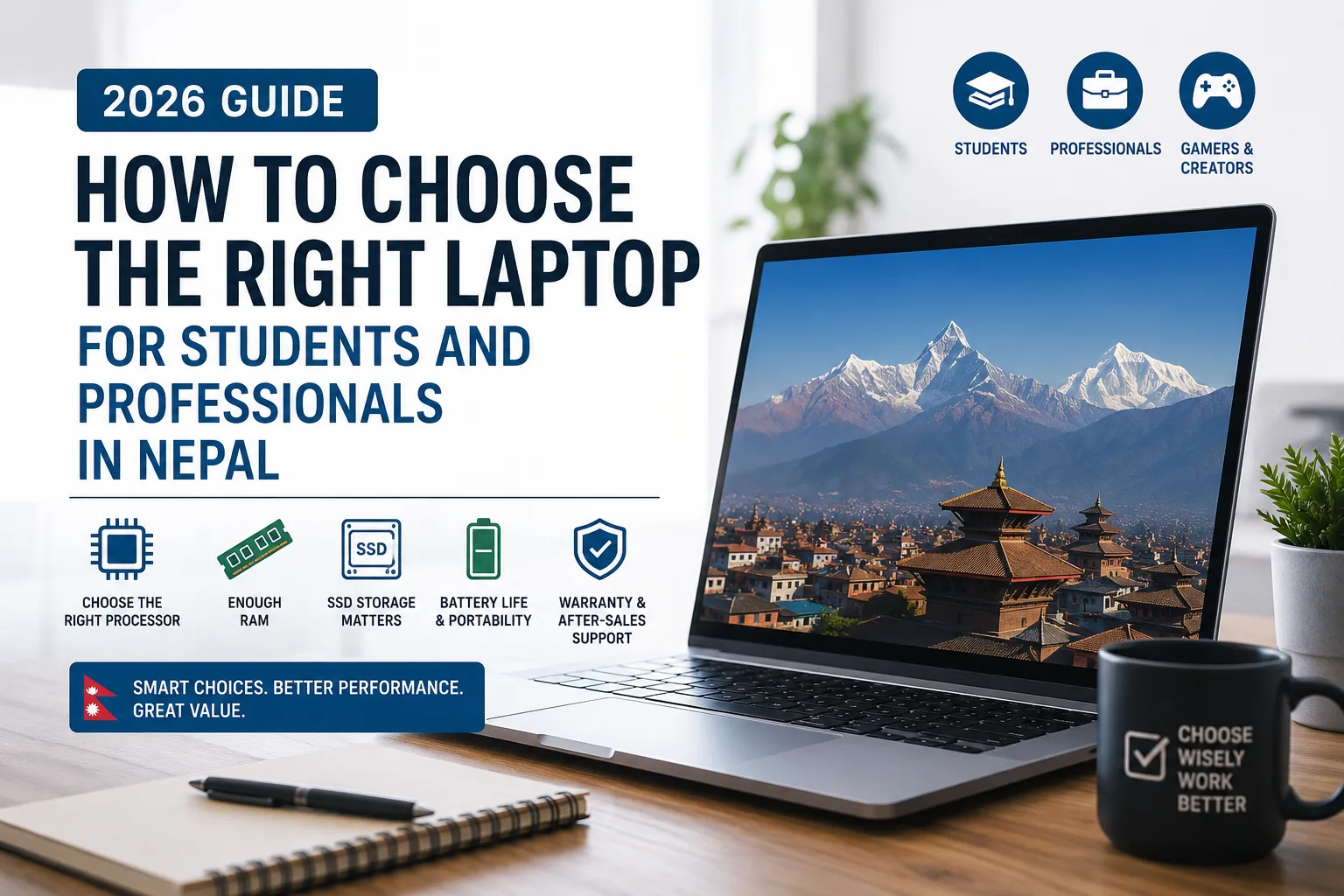
Choosing the right laptop can be a challenging task, especially with the wide range of options available in the Nepali market. From affordable laptops designed for everyday tasks to powerful machines built for professional workloads, there are plenty of choices to consider.
For students, a laptop may be essential for attending online classes, completing assignments, researching topics, and preparing presentations. Professionals, meanwhile, may need a device for office work, programming, graphic design, video editing, business management, or other specialized tasks.
With so many specifications and features to compare, it is easy to become confused about which laptop is actually suitable for your needs. The right choice depends on several factors, including performance, portability, battery life, display quality, storage, and budget.
This guide explains the key factors students and professionals in Nepal should consider before purchasing a laptop.
Understand Your Requirements Before Buying
The first step in choosing a laptop is understanding how you plan to use it.
Not everyone needs a high-performance laptop. If your daily activities mainly include browsing the internet, watching videos, attending online meetings, using Microsoft Office, and working with documents, you may not need the most powerful processor or dedicated graphics card.
Students studying subjects such as management, humanities, or business may find that a reliable mid-range laptop is sufficient for their academic requirements.
However, students studying computer science, information technology, engineering, architecture, or multimedia may have different requirements. Programming environments, CAD software, design applications, and video editing tools can require more powerful hardware.
Professionals should also consider their specific workloads. An accountant may prioritize a comfortable keyboard and a large display, while a graphic designer may need a color-accurate screen. A software developer may benefit from additional RAM and processing power, whereas a business professional may place greater importance on portability and battery life.
Understanding your actual requirements will help you avoid spending money on specifications you may never use.
Choose a Processor Based on Your Workload
The processor is one of the most important components of a laptop. It plays a major role in determining how quickly your system can handle applications and multitasking.
For students and professionals who mainly perform basic tasks, a modern entry-level or mid-range processor may be sufficient. If you frequently work with demanding software, run multiple applications, or perform intensive tasks, a more powerful processor may be a better investment.
When comparing processors, it is important not to focus only on names such as Intel Core i5 or AMD Ryzen 5. The processor generation and exact model can also have a significant impact on performance.
A newer mid-range processor may provide better performance and efficiency than an older high-end model. Therefore, checking the complete processor specifications is important before making a decision.
Consider How Much RAM You Need
RAM determines how efficiently your laptop can manage multiple applications at the same time.
For basic activities such as web browsing, document editing, online classes, and office applications, 8GB RAM may be sufficient for many users.
However, 16GB RAM is becoming a more practical choice for people who regularly multitask or use more demanding applications. Students studying programming or technical subjects may benefit from additional memory, while professionals working with creative software, virtual machines, or large datasets may require even more.
It is also worth checking whether the laptop allows RAM upgrades. A device with upgradeable memory can provide greater flexibility if your requirements increase in the future.
Choose SSD Storage for Faster Performance
Storage is another important consideration when purchasing a laptop.
Most modern laptops use SSD storage because it provides faster system startup and application loading compared with traditional hard drives. An SSD can also make everyday tasks feel more responsive.
For many students and professionals, a 512GB SSD offers a good balance between storage capacity and performance. Users with lighter requirements may be comfortable with 256GB, while those working with large video files, photographs, design projects, or other data-heavy files may prefer 1TB or more.
Before choosing your storage capacity, think about how you plan to manage your files. Cloud storage and external drives can provide additional space, but having enough internal storage can make everyday work more convenient.
Do You Need a Dedicated Graphics Card?
A dedicated graphics card is not necessary for every laptop user.
Students and professionals who mainly use office applications, browse the web, attend online meetings, or perform general productivity tasks can usually rely on integrated graphics.
However, dedicated graphics may be important for users involved in:
- Video editing
- 3D modeling
- CAD applications
- Architecture
- Animation
- Gaming
- Graphic design
- Other GPU-intensive workloads
If you are purchasing a laptop for academic purposes, it is a good idea to check the recommended hardware requirements of the software used in your course.
Buying a powerful dedicated GPU when you do not need one can unnecessarily increase the price, weight, and power consumption of your laptop.
Pay Attention to the Display
The laptop display is something you will interact with every day, so it should not be overlooked.
For general student and professional use, a Full HD display is a practical choice. A good display can make reading documents, attending online classes, browsing websites, and working with spreadsheets more comfortable.
Screen size also matters. A 14-inch laptop can provide a good balance between portability and usability, making it suitable for students and professionals who travel frequently.
Larger 15.6-inch or 16-inch displays can be more comfortable for multitasking, programming, spreadsheets, video editing, and other work where additional screen space is useful.
Professionals working in photography, graphic design, and video production should also consider factors such as color accuracy, brightness, resolution, and color coverage.
Consider Portability and Battery Life
For students and professionals who regularly move between home, college, university, and work, portability can be an important factor.
A lightweight laptop is generally easier to carry throughout the day. However, smaller laptops may sometimes offer fewer ports or less upgradeability compared with larger models.
Battery life is another factor worth considering. While manufacturers often provide estimated battery figures, actual battery life depends on the processor, screen brightness, applications, and workload.
If you frequently work away from a power outlet, look for a laptop with good battery capacity and efficient hardware.
Don't Ignore Build Quality and Keyboard Comfort
A laptop may be used for several hours every day, making build quality and ergonomics important considerations.
Students who spend hours writing assignments and professionals who frequently type reports, emails, or documents should pay attention to keyboard comfort.
Other features to consider include:
- Trackpad quality
- Hinge durability
- Webcam quality
- Speaker performance
- Overall build quality
- Available ports
The ports available on a laptop can also affect how convenient it is to use. Depending on your requirements, you may need USB-A, USB-C, HDMI, or other connectivity options.
Set a Budget Before You Start Shopping
Laptop prices in Nepal can vary significantly depending on the brand, specifications, and configuration.
Setting a budget before beginning your search can help narrow down your choices. However, it is important to consider long-term value rather than simply choosing the cheapest available option.
A student who primarily needs a laptop for assignments and online classes may not need to invest in a high-end workstation. On the other hand, a professional who depends on their laptop for daily work may benefit from spending more on performance, durability, and reliability.
It is also important to compare exact model numbers. Two laptops with similar names may have different processors, RAM, storage, displays, or graphics configurations.
For buyers researching different laptop options in Nepal, platforms such as InfoTechs Nepal can also be useful for comparing available laptop models and configurations.
Check Warranty and After-Sales Service
The purchase price should not be the only factor you consider.
A laptop is a significant investment, and reliable warranty and after-sales support can be valuable if you experience technical problems later.
Before purchasing, check the following:
- Warranty duration
- Warranty coverage
- Availability of authorized service centers
- Repair policies
- Availability of replacement parts
Choosing a reliable seller can provide additional peace of mind, especially when purchasing a more expensive laptop.
Common Mistakes to Avoid When Buying a Laptop
One of the most common mistakes is choosing a laptop based only on its processor name. While the CPU is important, the overall configuration also matters.
Another mistake is buying a laptop with insufficient RAM or storage. Your requirements may increase over time, so it is worth considering how you will use the laptop several years from now.
Some buyers also overlook the display and keyboard. These features may not appear as important as the processor or RAM, but they can have a significant impact on everyday comfort.
Finally, avoid buying a laptop simply because it is the cheapest option. A lower initial price may not always provide the best long-term value if the device has poor battery life, limited upgrade options, or inadequate performance.
A Simple Checklist for Choosing the Right Laptop
Before purchasing a laptop, consider asking yourself the following questions:
- What will I mainly use the laptop for?
- Which applications and software do I need?
- How much RAM do I need?
- Is 256GB or 512GB storage enough for me?
- Do I require dedicated graphics?
- Will I carry the laptop frequently?
- How important is battery life?
- Do I need a high-quality display?
- Can I upgrade the RAM or storage later?
- What warranty and after-sales support are available?
Answering these questions can make the buying process easier and help you focus on laptops that genuinely match your requirements.
Final Thoughts
Choosing the right laptop for students and professionals in Nepal does not necessarily mean buying the most expensive or powerful model available. The best choice is the one that provides the right combination of performance, features, portability, and price for your specific needs.
Students may prioritize affordability, battery life, and portability, while professionals may require more processing power, additional RAM, better displays, or dedicated graphics depending on their field.
Before making a purchase, take the time to understand your workload, compare the exact specifications, check warranty coverage, and consider after-sales service.
A carefully chosen laptop can remain a useful tool for several years. By focusing on what you actually need rather than simply choosing the device with the highest specifications, you can make a more informed decision and get better value from your investment.