
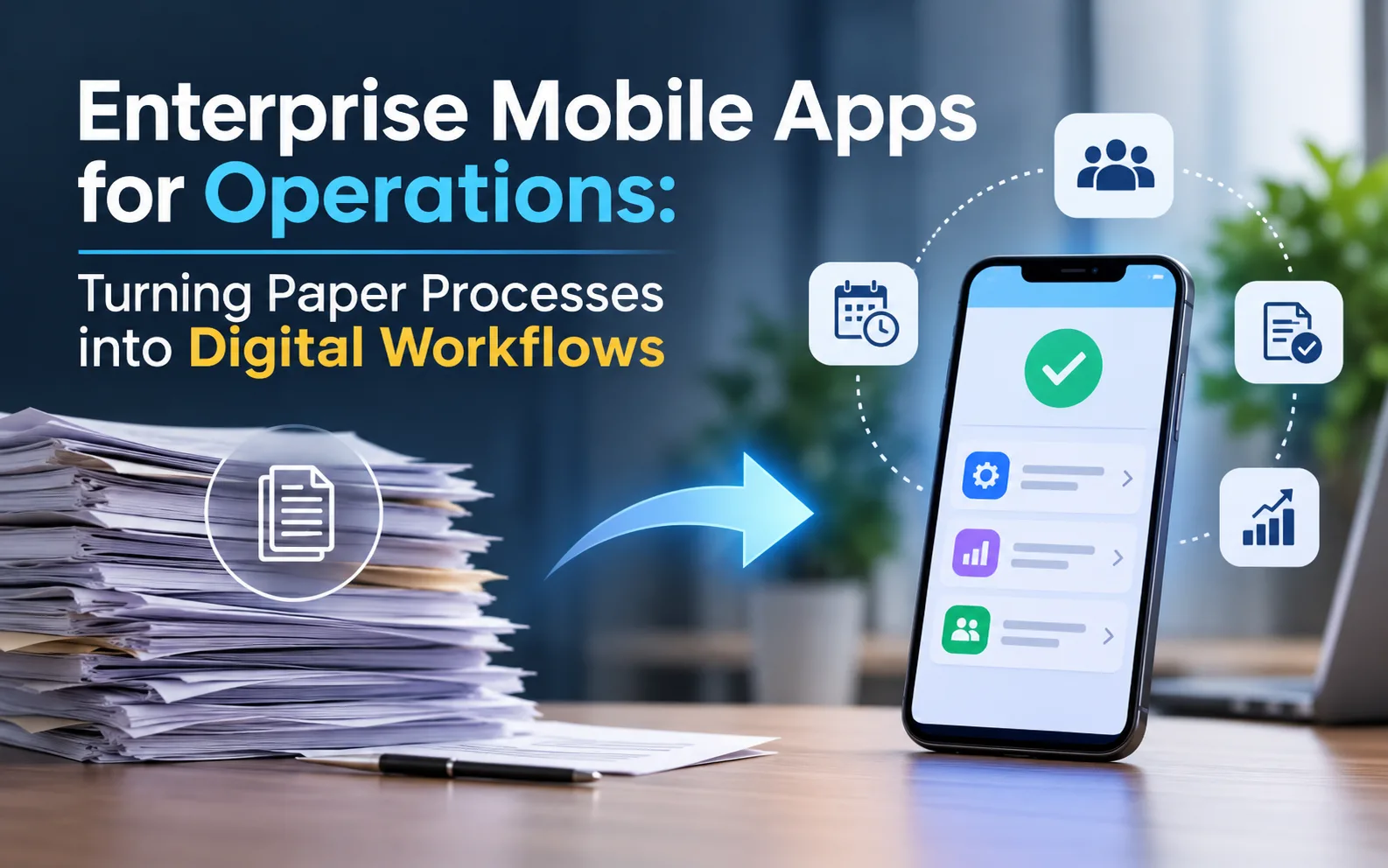
Walk through almost any warehouse, plant, or service depot and look at the clipboards. Pre-shift checklists. Delivery sign-offs. Inspection sheets with a coffee ring in the corner. Somebody, usually a supervisor, spends the last hour of each day deciphering handwriting and typing it into a system that the rest of the company then treats as the source of truth.
Nobody planned it that way. Paper just worked well enough, for long enough, that it became part of the furniture. But every sheet is a small delay: information that exists at 9:15 a.m. does not become usable until someone types it in at 4:30 p.m. Multiply that across sites, shifts, and departments, and you have a business making decisions on yesterday’s facts.
Enterprise mobile apps are the obvious fix, and they work. But “put the form on a phone” is where most projects go sideways. Here is how to do it properly.
Do Not Digitize the Mess
The most common mistake is also the most tempting. A team takes an existing paper form, recreates it field for field on a screen, and calls it done. The result is a slower, more annoying version of the same sheet.
Paper forms accumulate baggage. Fields nobody reads. Boxes added after a one-off incident in 2014. Duplicate entries because two departments wanted their own copy. Before building anything, put the process on a table and ask three questions about every field:
- Who actually uses this information, and when?
- What decision does it support?
- Could the phone fill it in automatically, through the date, location, user profile, or a barcode scan?
You will usually find that a third of the form can be removed and another third can be pre-filled. A thirty-field paper checklist often becomes a ten-tap mobile flow. That reduction is where the value lives, not in the screen itself.
Pick the Right First Process
Not every paper process deserves to go first. The best candidates share a few traits:
- High frequency. Something done dozens of times per day shows results fast.
- Clear data value. The information feeds a report, an audit, or a downstream decision someone cares about.
- Visible pain. People already complain about it, so they will welcome the change.
- Contained scope. It involves one team or site, not seven departments that must agree.
Inspections, equipment checks, delivery confirmations, incident reports, and timesheets tend to score well. Complex approval chains that touch finance, legal, and procurement usually do not, at least not at the start. Win something small and visible, then earn the right to tackle the harder ones.
What a Phone Can Do That Paper Never Could
This is the part that makes enterprise mobile solutions more than a tidier form. A phone is a sensor package, and good operations apps use it.
The camera captures evidence. A photo of a damaged pallet, a meter reading, or a completed repair, automatically stamped with time and location, ends most disputes before they start. Barcode and QR scanning replace manual entry and the errors that come with it.
Location confirms where work happened, routes technicians to the next job, and proves a site visit without a phone call.
Signatures and timestamps turn “I think it was signed Tuesday” into a record nobody argues with.
Conditional logic makes the form smarter than paper. If a pump reading is out of range, the app asks the follow-up questions straight away and can alert a supervisor immediately. A paper sheet would have sat in a tray until the end of the week.
Voice input helps when hands are busy or gloved, and it is often faster than typing on a small screen.
Design around these capabilities from the start. The goal is not to copy the paper process but to let it do something paper could not.
Workflows, Not Just Forms
A digital form that submits into a void is only half a solution. The real shift happens when completed work triggers the next step automatically.
Think about a failed safety inspection. On paper, the sheet gets filed, maybe reviewed on Friday. In a connected workflow, the failure creates a maintenance ticket, notifies the responsible supervisor, flags the equipment as out of service, and starts a clock for resolution. Nobody had to remember anything.
Map these handoffs before you build. For each process, define what happens after submission: who is notified, what approvals are needed, where the data lands, and what happens if nobody responds within a set time. Escalation rules sound boring, but they are what make operations software trustworthy.
This is also why integration matters. Well-planned enterprise mobile apps for operations connect to your maintenance, inventory, and ERP systems from day one. Mobile enterprise solutions that sit disconnected from those systems simply move the retyping problem from paper to screen. Plan the connections early, and keep them simple.
Design for the Person Holding the Phone
Operations users are not browsing. They are mid-task, often standing, often distracted. A few design habits make a big difference:
- Big touch targets. Small buttons are a nightmare with gloves or in cold weather.
- One task per screen. Long scrolling forms lead to skipped fields.
- Smart defaults. Remember the last location, shift, or equipment type.
- Clear progress. People should always know how many steps remain.
- Fast recovery. Saving a draft automatically means an interruption never costs ten minutes of work.
Spend a day shadowing real users before sketching a single screen. Watch how they hold the device, where they stand, and what they do when the app asks something confusing. Ten minutes of observation beats a week of assumptions.
The Human Side of Letting Go of Paper
Resistance is rarely about technology. Paper is familiar, it never crashes, and it feels like control. People who have worked a certain way for fifteen years are not being stubborn when they hesitate. They are protecting a system that has never let them down.
Three tactics help.
Run both in parallel briefly. A short overlap, a week or two, calms nerves. But set an end date, or paper lingers forever.
Involve a respected frontline voice in the design. When a trusted team lead helps shape the app, colleagues treat it as theirs, not as something imposed from the office.
Show people what they get back. If the app saves forty minutes of end-of-shift paperwork, say so, and mean it. Time returned is the most persuasive argument you have.
Measure the Before and After
You cannot claim a win without a baseline. Before launch, record how long key tasks take, how often forms arrive incomplete, how many days pass between an event and its appearance in reports, and how frequently errors need correcting.
Then compare after a couple of months. Useful signs include shorter reporting delays, fewer data-entry corrections, faster issue resolution, and the disappearance of side spreadsheets. If the paper copies are still stacked on desks, find out why. The answer is almost always a gap in the app, and it is fixable.
Where Enterprise Mobile Applications Go From Here
Once the first few paper processes move over, a pattern emerges. The data from different workflows begins to connect. Inspection results inform maintenance schedules. Delivery confirmations feed customer billing. Time records support planning. What started as replacing clipboards becomes a live picture of operations.
That is the real promise of enterprise mobile applications in this space: not saving paper, but shortening the distance between something happening and someone knowing about it.
Getting Started
If you are looking at your own stacks of forms and wondering where to begin, pick one process, strip it back, and build a small version with the people who use it. Measure it, improve it, then move to the next.
Mind Roots designs and builds enterprise mobile app solutions for operations teams, from field inspections to logistics tracking, with the integrations and workflows that make them stick. Tell us which paper process frustrates your team most, and we will help you scope a first version.