Deploying a full stack application is an important skill for developers who want to understand how software works outside their local computers. A Java full stack application typically includes a frontend, backend services, and a database. After development and testing, these components must be configured and hosted in an environment where users can access them. Amazon EC2 (Elastic Compute Cloud) provides a practical way to learn cloud-based application deployment.
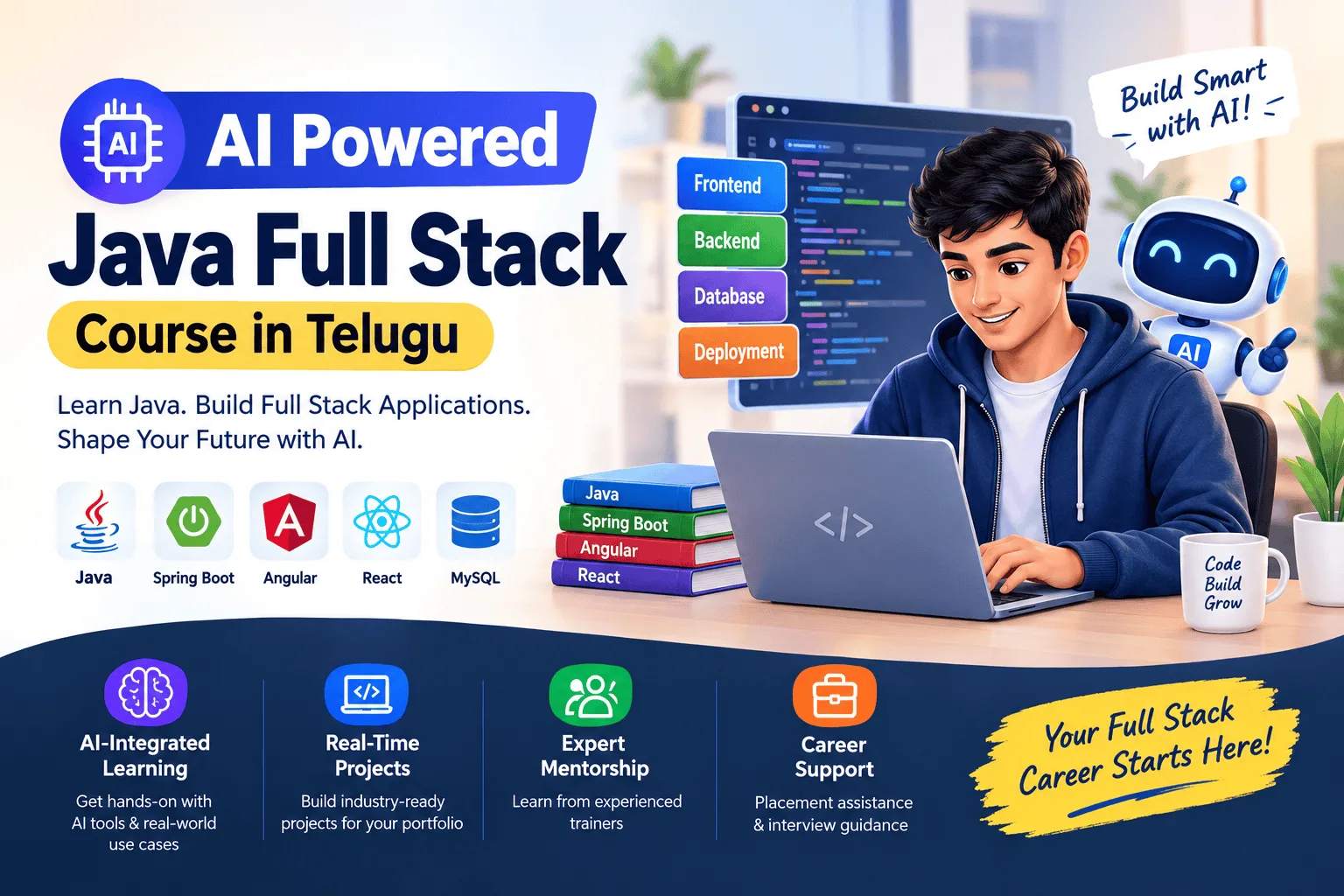
An AI Powered Java Full Stack Course in Telugu can help learners understand Java development, Spring Boot, frontend technologies, and deployment concepts through guided practice. AI tools can also support troubleshooting, command explanations, and deployment planning.
What Is AWS EC2?
AWS EC2 is a cloud service that provides virtual servers for running applications. Developers can choose server configurations, install the required software, configure networking, and deploy their projects.
For Java full stack developers, EC2 can host a Spring Boot backend, serve a frontend application, and connect to a database hosted locally for testing or through a separate managed database service.
Key EC2 concepts include:
- EC2 instances: Virtual machines used to run applications.
- Security groups: Rules controlling permitted network traffic.
- SSH access: A method for securely connecting to Linux servers.
- Elastic IP: A static public IPv4 address that can be associated with an instance.
- Key pairs: Credentials used for secure instance access.
Technologies Required for Deployment
Before deploying a full stack project, developers should understand the technologies involved.
Java and Spring Boot: Java provides the application logic, while Spring Boot simplifies backend development and configuration.
Frontend technologies: HTML, CSS, JavaScript, React, or Angular can be used to build the user interface.
Database: MySQL or PostgreSQL can store application data. Production deployments should use appropriate database security and backup practices.
Git and Maven: Git manages source code, while Maven can compile Java projects, run tests, and package applications.
AWS services: EC2 provides computing resources, while services such as Amazon RDS and S3 may support database and file-storage requirements.
Steps to Deploy a Java Full Stack Application on AWS EC2
1. Prepare the Application
First, complete the frontend and backend development. Test API endpoints, database connectivity, login functionality, and form submissions in your local environment.
Use Git to maintain the project code and Maven to build the Spring Boot application.
2. Launch an EC2 Instance
Sign in to the AWS Management Console and create an EC2 instance. Select a suitable Linux operating system and instance type based on your learning or hosting requirements.
Configure a key pair and security group. Avoid exposing unnecessary ports to the public internet.
3. Connect to the Server
Use SSH to connect to the Linux instance. Install the required Java runtime, web server, and other dependencies according to the operating system and application requirements.
Keep the server packages updated and restrict administrative access.
4. Deploy the Spring Boot Backend
Build the application into a JAR file and transfer it to the server using a secure method. Run it with the appropriate Java command and configure application settings through environment variables or protected configuration files.
For a production environment, consider a process manager or service configuration so the application can restart reliably.
5. Deploy the Frontend
Build the frontend into production-ready static files. These files can be served through a web server such as Nginx on EC2. Configure the frontend to communicate with the backend API using the correct URL.
For production use, configure HTTPS, domain settings, and suitable access controls.
6. Test and Monitor
Open the application through its configured domain or public endpoint. Test navigation, API requests, database operations, and error handling.
Review server logs and AWS monitoring metrics to identify performance or configuration issues.
How AI Tools Help with AWS Deployment
AI tools can explain Linux commands, suggest deployment checklists, help interpret error messages, and assist with configuration examples. For instance, ChatGPT can help investigate a Spring Boot startup error, while GitHub Copilot can suggest code and configuration improvements.
However, developers must verify AI-generated commands and security recommendations before running them on a cloud server.
Benefits of Learning AWS Deployment
Learning EC2 deployment helps developers understand cloud infrastructure, networking, application hosting, and troubleshooting. These skills are useful for Java developer, backend developer, and full stack developer roles.
An AI Powered Java Full Stack Course in Telugu can make these topics easier to approach by combining programming fundamentals with practical projects and AI-assisted learning.
Frequently Asked Questions
1. Can beginners deploy a Java application on AWS EC2?
Yes. Beginners can start with a small Spring Boot application and learn server setup, deployment, and testing step by step.
2. Is AWS EC2 free to use?
AWS may offer limited free usage to eligible customers, depending on current account and offer terms. Charges can apply to instances, storage, data transfer, and related services. Check AWS pricing before launching resources.
3. Can I deploy React and Spring Boot on the same EC2 instance?
Yes. A small project can host the frontend and backend on one instance, but separate services may be more suitable as application requirements grow.
4. Do Java developers need cloud deployment skills?
Cloud deployment knowledge is valuable because it helps developers understand how applications are configured, hosted, monitored, and maintained.
Conclusion
Deploying a full stack application on AWS EC2 gives learners practical experience with cloud servers, backend services, frontend hosting, and application troubleshooting. By practising each deployment step and using AI tools responsibly, learners can build confidence in managing real-world Java applications. A structured AI Powered Java Full Stack Course in Telugu can help beginners connect programming knowledge with practical cloud deployment skills.