When people start comparing POS software, it's easy to get distracted by long feature lists. Many products mention billing, inventory, reports, customer management, and payment support, so after visiting a few websites, the differences can begin to look quite small.
That doesn't necessarily mean the software is the same. It often means it's time to look beyond the headlines.
One practical way to compare POS software is to think about how it will be used during a normal business day. A retail store, a restaurant, and a supermarket may all use a POS system, but the way they work is not identical. A retail business may regularly update products and monitor stock, while a restaurant may place greater importance on handling customer orders and payments efficiently.
Because daily operations vary, the most useful software is usually the one that supports the way a particular business works rather than the one with the longest feature list.
It is also worth spending a little time reading the product information instead of relying only on promotional summaries. Product pages often explain which features are included and how they are intended to be used. This makes it easier to compare different solutions based on information rather than assumptions.
Businesses also tend to compare practical features such as inventory tracking, barcode billing, product management, customer records, purchase entry management, reporting, backup options, tax settings, and support for different payment methods. The importance of these features depends on individual business requirements, so reviewing them carefully can make the comparison process more meaningful.
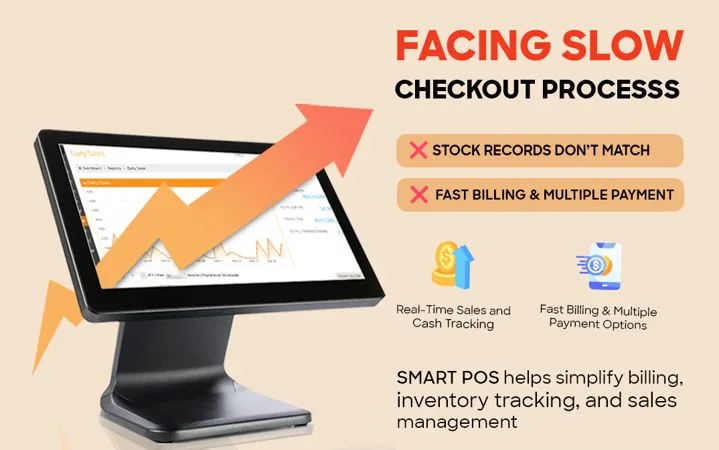
If you're researching different POS software options, Sitedecode Smart POS is one example you can explore. According to the information published on the Sitedecode website, it includes barcode billing, product management, real-time stock tracking, low stock alerts, purchase entry management, customer registration, purchase history, support for Cash, UPI, Credit Card, and Debit Card payments, voice product search, reward point management, daily sales reports, GST and tax settings, thermal printer billing, backup and restore, together with offline and online support.
Choosing POS software usually takes a little time because every business has different priorities. Comparing product information, understanding your own day-to-day requirements, and reviewing the available features can help you decide which solution is the most suitable for your business.
To learn more about the features available in Sitedecode Smart POS, visit:
<a href="https://sitedecode.com/pos">https://sitedecode.com/pos</a>