Search for a 3D hologram video and you will find everything from laser-recorded holograms to glowing effects added in an editor. Most of what people call holographic is an illusion or a depth display, and each type needs its own footage, file format and hardware. Pick the wrong workflow and the result looks flat or fails to play.
This guide covers seven practical production methods, what each one needs, and how to choose between them. You will also see where each approach fits, so you can match the method to your project instead of chasing a look your display cannot deliver.
Hologram, Illusion or Effect?
True holography records the light wavefront from an object and reconstructs it later. As Britannica's explanation of holography describes, it uses a laser-based interference pattern to record and reproduce a three-dimensional image. The methods below work differently.
Pepper's Ghost reflects an image off angled glass. Hologram fans use fast-moving LEDs. Stereoscopic and multiview displays present different views to create depth. Projection mapping fits imagery to physical surfaces. Editing never turns ordinary footage into a true hologram. It only prepares content for a display that creates the impression.
Seven Ways to Make a 3D Hologram Video
1. Pepper's Ghost Video
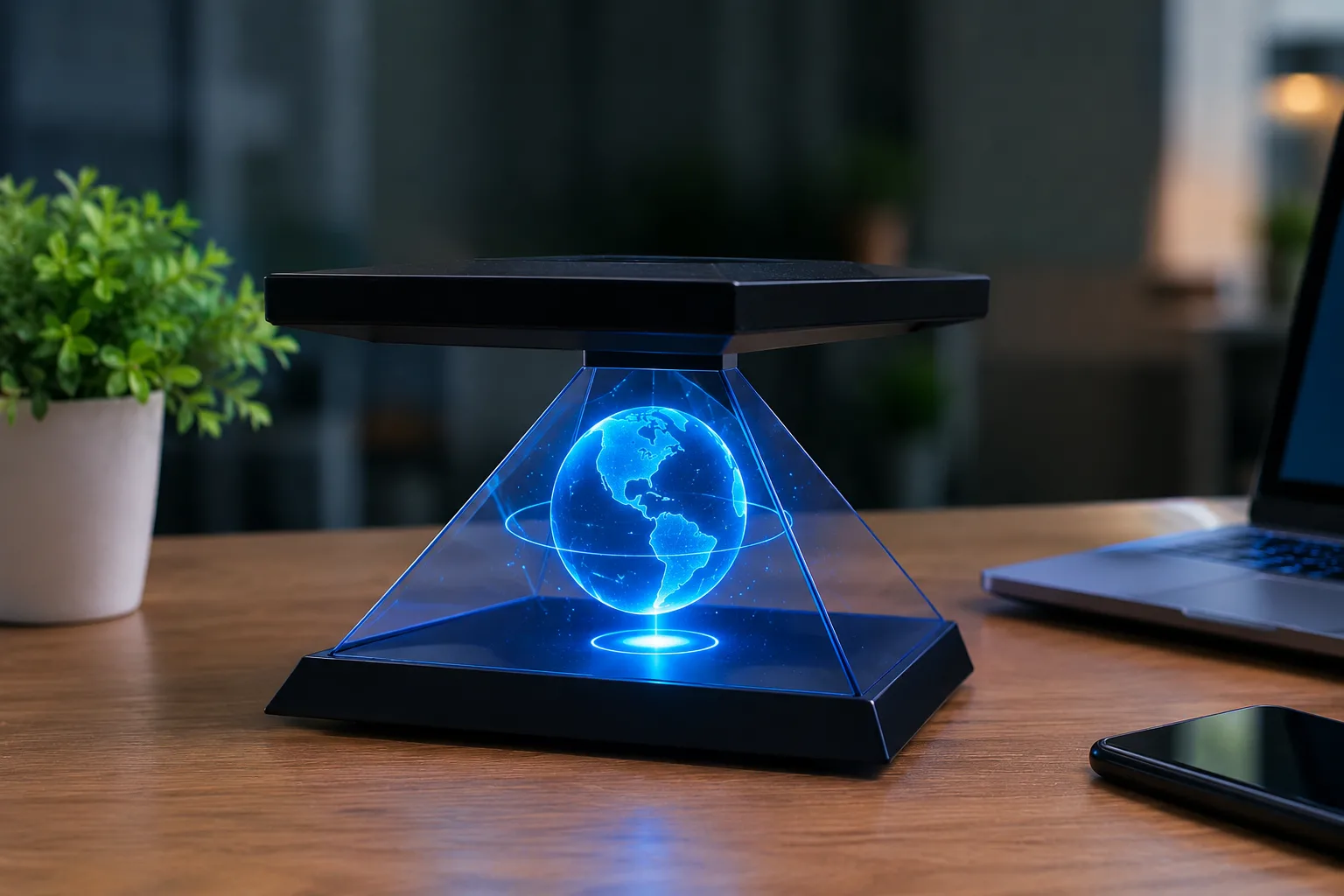
Pepper's Ghost pairs a bright screen with an angled sheet of transparent material, so the reflection appears to float inside a scene. Film or render your subject against pure black, then mirror the video if your setup reverses it. Use a darkened enclosure so that only the reflection is visible.
Best for: small product showcases and museum cases. Limits: the viewing angle is narrow, and room light weakens the effect.
2. 3D Models and Animation
Build the subject in software such as Blender or Maya, then animate, light and render it against black. Turntables, exploded views and slow camera moves show depth clearly.
Best for: products, machinery and architecture. Limits: modelling takes skill and rendering takes time, although one finished asset can later serve several display types.
3. Hologram-Style Effects from Footage
Record a subject under even lighting, then add a cool colour tint, scan lines, glow and light flicker in a video editor. Keep the effect subtle so that faces and products stay readable.
Best for: social clips, intros and explainers on ordinary screens. Limits: it is a visual style only and has no real depth.
4. Compositing and Background Removal
Isolate your subject with a green screen or a masking tool, then place it on black or inside a 3D scene. Clean edges matter most, because green spill, hair and motion blur create halos around the figure.
Best for: presenters, speakers and interviews. Limits: it needs careful lighting, and a mask that looks fine on white can fail on black.
5. Content for Hologram Fans
A hologram fan spins LED blades quickly enough that your eye sees a floating image. Prepare bright artwork or video on a black background, centred in the frame, and match the file type and resolution to the device. Check the manufacturer's specification first, because requirements differ by model.
Best for: shop windows and exhibition stands. Limits: resolution is modest, and spinning blades need a safe position that visitors cannot touch.
6. Stereoscopic and Multiview Content
These displays give each eye a slightly different view, so the brain perceives depth. Stereoscopic content needs two views. Multiview displays need many, rendered from virtual cameras in your 3D software. Some formats tile every view into one image, but the layout is manufacturer specific, so follow the display maker's documentation.
Best for: detailed models and product visualisation. Limits: you need a compatible display, and the render workload is heavier.
7. Projection and Interactive Installations
Projection mapping aligns visuals to a real object or surface. Interactive setups add sensors and real-time engines such as Unity or Unreal Engine. Plan the physical space first, including projector position, surface, ambient light and calibration. One example is ViitorX's interactive holographic digital twin of an airport masterplan, which stakeholders explored on a dedicated display table using 3D glasses.
Best for: exhibitions, showrooms and planning reviews. Limits: it has the highest cost and needs on-site testing before launch.
Choosing the Right Method
No single method suits every project, and a cheaper option is often the right one for a short promotional clip. Work through these questions:
•Budget: editing effects cost least, while installations cost most.
•Skills: compositing needs lighting and masking skills, and 3D animation needs modelling skills.
•Goal: choose a simple illusion for atmosphere, and a depth display when viewers must inspect form.
•Audience: consider viewing distance, crowd size and room lighting.
•Display: confirm supported file types, resolution and playback software before production starts, since these vary between devices.
Common Mistakes
•Using the wrong aspect ratio or resolution for the display.
•Leaving backgrounds bright or busy. On reflective and fan displays, dark areas let the real background show through.
•Weak lighting or cluttered composition that buries the subject.
•Calling a simulated effect a true hologram in captions or sales material.
Conclusion
A good 3D hologram video starts with the display, not the software. Decide which technology you will use, then match your format, lighting and workflow to it. Before you open an editor, write down the display model, viewing distance and file requirements. That one-page checklist will guide every later choice.