
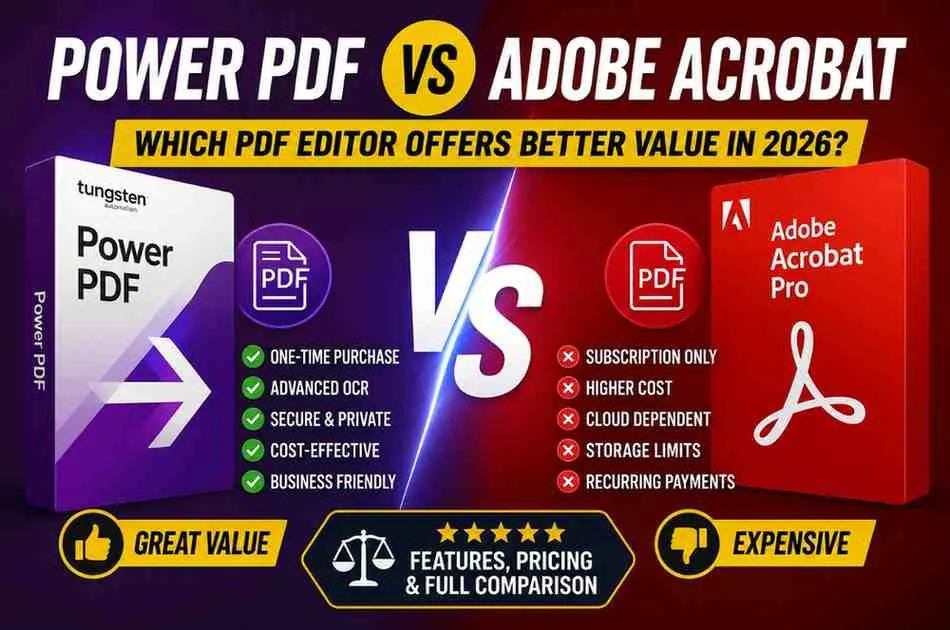
Choosing the right PDF editor can save your business hundreds of dollars each year while improving productivity. If you're comparing Power PDF vs Adobe Acrobat, you're likely looking for a secure, feature-rich solution for editing, converting, signing, and sharing PDF files.
Adobe Acrobat has long been the industry leader, but Tungsten Automation Power PDF has become a strong competitor by offering a perpetual license, advanced OCR, and enterprise-grade security at a lower cost. Many buyers now ask, "Is Power PDF better than Adobe?" or "Which is cheaper Adobe or Power PDF?"
This guide compares both solutions based on pricing, features, security, OCR performance, business value, and long-term costs to help you make an informed decision.
Power PDF vs Adobe Acrobat: Quick Comparison
FeaturePower PDFAdobe Acrobat ProPricing ModelOne-time purchase or business licensingMonthly or annual subscriptionPDF Editing✔✔OCR TechnologyAdvanced OCRAdvanced OCRDigital Signatures✔✔PDF Conversion✔✔Security & EncryptionEnterprise-gradeEnterprise-gradeCloud StorageLimitedAdobe Document CloudWindows Support✔✔Mac SupportLimited editions✔Best ForBusinesses, professionals, budget-conscious buyersTeams invested in Adobe ecosystemWinner for value: Power PDF
Winner for cloud collaboration: Adobe Acrobat
What Is Power PDF?
Power PDF is a professional PDF editor developed by Tungsten Automation (formerly Kofax). It is designed for businesses, legal firms, healthcare organizations, educational institutions, and professionals who need powerful PDF tools without recurring subscription fees.
Key features include:
- Edit PDFs like Word documents
- Convert PDFs to Word, Excel, and PowerPoint
- Advanced OCR for scanned documents
- Secure PDF editing software with encryption
- Digital signatures
- Bates numbering
- PDF comparison
- Redaction tools
- Enterprise deployment options
For organizations seeking the best OCR PDF software without monthly costs, Power PDF is a compelling option.
What Makes Adobe Acrobat Popular?
Adobe Acrobat remains the most recognized PDF editor worldwide. It offers excellent cloud integration, AI-powered features, document sharing, and seamless compatibility across devices.
Its strengths include:
- Excellent collaboration
- Adobe Document Cloud
- AI Assistant (selected plans)
- Mobile editing
- Electronic signatures
- Large third-party ecosystem
However, Adobe's subscription pricing can become expensive over time, especially for small businesses.
Feature Comparison
PDF Editing
Both applications allow users to:
- Edit text
- Add images
- Rearrange pages
- Annotate documents
- Fill forms
Adobe offers a slightly smoother interface, while Power PDF delivers nearly identical editing capabilities at a lower cost.
OCR Performance
If your workflow involves scanned contracts, invoices, or archived documents, OCR quality matters.
Power PDF provides highly accurate OCR suitable for legal, financial, and healthcare industries. Adobe Acrobat also performs exceptionally well, but many small businesses find Power PDF's OCR more cost-effective.
If OCR is your priority, both products rank among the best OCR PDF software available.
Security
Businesses handling sensitive documents need strong security.
Both editors include:
- Password protection
- Encryption
- Redaction
- Digital certificates
- Permission controls
- Digital signatures
Power PDF is widely adopted by regulated industries because of its robust security tools, making it a reliable secure PDF editing software for enterprise environments.
Ease of Use
Adobe Acrobat has a polished interface with deep cloud integration.
Power PDF, meanwhile, uses a Microsoft Office-style ribbon interface that many Windows users find familiar, reducing the learning curve for new users.
Pricing: Which Is Cheaper, Adobe or Power PDF?
One of the biggest differences between the two products is pricing.
CategoryPower PDFAdobe AcrobatSubscription RequiredNoYesOne-Time PurchaseYesNoBusiness LicensingYesYesLong-Term CostLowerHigherIf you're asking, "Which is cheaper Adobe or Power PDF?", the answer is clear.
Power PDF offers significantly better long-term value because many editions are available as perpetual licenses, allowing you to pay once instead of every month.
For freelancers, consultants, and organizations with multiple users, this can lead to substantial savings over several years.
Why Small Businesses Choose Power PDF
Many organizations searching for the PDF editor for small business want software that balances affordability with enterprise-grade functionality.
Power PDF offers:
- Lower ownership costs
- Strong security
- Easy deployment
- High-quality OCR
- No mandatory subscriptions
- Business licensing options
These advantages make it one of the cheapest PDF editors that still delivers professional features.
Where to Find the Best Power PDF Deals
Before purchasing, it's worth checking for available promotions.
You can often reduce your software costs by using a Tungsten Discount, Power PDF Coupon, Power PDF Discount Code, or seasonal Power PDF Deal available through trusted savings websites.
For the latest verified offers and buying tips, visit the Dealszo Tungsten Discount page before completing your purchase. Comparing current promotions can help businesses reduce software expenses while getting the same licensed product.
Expert Recommendation
After evaluating pricing, features, usability, OCR accuracy, and long-term ownership costs, our conclusion is based on publicly available product information, vendor documentation, and practical business purchasing considerations.
Choose Power PDF if you:
- Want to avoid monthly subscriptions
- Need enterprise OCR
- Prefer perpetual licensing
- Run a small or medium-sized business
- Want a cost-effective Adobe alternative
Choose Adobe Acrobat if you:
- Already use Adobe Creative Cloud
- Need advanced cloud collaboration
- Frequently edit documents across multiple devices
- Depend on Adobe's AI-powered features
Is Power PDF the Best Adobe Acrobat Alternative?
For many buyers, yes.
Power PDF combines professional editing, OCR, document security, and business licensing into a package that costs less over time than Adobe Acrobat.
If your priority is value rather than ecosystem integration, Power PDF is arguably the best Adobe Acrobat alternative for professionals and businesses in 2026.
Frequently Asked Questions
Is Power PDF better than Adobe?
Power PDF is a better value for buyers who prefer a one-time purchase and enterprise features without ongoing subscription costs. Adobe Acrobat remains stronger for cloud collaboration and users deeply invested in Adobe's ecosystem.
Is Power PDF worth buying?
Yes. Power PDF is worth buying for professionals, law firms, healthcare providers, educators, and small businesses that need advanced PDF editing, OCR, and security while keeping long-term software costs low.
Which is cheaper, Adobe or Power PDF?
Power PDF is generally cheaper over the long term because it offers perpetual licensing, while Adobe Acrobat primarily uses recurring subscription plans.
What is the best Adobe Acrobat alternative?
Power PDF is among the strongest Adobe Acrobat alternatives thanks to its professional editing tools, OCR capabilities, enterprise security, and lower total cost of ownership.
Is Power PDF secure for business use?
Yes. Power PDF includes encryption, password protection, redaction, digital signatures, and permission controls that make it suitable for organizations handling confidential documents.
Final Verdict
If your goal is to maximize value, reduce subscription costs, and still access professional PDF editing tools, Power PDF is an excellent choice in 2026. It delivers advanced OCR, strong security, and business-ready features at a significantly lower long-term cost than Adobe Acrobat.
Adobe Acrobat remains the better option for users who prioritize cloud-based collaboration and integration with other Adobe products. However, for many professionals and organizations, Power PDF offers the better balance of functionality, affordability, and ownership value.
External Resource: Learn more about PDF standards and best practices from the PDF Association: https://pdfa.org/