
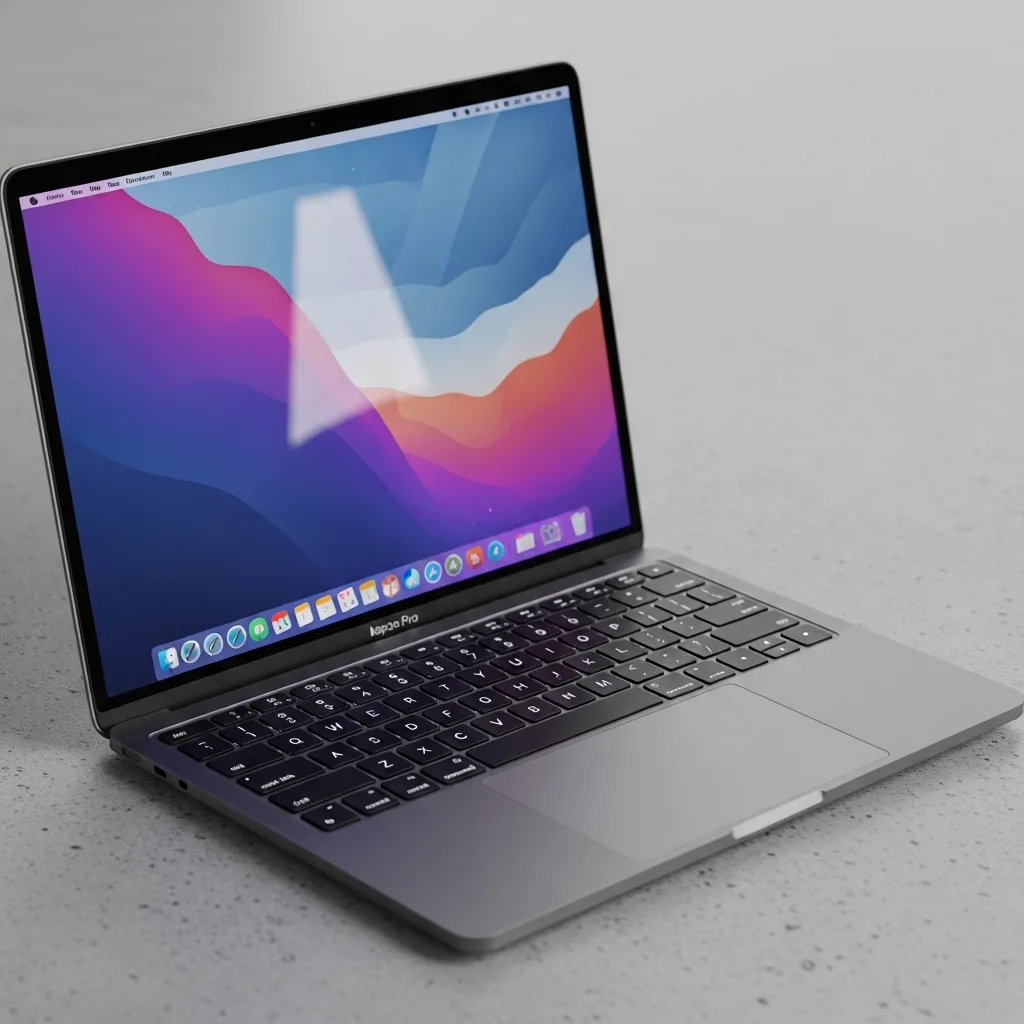
Sitting down to use your Mac and being greeted by a completely black screen is one of those moments that immediately raises your heart rate. Sometimes you can hear the fan spinning or a startup chime playing, yet nothing ever appears on the display. Other times the screen was working perfectly one moment and simply goes dark the next, with no warning at all. A black display doesn't necessarily mean your Mac is beyond saving, and in most cases the underlying cause can be identified fairly quickly once someone takes a proper look under the hood.
Different Types of Black Screen Issues
Not all black screens are the same, and the specific pattern often points toward a different cause. A Mac that shows signs of power, fan noise, keyboard backlighting, or a chime, but never actually displays anything, suggests the machine is starting up but failing somewhere between boot and display output. A screen that goes black only occasionally, particularly during specific tasks like video playback or gaming, points toward a graphics-related issue rather than a complete display failure. There's also the scenario where the screen appears to be on, evidenced by a faint backlight glow, yet no image ever appears, which typically narrows the cause down to something more specific within the display assembly itself.
Common Causes Behind a Black Display
Graphics processor issues are among the most frequent causes of a black screen, particularly in older MacBook Pro models that use a dedicated graphics chip alongside integrated graphics. When this component begins to fail, it can produce anything from occasional glitches to a complete inability to output any image at all. A damaged or disconnected display cable is another common culprit, especially in laptops that have been opened and closed thousands of times over several years, gradually stressing the delicate ribbon cable that connects the logic board to the screen. Software issues, including a failed macOS update or corrupted system files, can also result in a black screen, though these tend to be accompanied by other signs like an unresponsive system or unusual startup behaviour. For those exploring Mac Repairs Rowville after encountering this problem, graphics-related faults and cable issues consistently rank among the most common causes brought in for black screen diagnostics.
Ruling Out External Factors First
Before assuming an internal fault, it's worth eliminating a few external possibilities. Checking whether your Mac is actually receiving power, particularly if the battery may have fully drained, is an easy first step. If you're using an external display, disconnecting it and checking whether the built-in screen works can help determine whether the fault lies with the Mac itself or the connected monitor. Adjusting brightness settings, since a Mac stuck at zero brightness can appear identical to a genuinely black screen, is another simple check worth ruling out before assuming a hardware fault.
A Recent Customer Experience
★★★★★ Google Review — Amelia Foster, Rowville VIC
"My MacBook screen just went completely black in the middle of a video call, no warning at all, even though I could still hear it running and my camera light was on. I was fairly panicked since I had client work saved locally that I hadn't backed up recently. I filled out the repair query form on the Same Day Mac Repairs website that evening and had a booking confirmed for the next morning. They diagnosed a failed display cable and had the part replaced within a few hours of me dropping it off. The screen has been working flawlessly ever since with zero flickering or dimming. What really stood out was how quickly they responded to my online query, I wasn't left waiting around wondering what was happening. Genuinely relieved and would recommend them to anyone dealing with a sudden screen issue like mine."
Why You Shouldn't Attempt This Repair Yourself
Display and graphics-related repairs involve some of the most delicate components inside a Mac, and attempting to diagnose or open the machine yourself risks turning a fixable cable issue into a cracked screen or further internal damage. Distinguishing between a graphics processor fault, a cable issue, and a software problem isn't always obvious from the symptoms alone, which is exactly why a proper diagnostic matters so much before any repair work begins. Rushing into a DIY fix without the right tools or experience often ends up costing more in the long run than having it assessed properly from the start.
Why Filing a Repair Query Form Helps
Submitting a repair query form before bringing your Mac in gives a technician the chance to review your model and described symptoms ahead of time, often leading to a faster, more accurate initial assessment once you arrive. It also means less time spent explaining the issue in person and more time spent actually diagnosing and fixing the problem. For anyone dealing with a black screen and feeling uncertain about next steps, filing a query online is usually the quickest way to get clarity and a same-day appointment.
Conclusion
A black Mac display is undeniably alarming, but it's rarely a sign that your machine is beyond repair, and in most cases the cause, whether a graphics fault, a damaged cable, or a software issue, can be identified and resolved without needing a full replacement. The key is getting a proper diagnostic rather than guessing, since display issues can look deceptively similar despite having very different underlying causes. If your Mac's screen has gone black, filing a repair query today is the fastest way to get an accurate answer and a same-day fix. Same Day Mac Repairs offers prompt response times and thorough diagnostics, helping you get your screen working again without unnecessary delay or stress.