
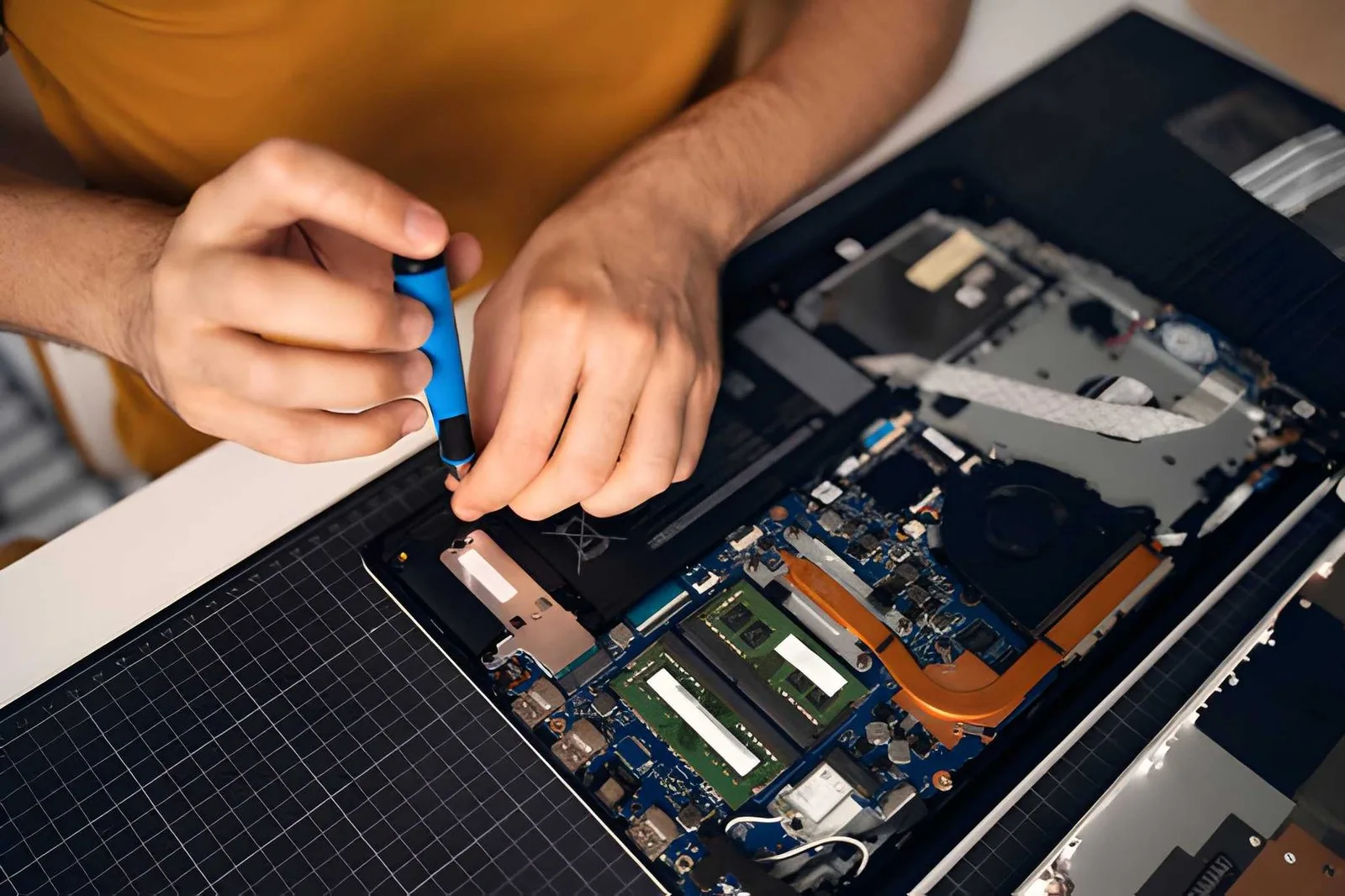
Is a laptop running slowly? Does it refuse to turn on, overheat, or lose battery power too quickly? These problems can make work, school, and daily tasks harder. With Lakewood computer repair, laptop users can explore ways to solve common issues and learn when professional help may be needed.
Some laptop problems have simple solutions, while others may need a trained repair professional. Knowing the possible cause can help users avoid extra damage and decide what to do next.
Key Takeaways
- Restarting a laptop may fix some minor software problems.
- Slow performance can be linked to low storage, too many open apps, or other issues.
- Overheating may happen when air vents are blocked.
- Important files should be backed up before repair.
- A repair professional can check problems that do not improve with basic steps.
1. Why Is a Laptop Running Slowly?
A slow laptop may have too many apps running, limited storage space, outdated software, or a hardware problem. Closing unused apps and restarting the device can help improve performance in some cases.
Here are a few simple steps to try:
- Close apps that are not being used.
- Restart the laptop.
- Remove unwanted files after checking that they are no longer needed.
- Install trusted system updates.
- Check which apps open automatically when the laptop starts.
Users should avoid deleting files they do not understand. If the laptop remains slow after these steps, a repair professional can check for storage, memory, or other hardware issues.
2. What Should Someone Do When a Laptop Will Not Turn On?
A laptop that will not turn on may have a drained battery, a faulty charger, a damaged charging port, or another hardware problem. Checking the power supply is a useful first step.
The user can try these steps:
- Check that the charger is firmly connected.
- Test the wall outlet with another device.
- Look for damage to the charging cable or adapter.
- Disconnect unnecessary accessories and try starting the laptop again.
- Follow the laptop maker's instructions for a safe restart.
If there is a burning smell, unusual heat, a swollen battery, or visible damage, the laptop should not be used or charged. Professional help is the safer option.
3. How Can Laptop Overheating Be Reduced?
A laptop may overheat when its air vents are blocked, its cooling fan is not working well, or dust has built up inside. Keeping the vents clear and using the laptop on a hard, flat surface can help airflow.
For better laptop care:
- Avoid using the laptop on beds, blankets, or soft cushions.
- Keep air vents clear of objects.
- Shut down the laptop if it becomes unusually hot.
- Do not open the device unless the user knows how to do so safely.
If the fan makes unusual noises or the laptop keeps shutting down due to heat, a repair shop can inspect the cooling system.
4. What Can Help When a Laptop Battery Drains Quickly?
A laptop battery that loses power quickly may be affected by high screen brightness, apps using a lot of power, battery age, or a battery fault. Changing a few settings may help, but an old or damaged battery may need service.
Users can lower screen brightness, close unused apps, and check the battery settings available on their device. They should also look for battery health information if their laptop supports it.
A battery that swells, leaks, or becomes unusually hot should not be handled or charged. The device should be taken out of use and checked by a qualified repair professional.
5. How Can Laptop Wi-Fi Problems Be Fixed?
Laptop Wi-Fi problems may come from a weak signal, router issues, incorrect network settings, or a software fault. Checking whether other devices can connect to the same network can help narrow down the cause.
Try these steps:
- Check whether Wi-Fi is turned on.
- Move closer to the router.
- Restart the router if other devices also have connection problems.
- Restart the laptop.
- Check for available network updates or follow the device maker's troubleshooting guide.
If the laptop cannot connect to any network, its network settings or hardware may need to be checked.
6. When Should Someone Visit a Computer Repair Shop?
A laptop should be checked by a repair professional when basic troubleshooting does not solve the problem or when there are signs of hardware damage. A professional check can help identify the cause before unnecessary parts are replaced.
When choosing a computer repair shop Los Angeles users should look for clear pricing, relevant repair experience, and an explanation of the work required. Those searching for computer repair in Huntington Beach can use the same checks when comparing local service providers.
Before booking, users should ask:
- Does the shop repair their laptop brand and model?
- What is the estimated cost?
- How long might the repair take?
- Is there a warranty on the repair or parts?
- How will personal files and data be handled?
A good repair service should answer these questions clearly without promising results before checking the device.
7. How Can Laptop Files Be Protected Before Repair?
Backing up important files before repair helps reduce the risk of losing photos, documents, and other personal information. If the laptop still works, files can be copied to an external drive or a trusted cloud service.
Users should also keep track of important account details without sharing passwords unnecessarily. If a repair requires access to the device, they should ask the repair provider what access is needed and why.
For more guidance, Microsoft's Windows backup support provides information about saving and restoring files on supported Windows devices. Mac users can review Apple's Mac support resources.
Get Help With Laptop Problems in Lakewood
Persistent laptop problems can affect work, study, and everyday life. When simple steps do not help, a professional check can identify the issue and explain the available repair choices.
For help with a slow laptop, power issue, charging problem, or other computer fault, visit Cracked My Phone to learn more about its computer repair services. Contact the team with the laptop model and a description of the problem to ask about repair options, estimated costs, and service time.
Frequently Asked Questions
1. What are the most common laptop problems?
Common laptop problems include slow performance, battery issues, overheating, charging faults, Wi-Fi trouble, and startup failures. The cause depends on the device and its condition.
2. Can a slow laptop be fixed at home?
Some slow laptops improve after a restart, closing unused apps, and freeing up storage space. If the issue does not go away, a repair expert can check the laptop and find the cause.
3. Why does a laptop turn off by itself?
A laptop may shut down because of overheating, battery trouble, power issues, or software errors. If the laptop keeps shutting down on its own, a repair expert should check what is causing the problem.
4. How much does laptop repair cost in Lakewood?
The cost depends on the laptop model, the fault, and the parts or work required. If the laptop keeps shutting down on its own, a repair expert should check what is causing the problem.
5. Is it worth repairing an old laptop?
Repair may be worthwhile if the laptop still meets the user's needs and the repair cost is reasonable. Comparing the repair estimate with the cost of a suitable replacement can help with the decision.
6. What should someone do before taking a laptop for repair?
The user should back up important files if possible, note the problems, and ask about repair costs and warranty terms. They should also follow the repair provider's instructions for preparing the device.
Author: Alex Morgan
Author Bio: Alex Morgan writes educational content about computers, laptop care, common device problems, and repair options. The articles aim to help readers understand basic troubleshooting and make informed choices about device maintenance.