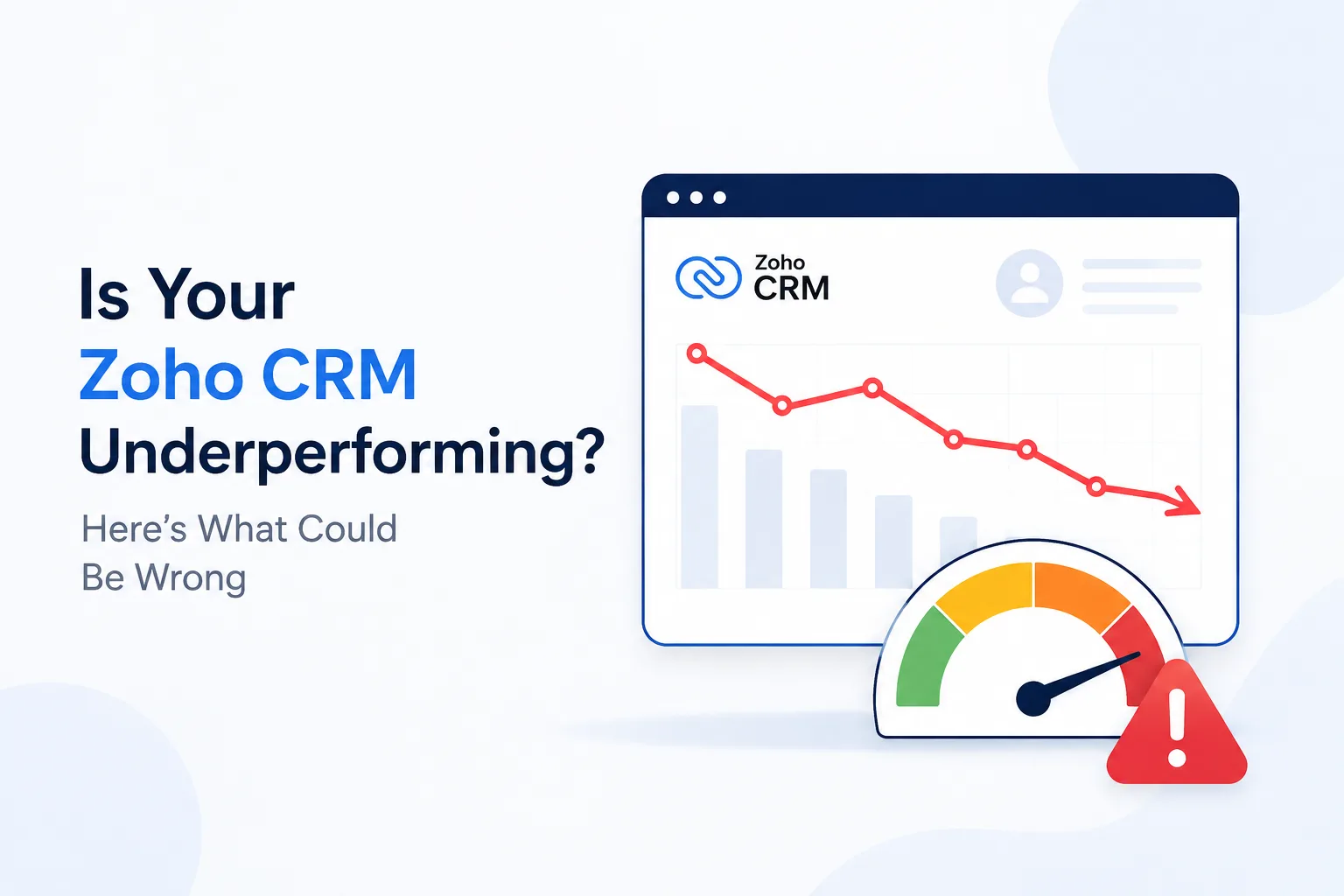
Is Your Zoho CRM Underperforming? Here's What Could Be Wrong
A CRM should make your business more organized, not more complicated.
If your sales team is still maintaining spreadsheets, employees are forgetting to update customer records, managers don't trust CRM reports, or your team is using only a fraction of the system's capabilities, something may be wrong.
For businesses using Zoho CRM, these problems don't necessarily mean the platform is the wrong choice. In many cases, the real issue is how the CRM has been configured, adopted, maintained, or connected to other business processes.
A CRM can have all the right features and still underperform if those features aren't aligned with how your business actually works.
So, how do you know whether your Zoho CRM is underperforming—and what could be causing it?
Let's look at the most common reasons.
What Does an Underperforming Zoho CRM Look Like?
CRM performance isn't just about whether the software is running without technical errors. A CRM is underperforming when it isn't delivering the business outcomes it was introduced to achieve.
Some common warning signs include:
- Salespeople continue using spreadsheets to manage opportunities.
- Customer information is incomplete or outdated.
- Employees regularly avoid updating CRM records.
- Managers don't fully trust pipeline reports.
- Leads aren't followed up with consistently.
- Employees spend too much time entering or searching for information.
- Different departments maintain separate customer databases.
- Important processes still depend on manual work.
Your team uses only basic CRM features despite having more capabilities available.
If several of these problems sound familiar, the issue may not be the CRM platform itself. It may be the way the system has been implemented and used.
1. Your Zoho CRM Doesn't Match Your Business Processes
One of the most common reasons a CRM underperforms is a mismatch between the software and the way the business operates. Every organization has its own sales cycle, customer journey, approval process, and reporting requirements.
If your CRM was configured around generic assumptions rather than your actual workflows, employees may find themselves completing unnecessary steps.
Why This Creates Problems
Imagine a sales team that qualifies leads using specific criteria, but the CRM doesn't capture those criteria clearly.
Salespeople may create their own notes or spreadsheets to track the information.
Over time, important customer information exists outside the CRM.
The CRM may still contain plenty of data, but it no longer represents the complete sales process.
What to Look At
Review your:
- Lead stages
- Deal stages
- Required fields
- Sales workflows
- Approval processes
- Assignment rules
- Follow-up processes
The objective isn't to customize every part of the CRM. It's to make sure the system supports the processes employees actually follow.
2. Your Team Isn't Using the CRM Consistently
A CRM cannot provide reliable visibility if employees don't consistently use it.
This is one of the clearest signs that something isn't working.
For example, a salesperson may update a deal only when management asks for a report. Another employee may keep customer notes in email. Someone else may track follow-ups in a spreadsheet.
The result is fragmented information.
Why CRM Adoption Matters
When employees don't consistently update the CRM, managers lose visibility into what's really happening.
They may see:
- Outdated opportunities
- Missing customer interactions
- Incorrect deal stages
- Incomplete lead information
- Unreliable forecasts
The CRM becomes the official source of information—but not the source employees actually rely on.
How to Improve Adoption
Instead of simply telling employees to "use the CRM," find out why they're avoiding it.
Is the system difficult to navigate?
Are there too many required fields?
Does updating records take too long?
Do employees understand how the CRM helps them?
Removing unnecessary friction can often improve adoption more effectively than additional training alone.
3. Poor Data Quality Is Making Your CRM Less Useful
Even the best CRM becomes unreliable when the data inside it is inaccurate.
Duplicate contacts, missing information, outdated customer details, incorrect deal values, and inconsistent data entry can quickly affect CRM performance.
The Hidden Impact of Bad Data
Poor data doesn't just create a messy database. It can affect business decisions. For example, if several customer records are duplicated, a sales manager may see an inflated number of prospects.
If opportunities aren't updated, pipeline reports may look healthier than they actually are. If customer information is outdated, sales and support teams may waste time working with incorrect information.
Create Better Data Management Practices
Businesses should establish clear rules for:
- What information employees need to enter
- Which fields are mandatory
- How records should be named
- How duplicates are handled
- When customer information should be updated
- Who is responsible for maintaining data quality
Regular CRM data audits can also help identify problems before they spread across the system.
4. You're Doing Too Much Manually
If employees are spending significant time performing repetitive CRM tasks, you're probably not getting the full value from your system.
Think about activities such as:
- Assigning leads
- Sending follow-up reminders
- Updating records
- Notifying team members
- Moving information between stages
- Creating routine tasks
- Generating recurring reports
Some of these activities may be suitable for automation.
Automation Should Remove Friction, Not Add Complexity
The goal isn't to automate every possible process.
Too much automation can create its own problems.
Instead, identify repetitive tasks that are predictable, time-consuming, and don't require much human judgment.
Automating the right processes can give employees more time to focus on conversations, relationships, and revenue-generating activities.
5. Your CRM Isn't Properly Connected to Other Systems
Your CRM doesn't operate in isolation. Most businesses use several other applications for marketing, finance, customer support, communication, websites, payments, or analytics. When these systems don't work together properly, employees may have to manually transfer information.
What Happens When Systems Are Disconnected?
Consider a simple customer journey:
A prospect fills out a website form.
Someone manually enters the information into the CRM.
The sales team updates the opportunity.
Finance receives information through another system.
Customer support later creates a separate customer record.
Every manual handoff increases the possibility of delays, duplicate records, and mistakes. A properly planned integration strategy should reduce these gaps and allow information to move between systems more efficiently.
6. Your Reports Look Good—but the Data Behind Them Doesn't
A polished CRM dashboard doesn't automatically mean the information is accurate.
This is an important distinction. Management may have access to detailed sales reports, pipeline charts, and performance dashboards. But if employees aren't updating the underlying records, those reports can create a false sense of confidence.
Ask These Questions About Your Reports
- Are sales stages updated regularly?
- Are closed deals actually marked as closed?
- Are lost opportunities categorized correctly?
- Are lead sources recorded consistently?
- Are duplicate records affecting the numbers?
- Are salespeople entering the same information in the same way?
If the answer to several of these questions is no, improving data quality should come before creating more dashboards.
Better reporting starts with better data.
7. Your Zoho CRM Has Become Too Complicated
Customization can be useful when it solves a genuine business problem.
But over time, businesses can add so many fields, workflows, automations, layouts, and custom processes that the CRM becomes difficult to use.
Signs of Over-Customization
Your CRM may be overly complicated if:
- Employees aren't sure which fields they need to complete.
- Simple tasks require multiple screens.
- Workflows frequently create unexpected results.
- Only one or two people understand how the system works.
- New employees require extensive training for basic tasks.
- Administrators are afraid to change anything because it might break another process.
A CRM should be flexible, but flexibility shouldn't come at the expense of usability.
Regularly reviewing and removing unnecessary customization can make the system easier to manage.
8. Training Stopped After Implementation
Launching a CRM isn't the end of the implementation process.
It's the beginning of adoption. Employees may understand the basics during initial training but struggle when they encounter real-world situations later.
New employees also need training, while existing employees may need guidance when workflows or processes change.
Make Training Practical
Instead of focusing only on where different buttons and menus are located, training should explain how the CRM fits into everyday work.
For example:
Instead of:
"Here's how to create a deal."
Focus on:
"When should you create a deal, what information should you capture, and what happens after the deal is created?"
This helps employees understand the purpose behind the process rather than simply memorizing steps.
9. You're Not Using the CRM's Capabilities Effectively
Sometimes the problem isn't poor configuration or adoption.
It's simply that the business hasn't explored what the CRM can actually do.
A company might use Zoho CRM for contact management and opportunity tracking while continuing to manage other processes manually. That doesn't mean every available feature should be activated.
Focus on Business Problems, Not Features
Instead of asking:
"Which CRM features aren't we using?"
Ask:
"Which business problems are still taking too much time or creating too many errors?"
Then determine whether your existing CRM capabilities can address those problems.
This approach prevents unnecessary complexity while helping the business get more value from its existing investment.
How to Find Out What's Actually Wrong With Your Zoho CRM
If your CRM isn't performing as expected, don't immediately start changing everything.
Start with a structured review.
Step 1: Talk to the People Using It
Ask sales, marketing, customer service, and management teams what frustrates them about the CRM. The answers may reveal problems that aren't visible from an administrator's perspective.
Step 2: Map the Current Workflows
Document how leads, opportunities, customers, and information actually move through the business. Then compare those processes with what happens inside the CRM.
Step 3: Review Your Data
Look for duplicates, missing information, outdated records, and inconsistent entries.
Step 4: Review Automation and Integrations
Identify manual processes that could be simplified and integrations that may be creating unnecessary complexity.
Step 5: Measure Adoption
Look beyond login numbers.
Check whether employees are actually updating records, completing activities, maintaining opportunities, and using the system as intended.
When Should You Consider Professional Zoho CRM Support?
Sometimes an internal review is enough to identify simple problems.
Other situations require deeper expertise. If your CRM has complex customizations, multiple integrations, significant data-quality issues, or low adoption across departments, working with a Zoho CRM solution provider can help.
A qualified Zoho implementation or Zoho consulting partner can review the existing setup, identify process gaps, simplify configurations, improve integrations, and help align the CRM with your business requirements. The goal shouldn't be to add more complexity.
It should be to make the CRM easier to use and more valuable to the people who depend on it.
The Bottom Line
If your Zoho CRM is underperforming, don't assume the software is the problem.
The real issue could be your processes, data, user adoption, automation, integrations, customization, or training. A CRM delivers value when it fits naturally into the way a business works.
So before replacing your CRM or investing in more technology, take a step back and ask:
Are we using our CRM effectively—or have we simply configured a powerful system without aligning it with the business?
Answering that question can reveal where the real problem lies and, more importantly, what needs to change to get your CRM working the way it should.