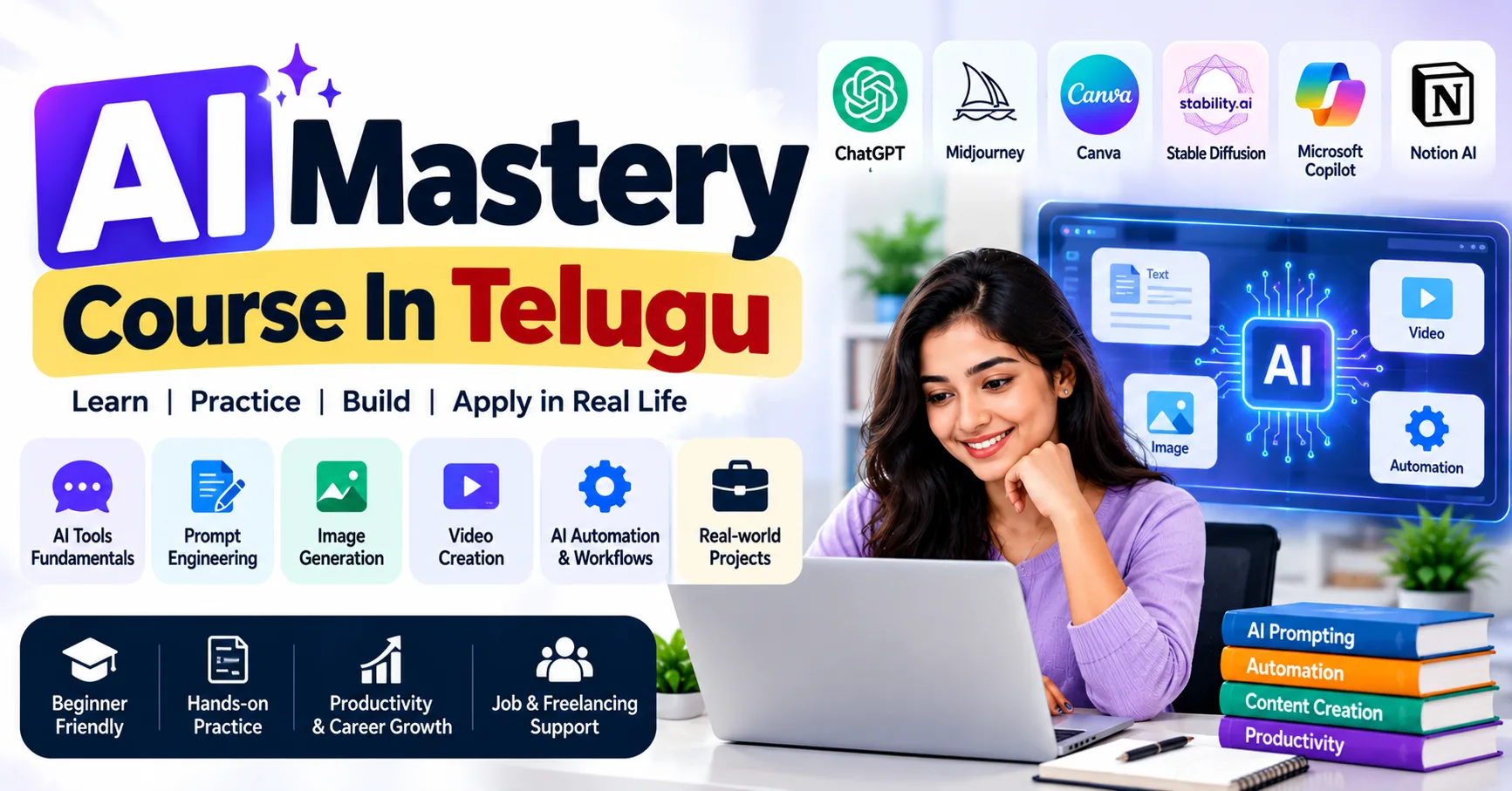
Artificial Intelligence is transforming the modern workplace by helping professionals improve productivity, organize information, communicate effectively, and solve problems. From writing professional emails and preparing reports to analyzing data and automating repetitive tasks, AI tools can support people across different industries. Students, freshers, entrepreneurs, and working professionals can benefit from learning how to use these technologies responsibly. An AI Mastery Course in Telugu can help Telugu-speaking learners understand AI concepts, explore practical tools, and develop skills they can apply in their personal learning and professional activities.
Why Are AI Skills Important for Professionals?
Professional development involves continuously improving the knowledge and abilities needed to perform effectively at work. As organizations adopt digital technologies, employees increasingly need to understand how to use modern tools, interpret information, and adapt to changing workflows.
AI tools can support these efforts by reducing some repetitive work and helping users complete specific tasks more efficiently. However, using AI effectively requires more than knowing which tools are available. Professionals also need critical thinking, communication, problem-solving, and the ability to evaluate AI-generated results.
Developing these combined skills can help individuals adapt to new responsibilities and improve the quality of their work.
1. Improve Communication and Professional Writing
Clear communication is essential in almost every profession. Employees regularly write emails, prepare reports, document processes, communicate with clients, and share project updates.
AI writing assistants can help organize ideas, improve sentence structure, and adjust the tone of a message.
How AI tools can help:
- Drafting professional emails and business messages.
- Improving grammar and sentence clarity.
- Summarizing lengthy documents.
- Preparing meeting agendas and follow-up notes.
- Creating structured reports and presentations.
- Practicing interview answers and workplace conversations.
For example, if you need to send a project update to your manager, you can provide the key points to an AI assistant and ask it to organize them into a concise, professional message.
Always review the final draft to ensure that it accurately represents your meaning and maintains the appropriate tone.
2. Strengthen Research and Information Analysis
Research is an important professional skill, whether you work in marketing, business analysis, education, finance, or technology.
AI tools can help summarize information, generate research questions, compare concepts, and organize findings. They can also help users identify areas that require further investigation.
For example, a digital marketer researching a new campaign can use AI to brainstorm audience segments, organize competitor research questions, and develop an initial content plan.
To use AI effectively for research:
- Define the question you want to answer.
- Provide relevant background information.
- Ask for a structured summary or comparison.
- Verify important claims using reliable sources.
- Organize the findings into actionable recommendations.
AI-generated research should be treated as a starting point rather than unquestionable evidence. Check facts, dates, statistics, and source credibility before using the information professionally.
3. Develop Data Analysis Skills
Data analysis helps professionals understand performance, identify trends, and make informed decisions. AI-powered assistants can support tasks such as explaining spreadsheet formulas, identifying patterns, summarizing datasets, and suggesting suitable visualizations.
Useful skills to develop include:
- Excel and spreadsheet formulas.
- Data cleaning and organization.
- Basic statistics.
- Chart creation and interpretation.
- Report preparation.
- AI-assisted data exploration.
For example, a sales executive could use a spreadsheet to organize monthly sales figures and an AI assistant to help explain the trends shown in a chart.
The figures and conclusions should still be checked independently. AI tools may misinterpret data, overlook unusual values, or suggest explanations that the available evidence does not support.
4. Increase Productivity Through AI Automation
Many professional responsibilities involve repetitive tasks, including organizing information, creating routine updates, tracking requests, and sending notifications.
AI tools and workflow automation platforms can help simplify some of these processes.
Examples include:
- Organizing form submissions into a spreadsheet.
- Creating task lists from approved meeting notes.
- Preparing draft summaries from business data.
- Sending notifications when a new enquiry arrives.
- Classifying customer feedback into categories.
- Connecting supported applications through automated workflows.
For instance, a team can create an automated workflow that records new enquiries and alerts the appropriate employee. AI may also assist in summarizing the enquiry, depending on the system being used.
Before automating a process, define the steps clearly, test different scenarios, and establish human review where mistakes could affect customers or business operations.
5. Improve Digital Marketing Skills with AI
Digital marketing is one area where AI tools can assist with content creation, research, campaign analysis, and workflow planning.
Professionals can use AI to support activities such as:
SEO research: Brainstorm topic ideas, organize keyword lists, and develop content outlines.
Content marketing: Prepare initial blog drafts, social media captions, and email campaign ideas.
Social media management: Create content calendars, suggest post variations, and organize campaign themes.
Advertising: Generate draft advertisement copy and brainstorm audience messaging.
Performance reporting: Summarize approved campaign metrics and prepare report outlines.
AI can make parts of the process more efficient, but it cannot replace the need for sound marketing judgment. Keyword selection should reflect search intent, published content must be accurate and useful, and advertising decisions should be based on actual performance data.
Professionals should also review generated content for originality, brand consistency, and compliance with platform policies.
6. Create Better Presentations and Visual Content
Presentations and visual communication are useful in meetings, training sessions, sales discussions, and business reporting.
AI-assisted design tools can help users brainstorm layouts, generate initial visual concepts, organize slide content, and create draft presentation structures.
Practical applications include:
- Preparing presentation outlines.
- Turning reports into slide summaries.
- Brainstorming infographic concepts.
- Creating social media design drafts.
- Developing training materials.
- Simplifying complex information into visual explanations.
For example, an employee preparing a monthly performance presentation can use AI to organize key findings into a logical sequence before designing the slides.
Review all visuals for readability, factual accuracy, appropriate licensing, and consistency with company branding before sharing them.
7. Build Problem-Solving and Critical-Thinking Skills
AI can help professionals explore alternatives, break complex tasks into smaller steps, and identify possible solutions. However, the ability to evaluate those suggestions remains a human responsibility.
To strengthen problem-solving skills with AI, try the following approach:
- Clearly define the problem.
- Provide the relevant context and constraints.
- Ask for multiple possible approaches.
- Compare the advantages and disadvantages.
- Check assumptions and supporting evidence.
- Select an approach based on the actual situation.
For example, if a campaign is receiving fewer enquiries than expected, AI can help create a list of possible factors to investigate. The marketer should then examine actual campaign data before deciding which factor is responsible.
This approach uses AI as a thinking assistant without allowing it to replace evidence-based decisions.
8. Prepare for Interviews and Career Development
AI tools can also support professional learning and interview preparation.
Job seekers can use them to practice common interview questions, improve resume wording, identify relevant skills in a job description, and prepare examples of their achievements.
Useful activities include:
- Practicing role-specific interview questions.
- Improving the clarity of resume bullet points.
- Preparing a professional introduction.
- Identifying skill gaps from a job description.
- Practicing workplace communication.
- Creating a structured learning plan.
For example, a candidate applying for a digital marketing position can ask an AI assistant to generate questions about SEO, campaign management, analytics, and content strategy.
Use your actual experience when preparing answers. Do not include invented qualifications, achievements, or employment details in a resume or interview response.
Popular AI Tools Professionals Can Explore
Different tools support different professional activities. Their features, integrations, and pricing can change, so review the current product details before choosing one.
ToolPotential Professional UseChatGPTWriting, brainstorming, learning, and summarizationGoogle GeminiResearch assistance, explanations, and content draftingMicrosoft CopilotAssistance with supported Microsoft applicationsCanva AIVisual concepts, presentations, and marketing designsGrammarlyGrammar, clarity, and writing assistanceNotion AIOrganizing notes, documents, and project informationZapierConnecting supported applications through workflowsMakeDesigning visual, multi-step automationsBeginners do not need to learn every tool immediately. Start with one tool that addresses a real need and explore additional applications as your requirements grow.
A Practical 30-Day Plan to Improve Professional Skills Using AI
A simple learning plan can help you build confidence through regular practice.
WeekLearning FocusPractice ActivityWeek 1AI fundamentals and promptingPractice writing emails, summaries, and structured promptsWeek 2Writing and communicationPrepare a report, presentation outline, and professional messagesWeek 3Data analysis and productivityExplore spreadsheet analysis and a simple workflowWeek 4Career-specific applicationComplete a small project related to your professionAt the end of the month, review what you have learned and identify which activities genuinely improved your work. Save suitable examples in a portfolio, but remove confidential information before sharing them.
The timeline is a starting point rather than a guarantee of mastery. Continue practicing and adjust the plan according to your current skills and goals.
Responsible AI Use in the Workplace
Using AI professionally also means understanding its limitations and protecting sensitive information.
Keep these practices in mind:
- Verify information: Check important facts, calculations, and recommendations.
- Protect privacy: Do not enter confidential company or customer information into tools without authorization.
- Review generated content: Ensure that the final output is accurate, appropriate, and relevant.
- Respect intellectual property: Check the rights and usage terms of generated or supplied material.
- Maintain human oversight: Review automated decisions and important communications.
- Follow company policies: Use only approved tools and workflows where required.
Responsible use helps professionals benefit from AI while reducing avoidable risks.
Frequently Asked Questions
1. Can AI tools help improve professional skills?
Yes. AI tools can support writing, research, data analysis, planning, presentation preparation, and interview practice. Their value depends on how effectively you apply and evaluate their outputs.
2. Do I need coding skills to use AI professionally?
No. Many AI tools are designed for users without programming experience. Coding becomes more relevant when developing custom applications, advanced data workflows, or technical AI solutions.
3. Which AI tools are useful for beginners?
General-purpose AI assistants are a practical starting point. You can then explore specialized tools for writing, design, data analysis, or automation according to your professional needs.
4. Can AI improve digital marketing productivity?
AI can assist with content planning, keyword research, draft creation, campaign reporting, and other marketing activities. Human review is essential for accuracy, search intent, brand quality, and campaign decisions.
5. How can I demonstrate my AI skills to employers?
Create practical projects that show how you used AI to solve a problem. Document your approach, the tools involved, the results, and the limitations. Include only claims and results you can verify.
6. Is an AI course suitable for non-technical professionals?
It can be. Look for a course that matches your experience level and includes practical applications relevant to your work. Review the syllabus and learning format before enrolling.
Conclusion
Improving your professional skills using AI tools involves combining technology with communication, analytical thinking, creativity, and responsible decision-making. AI assistants can support writing and research, data tools can help with analysis, and automation platforms can simplify selected workflows.
Start by identifying one task you want to improve, choose an appropriate tool, and practice using it consistently. Build small projects, verify the results, and gradually apply what you learn to your professional responsibilities. With continuous learning and thoughtful use, AI can become a valuable addition to your professional skill set.
https://courses.frontlinesedutech.com/ai-mastery-course-in-telugu/?utm_source=sireesha&utm_medium=off_page&utm_term=articlesubmission_oct2026