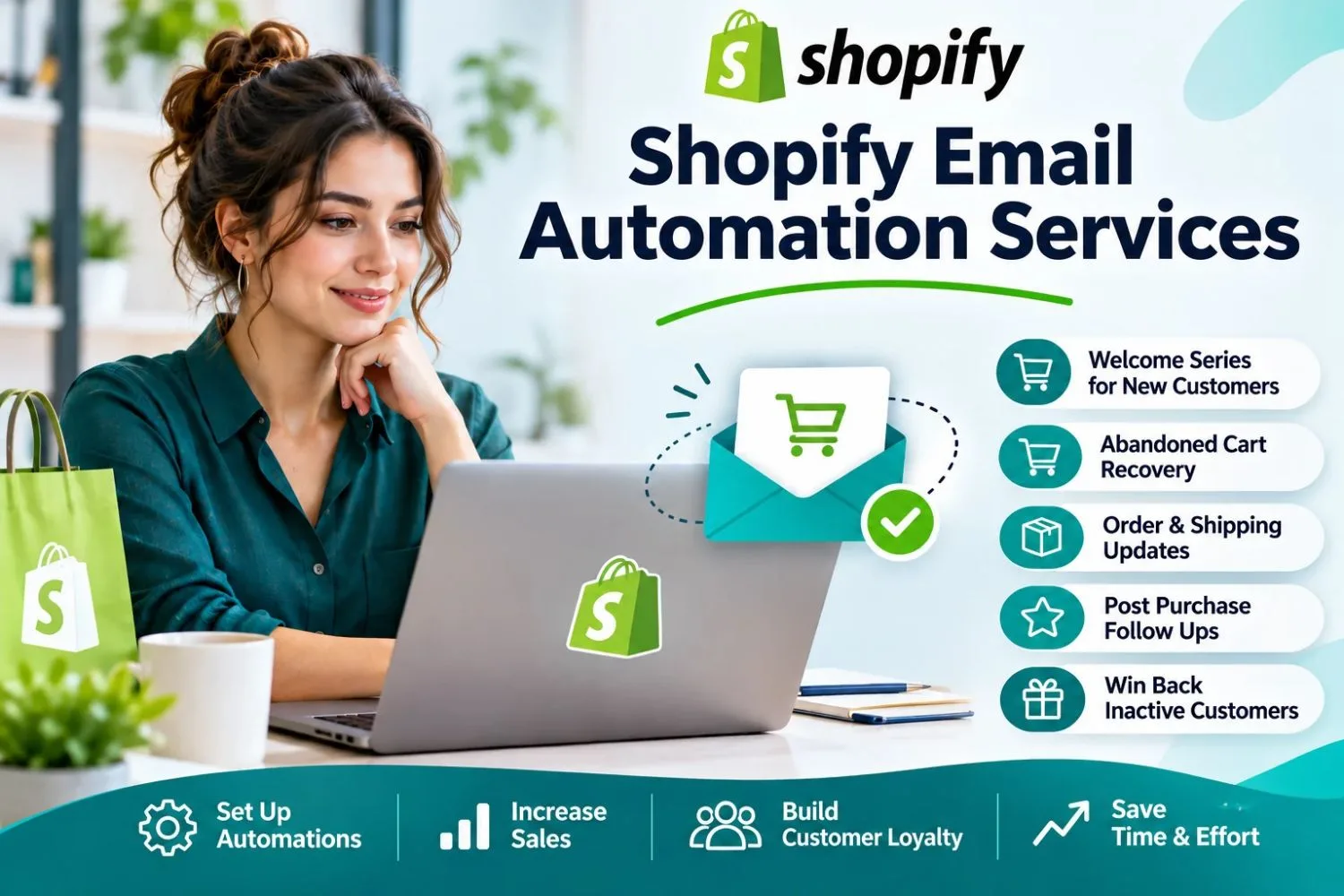
Driving traffic to a Shopify store is expensive, and most visitors leave without buying. Email gives you a way to reach them again, but sending every message manually takes time you may not have. That’s where Shopify Email Automation Services come in: they build systems that follow up with shoppers based on what they actually do in your store.
This guide covers the campaigns that tend to support sales, how to set them up well, and how tools like Klaviyo fit in.
Why Automated Email Supports Sales
Automated emails are triggered by behavior, such as signing up, abandoning a cart, or placing an order. Because they arrive when a customer is already engaged, they tend to feel more relevant than a general newsletter.
Benefits include:
- Timely follow-ups without manual effort
- Messages tailored to different customer segments
- Consistent communication across the buying journey
- Clear reporting on revenue from each flow
Automated Campaigns That Help Drive Sales
Welcome SeriesIntroduce your brand, bestsellers, and policies to new subscribers. A well-planned first impression often leads to the first purchase.
Abandoned Cart and Checkout RecoveryRemind shoppers about items they left behind. Include product images and a direct link back. Test whether an incentive is necessary before offering discounts by default.
Browse AbandonmentWhen visitors view products without adding to cart, a light reminder featuring those items can renew interest.
Post-Purchase and Cross-SellAfter delivery, share usage tips and suggest complementary products. A customer who bought a coffee grinder might welcome a recommendation for beans.
Replenishment and Win-BackFor consumable products, remind customers when they may be running low. For lapsed customers, a friendly check-in can restart the relationship.
Using Klaviyo Effectively
Shopify Klaviyo Integration Services help connect your store data to Klaviyo so flows trigger correctly. A solid integration should include:
- Verified data sync for customers, products, and orders
- Working on-site tracking for browsing and checkout events
- Segments based on purchase history and engagement
- Domain authentication to support inbox placement
Practical Steps to Get Started
- Audit your current emails. Identify missing flows and broken triggers.
- Clean your list. Remove inactive contacts and duplicates.
- Prioritize three flows. Welcome, abandoned cart, and post-purchase are a sensible start.
- Segment your audience. New, repeat, and high-value customers need different messages.
- Test and refine. Adjust subject lines, timing, and offers over time.
- Track the right metrics. Focus on click rate, conversion rate, and revenue per flow.
Common Challenges and Solutions
Over-discounting. Reserve incentives for situations where they’re needed, so you protect margins.
Overlapping emails. Set frequency rules so customers don’t receive several flows at once.
Generic messaging. Use product names, order history, and your brand voice.
Weak deliverability. Authenticate your domain and avoid purchased lists.
FAQs
1. Can email automation really increase sales?
It can help recover missed opportunities and encourage repeat purchases, though results depend on your products, audience, and execution.
2. Which campaign should I start with?
Most stores begin with a welcome series and abandoned cart emails.
3. Do I need Klaviyo?
Not necessarily. Shopify Email covers basics, while Klaviyo offers deeper segmentation and reporting.
4. How often should I send automated emails?
Enough to stay helpful without overwhelming customers. Frequency rules and testing guide the right balance.
5. How long before I see results?
Some flows can show results soon after launch, but improvement comes from ongoing testing.
6. Should I hire a service?
If setup, data cleanup, or testing takes too much time, a specialist can help.
Conclusion
Automated email works best as a steady system rather than a one-off campaign. Start with a few essential flows, keep your data clean, and refine based on real results.
If you’d like experienced support, Shopify Store Manager can plan, build, and manage email automation for your store. Get in touch to discuss your goals.