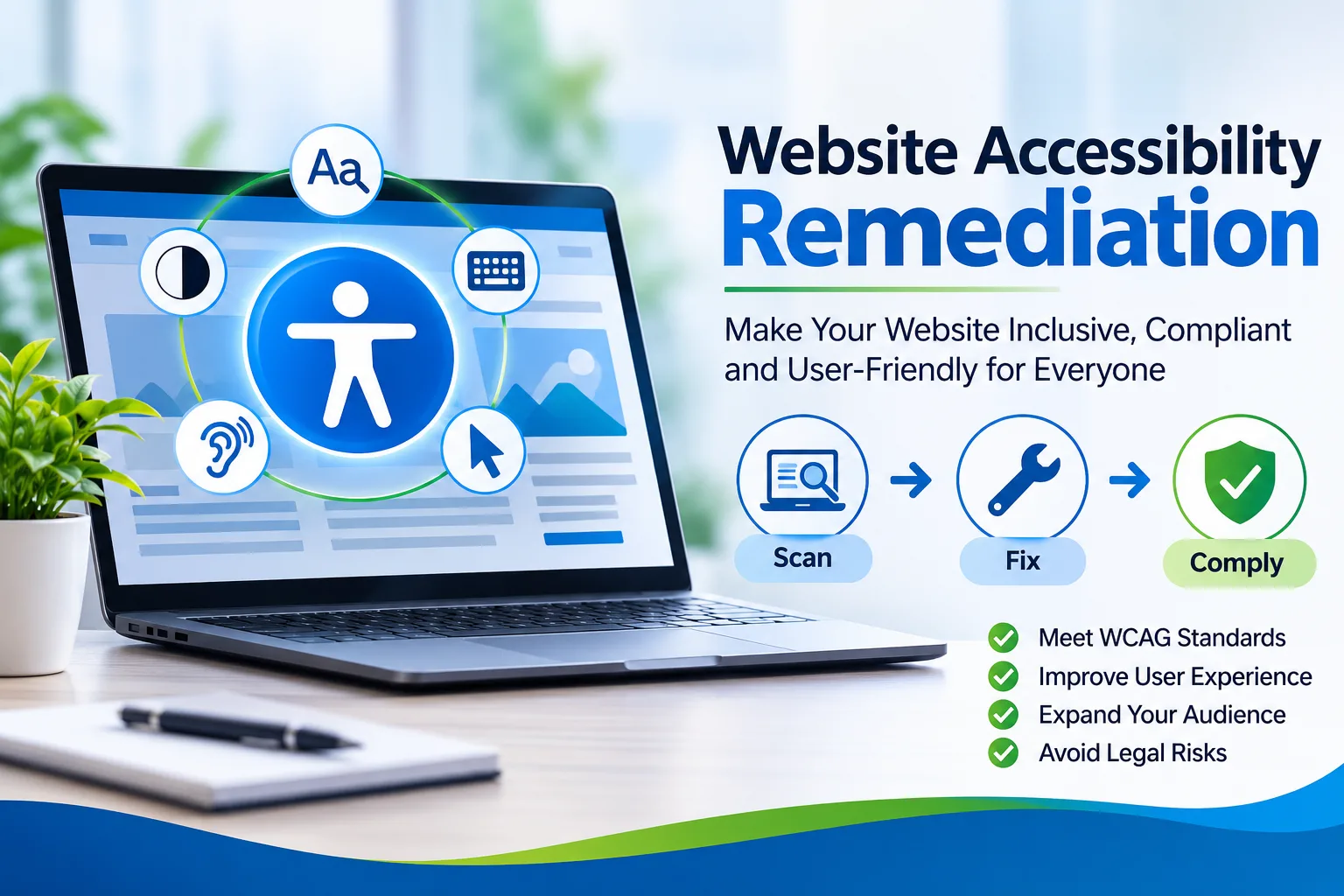
Choosing a partner for website accessibility remediation is easier when you know what a good provider delivers. The short answer is simple: pick a team that audits with automated and manual methods, fixes problems directly in your code and design, retests with real assistive technology, and documents every change. Anything less leaves you with a report instead of a more accessible website.
What Does Accessibility Remediation Actually Involve?
Remediation is the work that begins after an audit. An audit tells you what is broken, while remediation repairs it. That includes adding meaningful text alternatives to images, correcting heading structure, making forms usable with a keyboard, improving color contrast, labeling controls for screen readers, and ensuring dynamic components announce their changes properly. Strong accessibility remediation services handle all of these across templates, components, and content, not just a handful of pages.
Why Does the Choice of Provider Matter So Much?
A weak provider often applies surface patches that hide problems from scanners without helping real people. A visually impaired shopper may still be unable to complete checkout, even though a report shows a clean result. The right partner treats fixes as a user experience improvement, which protects your customers and your reputation.
How Do You Evaluate Accessibility Remediation Services?
Start with how the provider finds problems. Automated scans catch only a portion of barriers, so manual testing with keyboards and screen readers is essential. A strong provider combines scans with expert manual review, while a weak one hands over raw scanner output alone. For fix delivery, look for direct code and design corrections rather than overlay widgets or advice only. Retesting should be verified with assistive technology instead of being skipped once changes go live. Reports should show clear priorities linked to user impact, not long unsorted lists. Finally, a dependable partner offers ongoing monitoring and regression checks, whereas a weak one delivers the work and disappears.
What Should You Ask About WCAG Remediation Services?
Ask which conformance level the provider targets and how they map each fix to a specific success criterion. Request a sample deliverable so you can see whether instructions are written for developers in plain, actionable language. Ask whether their team includes people who use assistive technology daily, because lived experience reveals barriers that checklists miss. Confirm they can work inside your existing development workflow rather than forcing a separate process.
What Does a Real Scenario Look Like?
Consider an online education platform that passed a basic automated scan but received repeated complaints from learners using screen readers. A deeper review showed that its video player controls had no accessible names, its quiz pages trapped keyboard focus, and its error messages were never announced. The team repaired the shared components rather than individual pages, so every course page benefited at once. Complaints dropped sharply after retesting. Fixing root components saves time and delivers lasting results.
How Does ADA Website Remediation Reduce Risk?
ADA website remediation matters because inaccessible sites can expose organizations to complaints and legal demands. No provider can promise immunity, but a documented, ongoing effort shows good faith and steady progress. Look for a partner who keeps a dated record of issues found, fixes made, and retests completed.
How Do You Keep Accessibility Issue Fixing Sustainable?
Accessibility slips back whenever new content or features ship without checks. Sustainable accessibility issue fixing means building testing into your release cycle and training designers, developers, and editors to avoid repeat mistakes. The Tranistics Data Technologies accessibility checker tool gives your team a dependable way to spot barriers before and after fixes go live.
Warning Signs to Avoid
Be cautious of providers who promise instant compliance with a short script, refuse to share their testing method, or deliver reports without developer guidance. Also avoid anyone who treats accessibility as a finished project. Your website changes constantly, and your support should keep pace.
Ready to Fix Your Website the Right Way?
Do not wait for a complaint or a legal notice. Begin with a clear audit, move into expert remediation, and keep your site accessible with regular checks. Run your site through our accessibility checker tool today and take the first confident step toward a website everyone can use.
Frequently Asked Questions
What is the difference between an audit and remediation?An audit identifies accessibility barriers and documents them, while remediation actually repairs those barriers in your code, design, and content.
Can an overlay widget replace proper remediation?No. Overlays often mask problems without fixing the underlying code, so real users can still face barriers. Direct fixes verified by manual testing are far more reliable.
How often should accessibility be rechecked?Recheck whenever you release new pages, features, or design changes, and run regular scans between releases. Tranistics Data Technologies Private Limited supports businesses with thorough auditing, hands-on fixes, and dependable retesting, so contact us today to start building a more inclusive website.