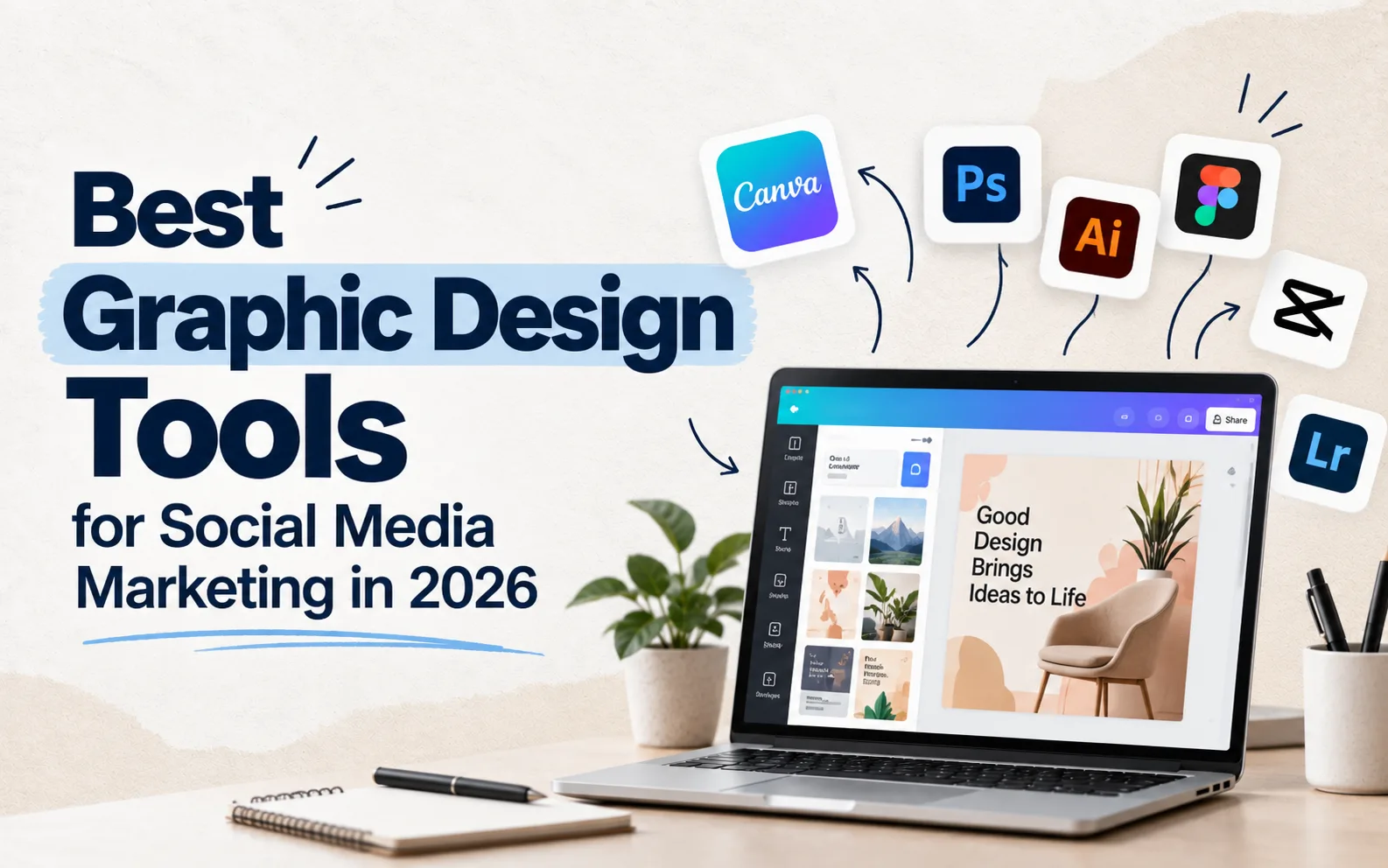
Scroll through any brand's Instagram feed and you can usually tell within a few posts whether someone's actually thinking about design or just throwing text on a stock photo. The tool doesn't make a good marketer, but the right graphic design tools for social media marketing make it a lot easier to actually execute a consistent, professional-looking feed without needing a full-time designer on staff.
Canva - the default starting point for most teams
Canva remains the go-to for a reason: a huge template library, drag-and-drop simplicity, and a free tier generous enough for a small business to run an entire content calendar on. It's particularly strong for quick social posts, carousels, and basic brand kits. The trade-off is that templates can start looking generic once a brand scales, which is where teams usually start layering in more original design work.
Figma - built for teams that need precision and collaboration
Figma is less about quick templates and more about building out a proper design system - brand colors, typography, component libraries that stay consistent across every piece of content. It's the stronger choice once a brand has an actual design process, multiple people touching creative work, or needs pixel-level control that Canva's templates don't offer. The learning curve is steeper, but for a growing marketing team, that investment usually pays off in consistency.
If you're still deciding between the two for your own workflow, the short version is this: Canva for speed and volume, Figma for precision and collaborative design systems. A lot of mature teams end up using both for different purposes rather than picking one exclusively.
Adobe Express - a middle ground worth knowing about
Adobe Express sits somewhere between Canva's simplicity and the full power of Photoshop. It's a solid option for teams already inside the Adobe ecosystem who want quick social content without opening full Photoshop for every single post.
Adobe Photoshop - still the heavyweight for detailed creative work
For genuinely custom creative - photo retouching, complex composites, detailed brand photography editing - Photoshop remains unmatched. It's overkill for a quick Instagram story, but essential when a campaign needs creative that templates simply can't produce.
CapCut - essential now that video dominates social feeds
Design tools used to mean static images, but that's not where most engagement happens anymore. CapCut has become a near-standard tool for editing Reels, TikToks, and short-form video - trimming clips, adding captions, syncing to trending audio. For brands leaning into video content (and most should be, given how heavily platforms now favor it), this belongs in the toolkit alongside whatever handles static design.
Later and Buffer - less about design, more about getting it published consistently
These aren't design tools exactly, but they solve a real problem: consistency. Scheduling content in advance, planning a visual grid, and maintaining a steady posting rhythm matters almost as much as the design quality itself, since platforms generally reward accounts that post consistently over ones that post sporadically, however good any individual piece looks.
Choosing the right stack for your team
A solo founder running their own social media probably doesn't need Figma - Canva plus a scheduling tool covers most needs. A growing brand with a dedicated marketing team benefits from Figma for brand consistency, Photoshop for custom creative, and CapCut for video, used together rather than any single tool trying to do everything. The mistake most businesses make isn't picking the "wrong" tool - it's trying to force one tool to do a job it was never built for, which usually shows up as inconsistent, template-heavy content that doesn't actually look like a cohesive brand.
Design principles that matter more than the tool itself
Whatever tool you pick, a few fundamentals carry more weight than the software: consistent brand colors and fonts across every post, enough contrast and simplicity that content is readable on a small phone screen, and a visual style distinct enough that someone scrolling fast would recognize it as yours before reading a single word. These principles matter in social media graphic design regardless of whether you're working in Canva or Figma - the tool executes the strategy, it doesn't replace it.
Frequently asked questions
Is Canva good enough for a small business, or do I need Figma? For most small businesses just starting out, Canva is more than sufficient. Figma becomes more valuable once you're managing a larger team or need a tightly controlled brand design system.
What's the best free tool for social media graphics? Canva's free tier is the strongest starting point for most small teams, with Adobe Express as a solid alternative if you're already using other Adobe products.
Do I need a video editing tool separate from my design tool? Generally yes - CapCut (or a similar dedicated video editor) handles short-form video far better than image-focused design tools, and video now drives a large share of social engagement.
The takeaway
The right graphic design tools for social media marketing depend entirely on your team size, budget, and how much creative control you actually need. Start simple, add tools as your content needs genuinely outgrow what you're using - not because a tool trended on someone else's "must-have app" list.