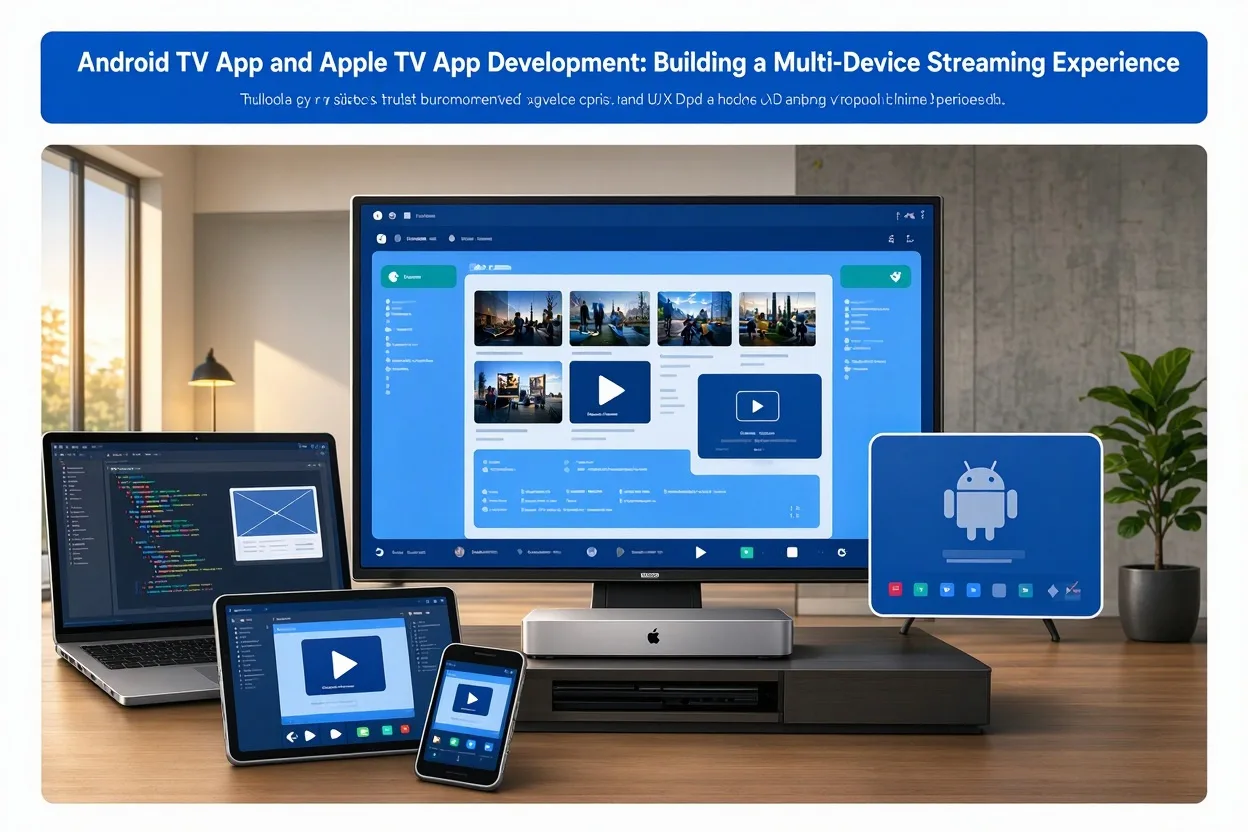
Streaming audiences use different devices depending on their preferences, location, and viewing habits. Some watch content through Android TV devices, while others use Apple TV or connected televisions with built-in streaming capabilities. For media companies and content owners, supporting multiple platforms can help expand audience reach.
An Android TV app can provide a television-focused experience for users in the Android TV ecosystem. Apple TV app development can support audiences using Apple's television platform. Although the applications may share a content backend, each requires careful attention to its own interface, technical environment, and distribution requirements.
Understanding the Android TV App Experience
An Android TV app is designed for television screens and remote-control navigation. It may provide live television, on-demand video, entertainment libraries, educational content, or specialised streaming services.
The interface should be easy to navigate from a distance. Large visual elements, clear text, and predictable focus movement help users select content without confusion.
A typical streaming app may include:
- A home screen with featured content.
- Categories and content collections.
- Search and programme details.
- A video player.
- User account access.
- Playback and resume controls.
- Live channels or scheduled programming, where applicable.
The exact features depend on the service's business model and content strategy.
Planning Apple TV App Development
Apple TV applications are designed for viewers using Apple's television platform. The experience should reflect the platform's interface conventions and make content discovery simple.
Before development, define the intended audience and the content the application will provide. A movie service may require categories, search, watchlists, and detailed programme information. A live channel service may need a channel guide and simple controls for switching between streams.
Apple TV app development should also account for application performance, video playback, navigation, and platform review requirements.
A well-planned application should be easy to use with the Apple TV remote and should make it clear how viewers can access the content they want.
Designing a Consistent Brand Across Devices
A multi-platform streaming service should maintain a consistent brand identity. This includes logos, colours, content artwork, programme descriptions, and the overall tone of the application.
However, consistency does not mean using the exact same layout on every device. Each television platform has different interface conventions and technical requirements.
The goal is to maintain a familiar brand while adapting the navigation and presentation to the device.
For example, a mobile interface may use touch-based menus, while a television interface needs focus-based navigation. A website may display several content rows at once, while a television screen may require larger cards and fewer visible controls.
Building a Shared Streaming Backend
The backend can often be shared across television applications. It may provide content metadata, user accounts, subscription information, media assets, and stream delivery.
A central content management system allows administrators to update programme details and manage the library without manually changing each application.
This can reduce operational complexity, particularly when the service supports several device platforms.
The backend should also provide suitable APIs and access controls. Applications should receive only the information and content that users are permitted to access.
Video Delivery and Playback Quality
Streaming quality is a major part of the television experience. Videos should be encoded into appropriate formats and delivered through reliable infrastructure.
Adaptive bitrate streaming can adjust playback quality based on the viewer's connection. This can help reduce buffering while maintaining the best available quality.
Testing should cover different internet speeds, video resolutions, and device capabilities. It should also include playback start time, audio and video synchronisation, and recovery from temporary connection problems.
Supporting Live and On-Demand Content
A streaming service may provide both recorded videos and live channels.
On-demand content allows viewers to choose what they want to watch and when. Live content requires a more coordinated workflow that includes incoming sources, scheduling, monitoring, and delivery.
If the application supports live television, programme information should be accurate and updated when schedules change. For important events, technical teams should prepare backup plans in case the primary stream becomes unavailable.
Testing and Distribution
Each application should be tested on the devices and operating system versions it intends to support.
Testing should include navigation, content loading, playback, account access, and application stability. It is also important to review the current submission and distribution requirements for each platform before release.
Platform guidelines may change, so developers should confirm the latest requirements during implementation rather than relying on outdated assumptions.
Conclusion
An Android TV app can serve audiences in the Android television ecosystem, while Apple TV app development can extend a streaming service to Apple's television platform.
A shared backend, consistent content management, and careful platform-specific design can help make multi-device streaming more manageable. By prioritising reliable playback and simple navigation, businesses can build a television experience that feels natural to viewers across different devices.