
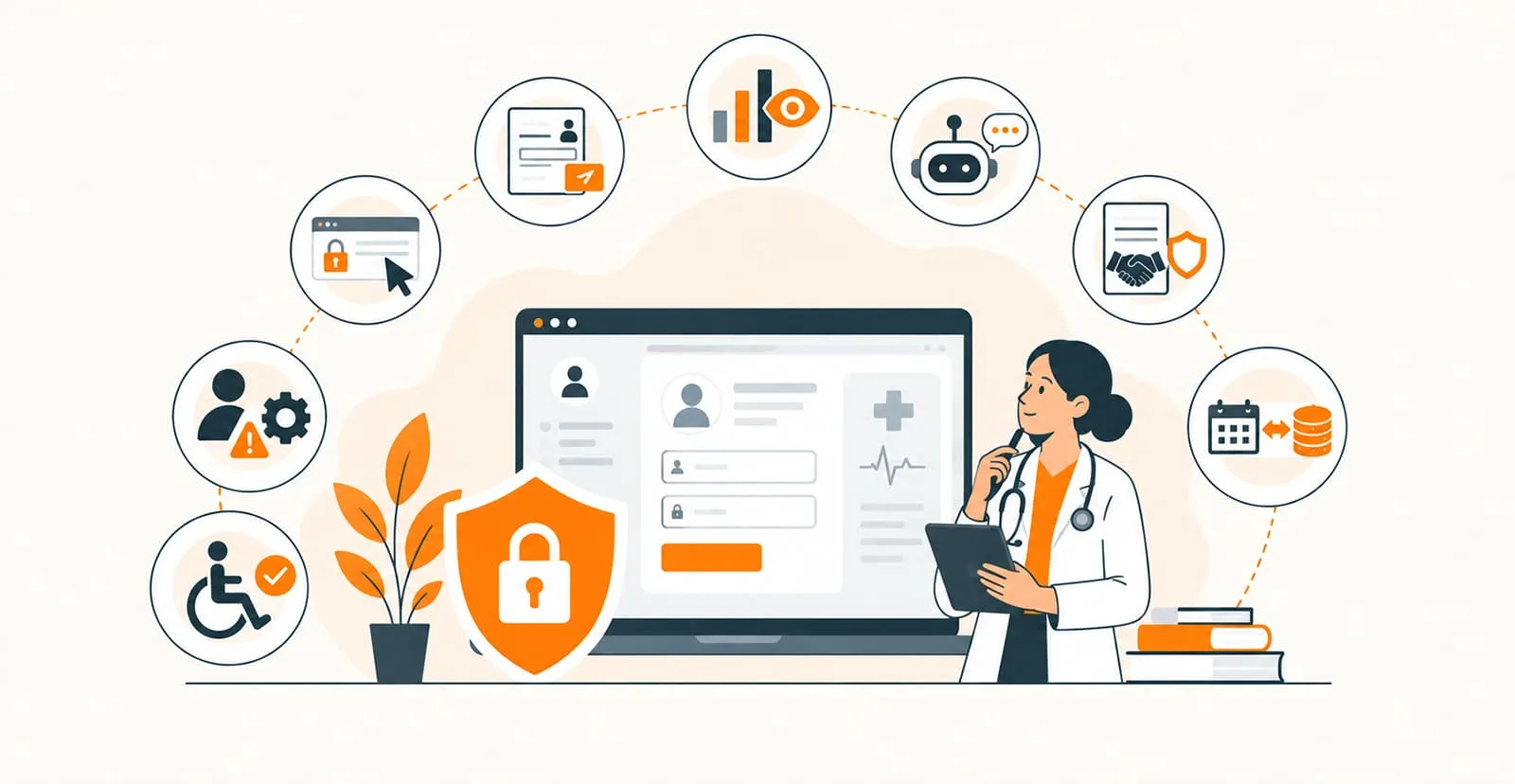
A healthcare website is often the first place patients visit to learn about medical services, explore treatment options, and book appointments. However, creating an attractive website is only part of the process. Healthcare practices must also consider patient privacy, data security, and applicable HIPAA requirements when their websites collect or process protected health information (PHI).
In this guide, we explore eight common mistakes healthcare practices make and explain how to address them.
Read Blog: HIPAA-Compliant Website Design: 8 Things Every Practice Gets Wrong
Why HIPAA-Compliant Website Design Matters
The Health Insurance Portability and Accountability Act (HIPAA) establishes privacy and security requirements for covered healthcare entities and their business associates. When a website collects, stores, or transmits electronic protected health information, its relevant systems and workflows must be designed to meet applicable requirements.
1. Using Unsecured Contact and Appointment Forms
One common mistake is using standard website forms that allow patients to submit sensitive medical information without appropriate safeguards.
Patients may enter symptoms, insurance details, or reasons for requesting an appointment. If these submissions are sent to an unsecured email inbox or stored in an inadequately protected database, private information may be exposed.
How to fix it:
- Use secure form solutions appropriate for healthcare data.
- Collect only the information necessary for the intended purpose.
- Encrypt data during transmission and protect stored information.
- Route sensitive intake details through an appropriately secured patient system.
- Verify that relevant service providers meet applicable HIPAA obligations.
2. Ignoring Website Security and HTTPS
A website without properly configured HTTPS can expose information exchanged between visitors and the website. Even when HTTPS is enabled, outdated software, weak access controls, and insecure integrations may create additional vulnerabilities.
How to fix it:
Install and maintain a valid SSL/TLS certificate, enforce HTTPS across the website, and eliminate mixed-content issues. Keep your content management system, plugins, and dependencies updated. Use strong authentication, restrict administrative access, and conduct regular security assessments.
Remember that HTTPS is an important security measure, not a guarantee of HIPAA compliance.
3. Installing Third-Party Analytics Without Reviewing Privacy Risks
Analytics and advertising tools can help healthcare practices understand website performance. However, certain tracking technologies may transmit identifiers or browsing information that becomes sensitive when associated with healthcare services or patient activity.
Adding a tracking script without reviewing what information it collects and shares can introduce privacy risks.
How to fix it:
Audit analytics platforms, advertising pixels, session-recording tools, and other scripts. Identify the data each tool receives and determine whether it can access protected health information. Remove or appropriately configure tools that create unacceptable disclosures, especially on appointment, intake, and patient portal pages.
Choose analytics methods that support your privacy obligations and review them regularly.
4. Overlooking Business Associate Agreements
Healthcare practices often rely on external vendors for website hosting, appointment scheduling, form processing, cloud storage, and patient communication.
When a vendor qualifies as a business associate under HIPAA, the required Business Associate Agreement (BAA) must be in place before the vendor handles protected health information on the practice's behalf.
How to fix it:
Create a list of vendors that may access, store, transmit, or process patient information. Confirm their security capabilities, review their contractual responsibilities, and establish BAAs where required. Do not assume that a popular platform is automatically suitable for handling healthcare data.
5. Making Patient Portals Difficult to Access or Use
A poorly designed patient portal can frustrate users and encourage them to share sensitive information through less secure channels, such as ordinary email or general contact forms.
Confusing navigation, inaccessible interfaces, and unclear login instructions can also make it harder for patients to complete important tasks.
How to fix it:
Design a clear, mobile-friendly interface with straightforward navigation and accessible controls. Use appropriate authentication and role-based access controls, provide secure password-recovery options, and make it easy for patients to locate appointments, records, and messages.
Sensitive information should remain within appropriately secured systems rather than being exposed through public website pages.
6. Publishing an Incomplete or Outdated Privacy Policy
A privacy policy that does not reflect actual website practices can mislead patients about how their information is collected, used, stored, and shared.
Simply adding a generic privacy statement does not make a website compliant.
How to fix it:
Publish a clear privacy policy that accurately describes relevant data practices. Explain what information is collected, why it is needed, and how it is handled. Review the policy when introducing new forms, analytics tools, scheduling systems, or other integrations.
Healthcare practices should also assess their obligations concerning the HIPAA Notice of Privacy Practices, where applicable.
7. Neglecting Mobile Security and Accessibility
Patients increasingly use smartphones and tablets to research providers, request appointments, and access healthcare services. A website that works poorly on mobile devices can create usability barriers and encourage patients to seek less appropriate communication channels.
How to fix it:
Use responsive design, readable typography, accessible forms, clear buttons, and intuitive navigation. Test the website across common devices and browsers. Ensure security protections apply consistently across desktop and mobile experiences.
Accessibility should be part of the design process, helping patients with different abilities use essential website features.
8. Skipping Regular Security Audits and Updates
Launching a secure website is not the end of the process. New vulnerabilities, outdated plugins, changes in vendors, and newly added marketing tools can introduce risks over time.
How to fix it:
Schedule regular security reviews, update software promptly, review user permissions, and monitor relevant system activity. Maintain appropriate backups and incident-response procedures. Reassess how patient information moves through forms, scheduling tools, databases, and external services whenever the website changes.
A documented risk analysis and ongoing risk-management process are important components of a broader HIPAA compliance program.
How Quixta Can Help Healthcare Practices Build Better Websites
Healthcare organizations need websites that combine usability, performance, accessibility, and thoughtful data protection. Quixta provides website and software development services that can help healthcare businesses create digital experiences aligned with their operational needs.
From responsive website interfaces to customized healthcare solutions, the development process should account for patient journeys, secure data flows, third-party integrations, and maintainability from the beginning.
When planning a healthcare website, consider working with a development partner that understands the technical requirements of handling sensitive information and can collaborate with your compliance, security, and legal teams.
Final Thoughts
HIPAA-related website risks often arise from overlooked details: unsecured forms, unreviewed tracking scripts, inappropriate vendor arrangements, and neglected security updates.
By addressing these eight mistakes, healthcare practices can improve website usability while strengthening their approach to protecting patient information. The key is to treat privacy and security as ongoing responsibilities rather than one-time design tasks.