
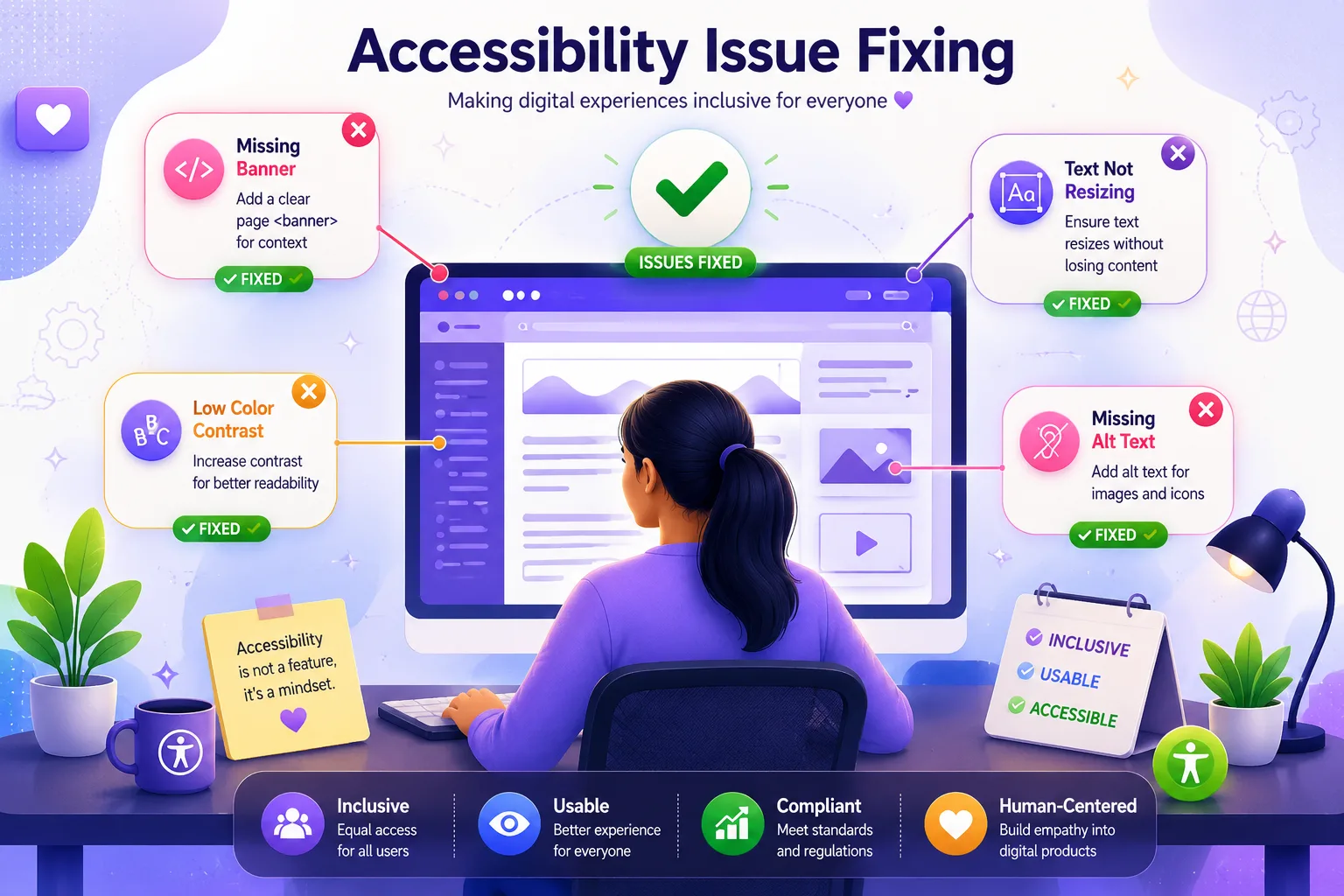
Accessibility issue fixing is the process of finding barriers on your website that stop people with disabilities from using it, then correcting those barriers in a clear order of priority. For most business websites, the fastest path is to scan your pages, sort the problems by severity, fix the ones that block key tasks first, and retest after every change. Done in this sequence, even a small team can make a site far more usable within weeks.
Why Should Businesses Care About Accessibility Fixes?
Millions of your potential customers use screen readers, keyboard navigation, voice control, or magnification every day. When a checkout button has no label or a form field gives no error message, those visitors leave and rarely return. Beyond lost sales, inaccessible sites face legal complaints in many regions, and search engines favor pages that are well structured and easy to read. Accessibility fixes therefore protect revenue, reputation, and search visibility at once.
How Do You Identify Accessibility Issues on Your Website?
Before you can repair anything, you need an honest picture of what is broken. Start with an automated scan, then add manual checks, because automation catches only part of the problem.
Begin with your most valuable pages: the homepage, product or service pages, contact form, and checkout or enquiry flow. The Tranistics Data Technologies accessibility checker tool can scan these pages and list the barriers it finds, such as missing image descriptions, low colour contrast, unlabeled form fields, and broken heading order. Save the report so you can compare results after your fixes.
Then test by hand. Put your mouse aside and try to complete a purchase or send an enquiry using only the Tab, Enter, and arrow keys. If you lose track of where you are on the page, or you get trapped inside a pop-up, you have found a real issue that no scanner can fully judge.
How Do You Prioritize Which Issues to Fix First?
A long report can feel overwhelming, so sort the findings into three groups.
Critical issues stop someone from finishing a task. Examples include a form that cannot be submitted by keyboard, or a payment button with no accessible name.
Serious issues make a task difficult but not impossible, such as small grey text on a white background or videos without captions.
Minor issues cause inconvenience, like a repeated link label or an unclear page title.
Consider a practical example. A regional training company ran its scan and found 140 issues across 12 pages. Instead of tackling them randomly, the team grouped them and discovered that 9 critical problems sat inside the registration form alone. Fixing those nine first allowed visitors using assistive technology to enrol again within one week, while the remaining issues were scheduled over the following month.
How Do You Fix Accessibility Issues Step by Step?
Step 1: Fix images and media
Give every meaningful image a short, accurate text description that explains its purpose, not just its appearance. Decorative images should be marked so screen readers skip them. Add captions to videos and transcripts to audio content.
Step 2: Repair colour contrast and text readability
Normal text should have a contrast ratio of at least 4.5 to 1 against its background, and large text at least 3 to 1. If your brand colours fall short, darken the text or adjust the background slightly rather than redesigning everything. Allow text to be enlarged to double its size without losing content.
Step 3: Correct headings and page structure
Use one main heading per page, followed by subheadings in logical order. Screen reader users often jump from heading to heading to scan a page, so skipped levels or headings used only for styling create confusion.
Step 4: Make forms clear and usable
Every field needs a visible label connected to it in the code. Error messages should say what went wrong and how to correct it, instead of simply turning a border red. Mark required fields in text, not colour alone.
Step 5: Ensure full keyboard access
Every link, button, menu, and pop-up must work without a mouse. Keep a visible focus outline so users can see where they are, and make sure closing a pop-up returns focus to a sensible place.
Step 6: Retest after every round
Run the scan again, repeat your manual keyboard checks, and ask at least one person who uses assistive technology to try your main journeys. Fixes sometimes introduce new problems, so retesting is part of the repair, not an optional extra.
How Much Time Does Accessibility Issue Fixing Take?
A simple example helps with planning. If a scan finds 60 issues and your developer resolves about 6 per working day, the full list takes roughly 10 working days. Add two extra days for retesting and you have a realistic two week plan. Larger sites with custom features will take longer, which is why a prioritized schedule matters more than a perfect one.
How Do You Keep Your Website Accessible Over Time?
Accessibility is not a one time project. Every new blog post, banner, or plugin can create fresh barriers. Build simple habits: add description checks to your publishing routine, scan new pages before launch, and review your site monthly. Train content writers and designers on the basics so problems are prevented rather than repaired later.
Start Fixing Your Accessibility Issues Today
Waiting only increases the number of visitors you lose and the effort required later. Run a scan today with the Tranistics Data Technologies accessibility checker tool, review your report, and begin with the critical issues this week. Small, steady progress will move your site toward an experience that works for everyone.
Tranistics Data Technologies Private Limited helps businesses identify accessibility issues, plan practical accessibility fixes, and build websites that serve every visitor. Contact our team today to start your accessibility journey and turn your website into a more inclusive, more trusted, and more profitable platform.
Frequently Asked Questions
What is the first step to fix accessibility issues?
The first step is to run a full scan of your key pages to identify accessibility issues, then add manual keyboard and screen reader checks. This gives you a clear list to prioritize.
How often should a business check its website for accessibility problems?
Check new pages before they go live and review the whole site at least once a month. Any major redesign or new feature should trigger an immediate scan.
Can automated tools find every accessibility issue?
No. Automated tools are excellent for catching common problems quickly, but they cannot judge whether a description is meaningful or whether a flow makes sense. Combine scans with manual testing for dependable results.