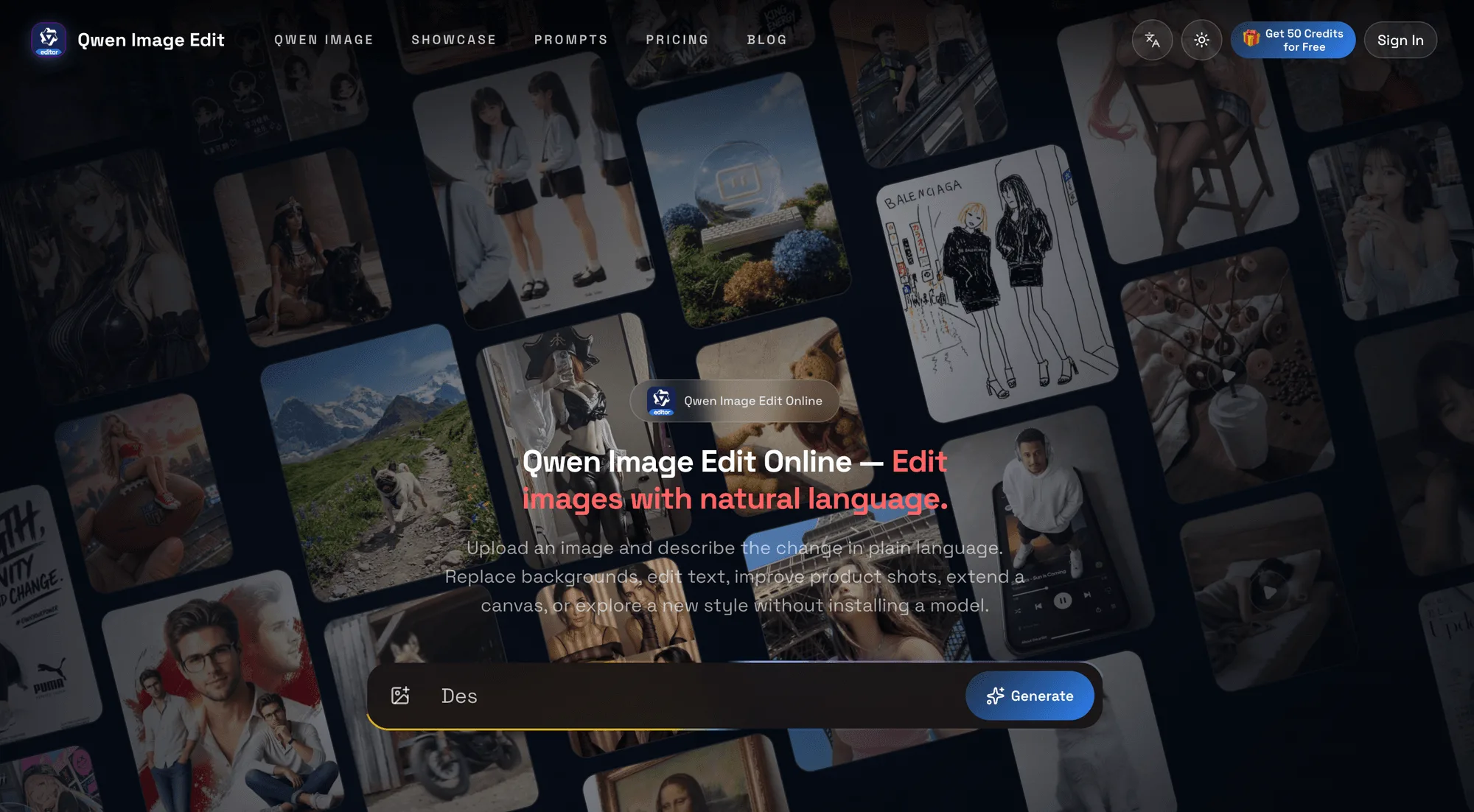
For many creative teams, the hardest part of an image workflow is not opening an editor. It is describing a change precisely while keeping the important parts of the original image consistent. Qwen Image Edit Online is designed around that problem: users upload a source image, describe what should change and what should remain, and create a new visual through a browser-based workspace.
The product supports a broad set of practical editing goals. A creator can describe a background replacement, an object change, a bilingual text revision, a product-image refinement, a poster update, an outpainting request, a viewpoint adjustment, image cleanup, or a style exploration. This prompt-based approach makes the workflow accessible to people who may not want to configure a local model before testing an idea.
Qwen Image Edit also sits within a larger generation workflow. In addition to image-to-image editing, the platform provides Qwen Image text-to-image options, prompt guidance, showcases, generation history, trial credits, flexible pricing, and API workflows for repeatable creative production. That combination is useful when a team wants to move from a one-off visual experiment toward a repeatable process for marketing, ecommerce, design, or content work.
A strong prompt can be simple but specific. It can identify the subject, the intended change, the desired composition, and the details that must remain consistent. For a product image, that might mean replacing the background while preserving the product shape, label, and lighting direction. For a poster, it might mean revising wording while keeping the overall layout and visual style. The goal is not to describe every possible implementation detail; it is to make the creative intent unambiguous.
The workspace also includes material for people exploring more technical image workflows. Its Qwen Image Layered resource explains image decomposition and reusable RGBA layers. Layered decomposition and export are described as planned capabilities rather than live editing features, so the current experience remains centered on prompt-based editing and generation. Developers can also use the API workflows when image creation needs to be connected to a repeatable application process.
This makes Qwen Image Edit Online a practical option for exploring visual ideas without installing a local model. Creators can start with a source image and a natural-language instruction, keep the useful context, and iterate toward a result that fits a product page, campaign concept, poster, social asset, or other visual task. Learn more at https://qwenimageedit.ink.
For teams comparing creative tools, the useful question is how clearly a product turns intent into an editable result. Qwen Image Edit keeps that question at the center of the workflow, connecting natural-language instructions with practical image tasks and repeatable production paths.