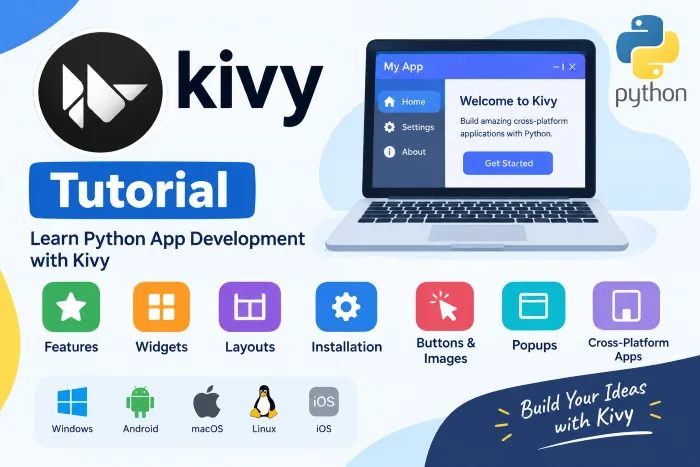
Kivy is an open-source Python framework used for developing applications with graphical user interfaces. It helps developers create interactive applications that can work on different platforms. Kivy is especially useful for applications that need touch-friendly interfaces and flexible designs.
One of the main advantages of Kivy is its cross-platform support. Applications developed with Kivy can be used on platforms such as Windows, Linux, macOS, Android, and iOS. This allows developers to create applications for different devices without learning a completely different framework for each platform.
Understanding Kivy
Kivy provides several components that make application development easier. These components are commonly called widgets. Widgets can include buttons, labels, images, text fields, popups, and other interface elements. They help create an interactive and user-friendly application.
Kivy also provides different layouts for arranging widgets on the screen. Layouts help developers organize application elements in a clear and structured way. Understanding widgets and layouts is an important part of learning Kivy.
Features of Kivy
Kivy offers several useful features for modern application development. It supports touch gestures, multitouch interaction, and flexible user interfaces. Its design allows applications to work with different screen sizes and input methods.
Another useful feature is Kivy's support for multiple operating systems. Developers can use similar concepts while creating applications for desktop and mobile platforms. This makes Kivy a useful option for people who want to explore cross-platform Python application development.
Why Learn Kivy?
Kivy can be a good choice for Python learners who want to move beyond basic programming concepts and explore graphical applications. Its simple structure and collection of interface components provide opportunities to understand how interactive applications are designed.
Beginners can start by learning the basic concepts of Kivy before moving toward widgets, layouts, buttons, images, popup windows, and other interface elements. Learning these topics step by step can help build a strong understanding of the framework.
Kivy Applications
Kivy can be used for different types of applications, including educational tools, business applications, touch-based interfaces, mobile applications, and experimental projects. Its flexible interface system allows developers to create applications with different designs and interactions.
The framework is also useful for learning because it combines Python programming with graphical interface concepts. Students can use it to understand how application screens, controls, and user interactions work together.
Conclusion
Kivy provides a flexible way to explore graphical application development with Python. Its widgets, layouts, touch support, and cross-platform capabilities make it useful for both learning and application development. Beginners can gradually study its features and interface components to develop a solid understanding of the framework.
To learn more about Kivy and explore its concepts, features, widgets, layouts, and application development topics, visit Kivy Tutorial.