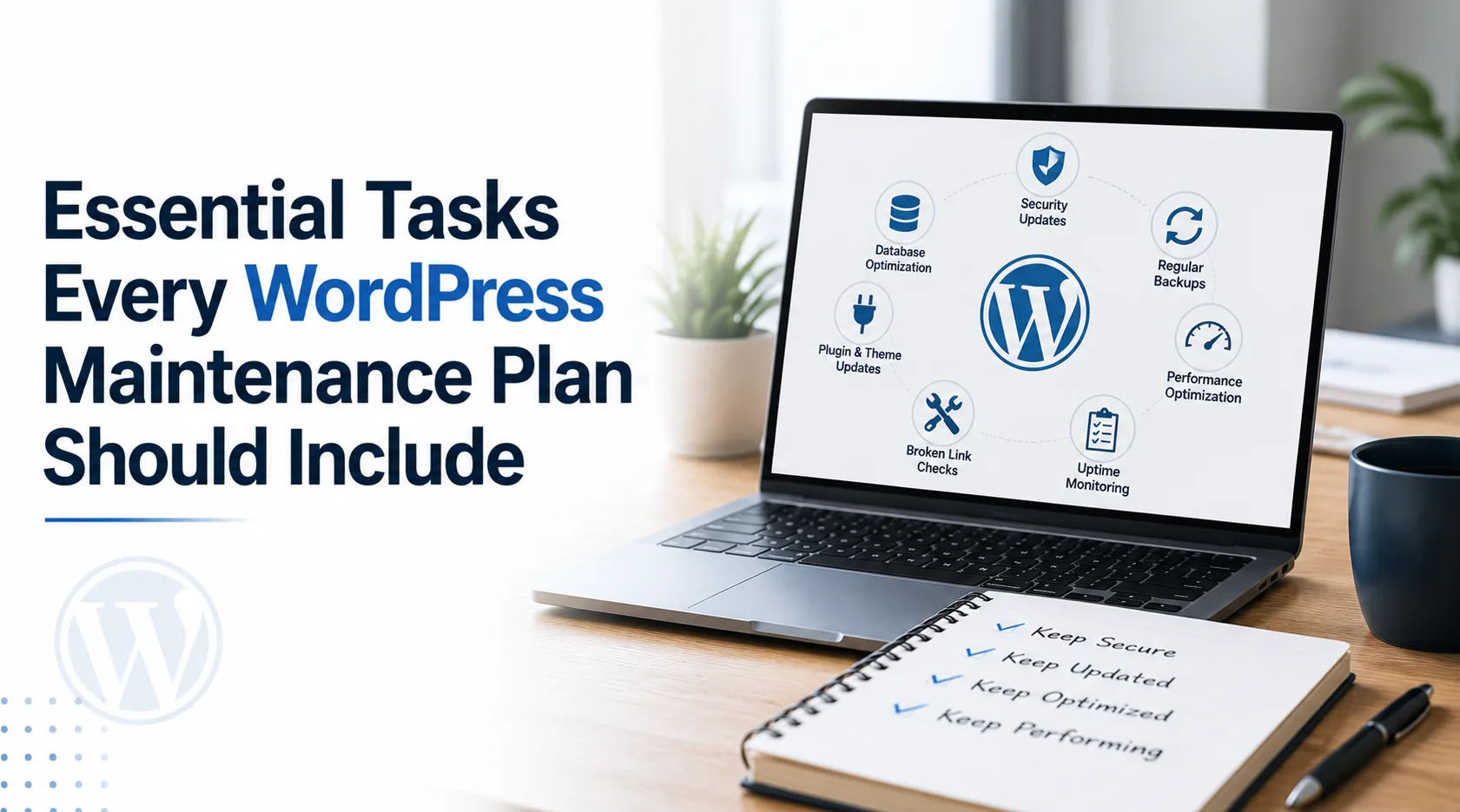
A WordPress website is never truly "finished." Once your site is live, it requires regular attention to stay secure, fast, and fully functional. Whether you run a business website, an online store, or a blog, investing in professional WordPress maintenance services can help keep your website updated, protected, and performing at its best. A well-maintained website not only creates a better experience for visitors but also supports higher search engine rankings and improved business results.
Many website owners assume that maintenance simply means updating plugins occasionally. In reality, a complete maintenance plan includes security monitoring, backups, performance optimization, troubleshooting, and much more. Ignoring these essential tasks can lead to slow loading times, security breaches, broken functionality, or even complete website downtime.
Let's explore the essential tasks every WordPress maintenance plan should include.
Why Website Maintenance Matters
Your website represents your business online. Visitors expect it to load quickly, function correctly, and protect their personal information. Search engines also reward websites that provide a reliable user experience.
Without regular maintenance, your site becomes vulnerable to hackers, outdated software, compatibility issues, and performance problems. A proactive maintenance plan prevents these issues before they affect your visitors or your business.
1. Regular WordPress Core Updates
WordPress releases updates throughout the year to improve security, fix bugs, and introduce new features.
Updating the WordPress core ensures:
- Better website security
- Improved compatibility
- Enhanced performance
- Access to new features
- Bug fixes
Skipping updates leaves your website exposed to known security vulnerabilities.
2. Plugin Updates
Plugins add valuable functionality to WordPress websites, but outdated plugins are among the biggest causes of website hacks.
A proper maintenance plan includes:
- Checking plugin compatibility
- Installing updates safely
- Removing unused plugins
- Testing functionality after updates
Updating without testing can sometimes create conflicts, making professional monitoring valuable.
3. Theme Updates
Your website theme also requires regular updates.
Updated themes provide:
- Better security
- Improved compatibility
- Faster loading
- Bug fixes
- Mobile improvements
Custom themes should always be updated carefully to preserve customizations.
4. Website Backups
Imagine losing years of blog posts, customer information, or product listings because of a server failure or malware attack.
A quality maintenance plan includes:
- Daily or weekly backups
- Automated backup scheduling
- Secure off-site storage
- Quick restoration options
Backups are your safety net when unexpected problems occur.
5. Security Monitoring
Cyber threats constantly evolve, making security one of the most important maintenance tasks.
Professional monitoring often includes:
- Malware scanning
- Firewall protection
- Login protection
- Suspicious activity detection
- Security audits
Early detection minimizes damage and keeps your website safe.
6. Performance Optimization
Website speed directly impacts user experience and search engine rankings.
Maintenance plans typically improve performance by:
- Optimizing databases
- Compressing images
- Removing unnecessary files
- Clearing cache
- Monitoring page speed
A faster website keeps visitors engaged and improves conversions.
7. Database Optimization
Every WordPress website collects unnecessary data over time.
Examples include:
- Spam comments
- Post revisions
- Expired transients
- Temporary files
- Old plugin data
Cleaning the database improves loading speed and overall performance.
8. Broken Link Monitoring
Broken links create a poor user experience and can negatively affect SEO.
Routine maintenance should identify:
- Broken internal links
- Missing images
- Invalid external links
- Redirect errors
Fixing these issues keeps visitors moving smoothly through your website.
9. Uptime Monitoring
A website that goes offline can cost businesses valuable leads and sales.
Maintenance plans often include uptime monitoring tools that instantly alert administrators if the website becomes unavailable.
Quick response reduces downtime and protects your online reputation.
10. Security Backups Before Major Updates
Professional maintenance providers never perform major updates without creating a fresh backup first.
If something goes wrong, the previous version can be restored quickly with minimal disruption.
11. Form Testing
Contact forms, quote forms, and checkout forms are essential for business websites.
Regular testing ensures:
- Forms submit correctly
- Email notifications arrive
- Spam protection works
- Payment gateways function properly
Broken forms often go unnoticed until customers complain.
12. Mobile Compatibility Checks
More than half of website traffic comes from mobile devices.
Maintenance should verify:
- Responsive layouts
- Mobile navigation
- Touch-friendly buttons
- Mobile loading speed
- Cross-device compatibility
A seamless mobile experience benefits both users and search rankings.
13. Browser Compatibility Testing
Your visitors use different browsers such as Chrome, Firefox, Edge, and Safari.
Regular testing ensures your website functions consistently across all major browsers.
14. SEO Health Monitoring
Maintenance isn't just about technical updates.
Regular SEO checks include:
- Metadata review
- XML sitemap monitoring
- Crawl error detection
- Page indexing verification
- Redirect management
Keeping these elements healthy supports long-term organic visibility.
15. Image Optimization
Large images are one of the biggest causes of slow websites.
Maintenance includes:
- Compressing images
- Converting images to modern formats
- Removing unused media
- Optimizing thumbnails
Smaller image sizes improve loading speed without sacrificing quality.
16. Spam Comment Cleanup
Spam comments clutter websites and may even harm SEO.
Routine maintenance removes:
- Spam comments
- Fake user accounts
- Malicious links
- Unwanted submissions
A clean website appears more professional and trustworthy.
17. SSL Certificate Monitoring
An expired SSL certificate can trigger browser warnings and reduce visitor trust.
Maintenance plans verify that:
- SSL certificates remain active
- HTTPS functions correctly
- Mixed content errors are resolved
Secure websites also benefit from improved search engine rankings.
18. Error Log Monitoring
Small technical errors often grow into major issues if ignored.
Monitoring error logs helps identify:
- PHP errors
- Plugin conflicts
- Server issues
- Theme problems
Early troubleshooting prevents larger website failures.
19. Content Review
While maintenance focuses on technical aspects, reviewing content is equally valuable.
Regular reviews help identify:
- Outdated information
- Broken media
- Old promotions
- Typographical errors
- Inconsistent branding
Fresh, accurate content improves user trust.
20. Monthly Maintenance Reports
Professional maintenance providers often supply monthly reports showing:
- Updates completed
- Security scans
- Backup status
- Performance improvements
- Uptime statistics
- Recommendations
These reports help website owners understand the ongoing work that keeps their websites healthy.
Signs Your Website Needs Better Maintenance
If you notice any of the following, your maintenance routine may need improvement:
- Slow loading pages
- Frequent plugin errors
- Broken layouts
- Security warnings
- Website downtime
- Outdated software
- Spam comments increasing
- Poor mobile performance
Addressing these issues early prevents expensive repairs later.
Benefits of a Complete WordPress Maintenance Plan
A comprehensive maintenance strategy offers numerous long-term advantages:
- Stronger website security
- Faster page loading
- Better search engine performance
- Improved visitor experience
- Reduced downtime
- Reliable backups
- Lower repair costs
- Greater business credibility
- Increased website lifespan
Instead of reacting to problems, regular maintenance helps prevent them altogether.
Conclusion
Maintaining a WordPress website requires far more than occasional updates. From backups and security monitoring to speed optimization and SEO health checks, every task plays an important role in keeping your website reliable, secure, and user-friendly.
Whether you manage a small business website or a large eCommerce platform, following a structured maintenance plan ensures your website continues to perform efficiently while supporting your business goals. Investing in regular maintenance today can save significant time, money, and stress in the future, allowing you to focus on growing your business with confidence.