Microsoft Access has been a reliable database solution for small and mid-sized businesses for many years. Its ease of use and flexibility make it suitable for managing customer records, inventory, financial information, and daily business operations. However, as businesses grow, their database requirements also change. More users, larger datasets, remote working arrangements, and increasing security requirements can make locally maintained Access databases difficult to manage.
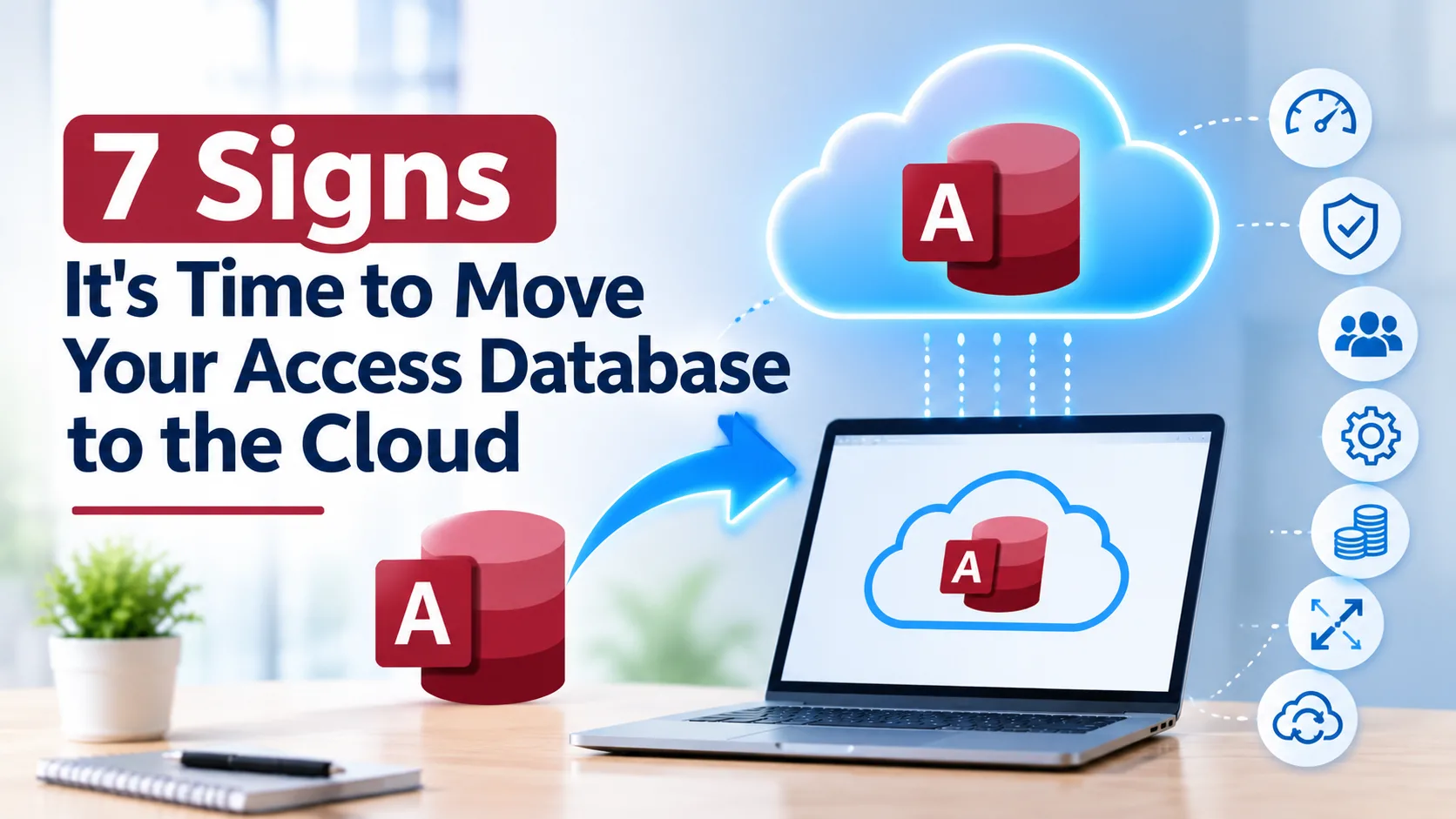
Moving to an Access database cloud environment can help businesses address these challenges without necessarily replacing their existing database application. It provides a centrally hosted environment, supports remote access, and offers greater flexibility in managing database resources. Here are seven signs that indicate it may be time to move your Access database to the cloud.
1. Your Database Slows Down as More Users Connect
Access works well for a handful of users. As more people open the same file at once, performance often drops. Forms take longer to load, queries lag, and reports time out during busy periods.
This happens because a shared Access file on a network drive pushes a lot of data back and forth across the network. Hosting your Access database in the cloud on dedicated server resources, or pairing the front end with a cloud-based SQL back end, removes that bottleneck. Users get consistent speed no matter how many people are working at once.
2. You're Approaching Access Size Limits
Every Access database file has a 2 GB size cap. Once you get close, you may see errors, slow compacting, and unexpected corruption. Teams often respond with workarounds such as splitting databases, archiving old records, or deleting data they would rather keep.
These are short-term patches. A cloud-hosted setup, especially one that uses SQL Server or Azure SQL for data storage, lets your data grow without the file-size ceiling while your Access forms, queries, and reports keep working as before.
3. Remote and Hybrid Employees Can't Access It Reliably
Access was built for people sitting on the same office network. Remote staff who connect over a VPN often face dropped connections, locked records, and painfully slow screens. Some teams email copies of the file around, which creates version chaos.
A cloud-based Access database gives every authorized user secure access from any location and device. Everyone works from one live source of truth, so there are no duplicate files and no wondering which version is current.
4. Database Corruption and Downtime Keep Happening
Multiple users writing to a single file over a network is a classic recipe for corruption. A dropped connection, a power cut, or a forced shutdown can damage records and leave your team waiting on repairs.
Cloud hosting reduces these risks with enterprise-grade infrastructure, redundant storage, and professional monitoring. Instead of hoping the office network stays stable, you rely on environments built for high availability.
5. Backups and Disaster Recovery Are Unreliable or Manual
Ask yourself: if the PC or server hosting your database failed today, how much data would you lose, and how long would recovery take? Many organizations depend on manual backups, an external drive, or one person who "usually remembers" to copy the file.
A well-managed access database cloud environment includes automated, scheduled backups and tested recovery processes. Fire, theft, hardware failure, or ransomware no longer means losing business-critical records.
6. Security and Compliance Requirements Are Growing
A database file sitting on a laptop or shared folder is difficult to protect. Access has limited built-in user-level security, and files are easy to copy, share, or lose. If you handle customer data, financial records, or health information, regulators and clients expect stronger controls.
Cloud hosting provides layered protection such as encryption, firewalls, role-based access, multi-factor authentication, and activity monitoring. It also gives you a clearer path to meeting compliance obligations than scattered local files ever could.
7. Your IT Team Spends Too Much Time Maintaining It
Patching servers, fixing broken links, restoring backups, and troubleshooting user problems add up. If your IT staff, or the one employee who "knows Access," spends hours each week keeping the database alive, that is time not spent on growth.
Moving your Access database to the cloud shifts hardware, updates, and infrastructure management to a hosting provider. Your team stays focused on using the data and improving processes rather than babysitting servers.
What Does Moving an Access Database to the Cloud Look Like?
There are a few common approaches, and the right one depends on your size and goals:
- Hosted Access on a cloud server or virtual desktop: Your existing database runs on a hosted server, and users connect remotely. This is often the fastest option with minimal changes.
- Split database with a cloud SQL back end: Keep the Access front end for forms and reports, and move the tables to SQL Server or Azure SQL for better scalability and security.
- Full modernization: Rebuild the application on a web or low-code platform when you are ready for a bigger transformation.
Many businesses start with the first or second option because they preserve existing work and reduce risk.
Final Thoughts
Slow performance, size limits, remote access problems, corruption, weak backups, security concerns, and heavy maintenance are all signals that your database has outgrown its desktop home. If even two or three of these signs sound familiar, it's time to plan your move.
An access database cloud migration doesn't have to mean starting over. With the right partner, you can keep the tools your team knows while gaining speed, security, and flexibility. Apps4Rent, a Microsoft partner with years of experience in cloud hosting and migration services, helps businesses host and migrate Microsoft Access databases to secure cloud environments, with expert support, managed backups, and guidance on the approach that fits your needs. Contact Apps4Rent to discuss your Access database and take the first step toward a faster, safer, and more accessible cloud setup.
Frequently Asked Questions
1. Can I run Microsoft Access in the cloud?
Yes. You can host your Access database on a cloud server or virtual desktop so users connect remotely, or split it so the data lives in a cloud database such as SQL Server or Azure SQL while Access remains the front end. Both approaches let you keep your existing forms, queries, and reports.
2. What is the best way to move an Access database to the cloud?
The best option depends on your database size, number of users, and goals. Hosting the existing file on a cloud server is the quickest route. Splitting the database and moving the tables to a cloud SQL back end offers better scalability and security. A full rebuild on a web or low-code platform suits long-term modernization.
3. Is an Access database cloud setup secure?
A properly managed cloud environment is typically more secure than a database file on a local PC or shared folder. Look for encryption, firewalls, role-based access, multi-factor authentication, and monitoring, along with regular patching and backups.
4. Will my existing Access forms, queries, and reports still work after migration?
In most cases, yes. When you host Access in the cloud or keep it as a front end to a SQL back end, your forms, queries, reports, and macros continue to work with minimal changes. Some queries or VBA code may need adjusting when you move to SQL Server, so testing before going live is important.
5. How many users can use an Access database in the cloud at the same time?
A desktop Access file can struggle once it passes roughly a dozen concurrent users. Moving to the cloud, especially with a SQL back end, supports many more users with steadier performance. The exact number depends on your database design, server resources, and how heavily people use it.